.png)


Your approved tool list and your actual IT environment stopped being the same thing the moment SaaS procurement went decentralized. AI tools and machine identities have made that gap nearly impossible to close manually. Here's how leading teams are getting ahead of it.
Every IT team has a list of approved tools. And then there's everything else: the apps employees signed up for last Tuesday, the AI agents quietly accumulating OAuth permissions, the service accounts that outlived the projects they were created for.
The gap between what IT thinks it manages and what's actually running is where breaches start, budgets leak, and audits get uncomfortable.
The problem has gotten harder. Software procurement is decentralized. Non-human identities (bots, tokens, workloads, service accounts) multiply without ownership or review cycles. And shadow AI adds a new layer of exposure every quarter that most discovery tools weren't built to see.
We built Zluri to solve exactly this problem. This list covers nine tools across the IT asset discovery category, including where we fit and where others do things we don't.
Features of IT Asset Discovery Tools
Not all IT asset discovery tools are built for the same problem. Some are built for network visibility. Others for license tracking. The best ones today are moving toward identity, because knowing what exists is only useful if you also know who and what has access to it.
Here's what to evaluate:
Network Scanning: The baseline capability. Discovery tools scan your network to identify connected hardware and software, including servers, workstations, printers, endpoints, and applications. Most tools on this list do this well. Where they differ is in what they do with that data once it's collected.
Software License Management: Tracks active licenses, flags unused or duplicate subscriptions, and surfaces compliance gaps before a vendor audit does. Particularly valuable in SaaS-heavy environments where procurement is decentralized and shelfware accumulates quietly.
Inventory Management: Maintains a continuously updated record of all IT assets, covering hardware specs, software versions, ownership, and location. The quality of this inventory depends entirely on how broadly the tool discovers assets in the first place.
Security Monitoring: Identifies vulnerabilities, misconfigurations, and potential threats across the asset landscape. Traditional tools focus on known, managed assets. Modern environments need tools that can also surface unmanaged assets like shadow IT, unauthorized AI apps, and OAuth integrations that never made it into the approved inventory.
Compliance Reporting: Generates audit-ready documentation across frameworks like SOC 2, ISO 27001, HIPAA, and PCI DSS. The limitation with most tools is that compliance reporting is retrospective. It's a snapshot of what was true at a point in time, not a continuously maintained posture.
Identity and Access Visibility: This is where the category is evolving. Knowing an asset exists isn't enough if you don't know who has access to it, how that access was granted, and whether it's still appropriate. This includes human identities, but increasingly also non-human ones: service accounts, API tokens, bots, and AI agents that accumulate entitlements without ownership or review cycles. Not every tool on this list covers this. It's the problem we built Zluri's IVIP specifically to solve.
9 IT Asset Discovery Tools
Let's dive into the nine best IT asset discovery tools available in the market.
1. Zluri
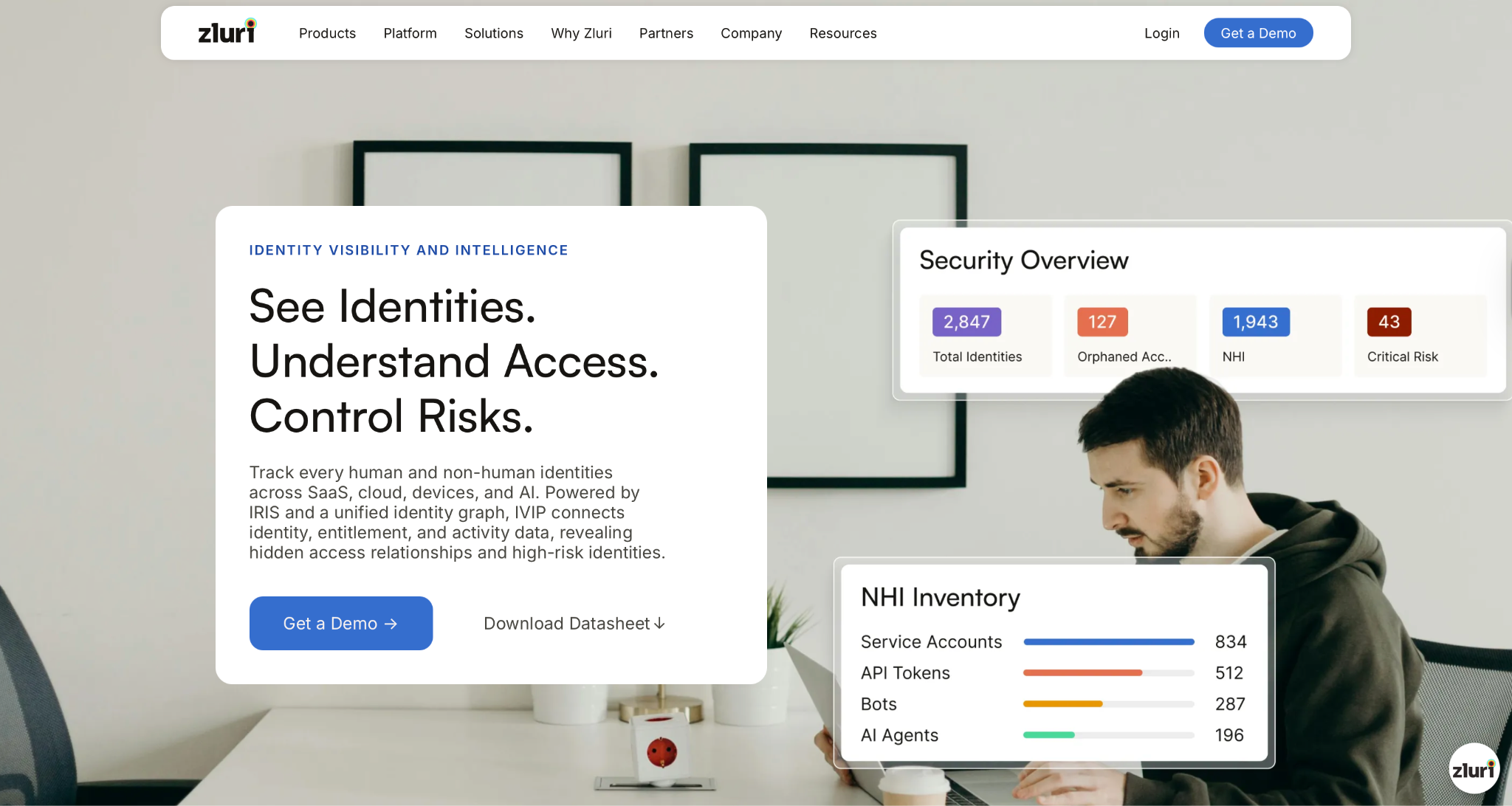
We built Zluri for IT and security teams at mid-market and enterprise companies. These are organizations running hundreds of SaaS apps, managing distributed workforces, and operating in environments where identities multiply faster than governance can keep up. If your team is responsible for access visibility, compliance readiness, or identity security posture, this is the problem we designed around.
Most tools on this list approach asset discovery from the network up, scanning for hardware and software connected to your infrastructure. We approach it from the identity down. Our Identity Visibility and Intelligence product (IVIP) discovers and maps every identity across your environment, human and non-human, and connects that identity data to entitlements, activity, and risk.
Most IT asset discovery tools tell you what is on your network. IVIP tells you who has access to it, how that access was granted, and where the risk actually sits.
Patented Discovery Engine: We ingest identity data from SSO, HR systems, finance tools, CASB, MDM, directories, endpoints, APIs, and on-premises systems, going well beyond the SSO-only detection most tools rely on. We automatically classify across a catalog of 240,000+ apps, surfacing shadow IT and shadow AI apps in real time, including OAuth-connected AI agents and unauthorized integrations that existing tools miss entirely.
Unified Identity Graph: Rather than producing static permission lists, IVIP builds a dynamic identity graph that connects every identity to its roles, entitlements, grant sources, and activity data. IT and security teams can visualize access paths, expose escalation routes, surface dormant accounts, and identify toxic access combinations before they become incidents.
Non-Human Identity Governance: Service accounts, API tokens, bots, workloads, and AI agents routinely operate without ownership or lifecycle control. We bring the same governance rigor applied to human identities to machine identities, with enforced ownership, inactivity alerts, and risk-based prioritization from creation to decommission.
Continuous Activity Intelligence: Where other tools generate periodic reports, we continuously analyze identity behavior and entitlement changes, dynamically score risk by impact and exposure, and surface anomalies and peer outliers in real time. Your team acts on current intelligence, not last month's snapshot.
We deploy in weeks using pre-built connectors, compared to the months-long rollouts typical of traditional IGA tools.
Customer Rating
- G2: 4.8/5
- Capterra: 4.9/5
Ready to secure your identity surface? See what's running in your environment → Book a Demo
2. SolarWinds
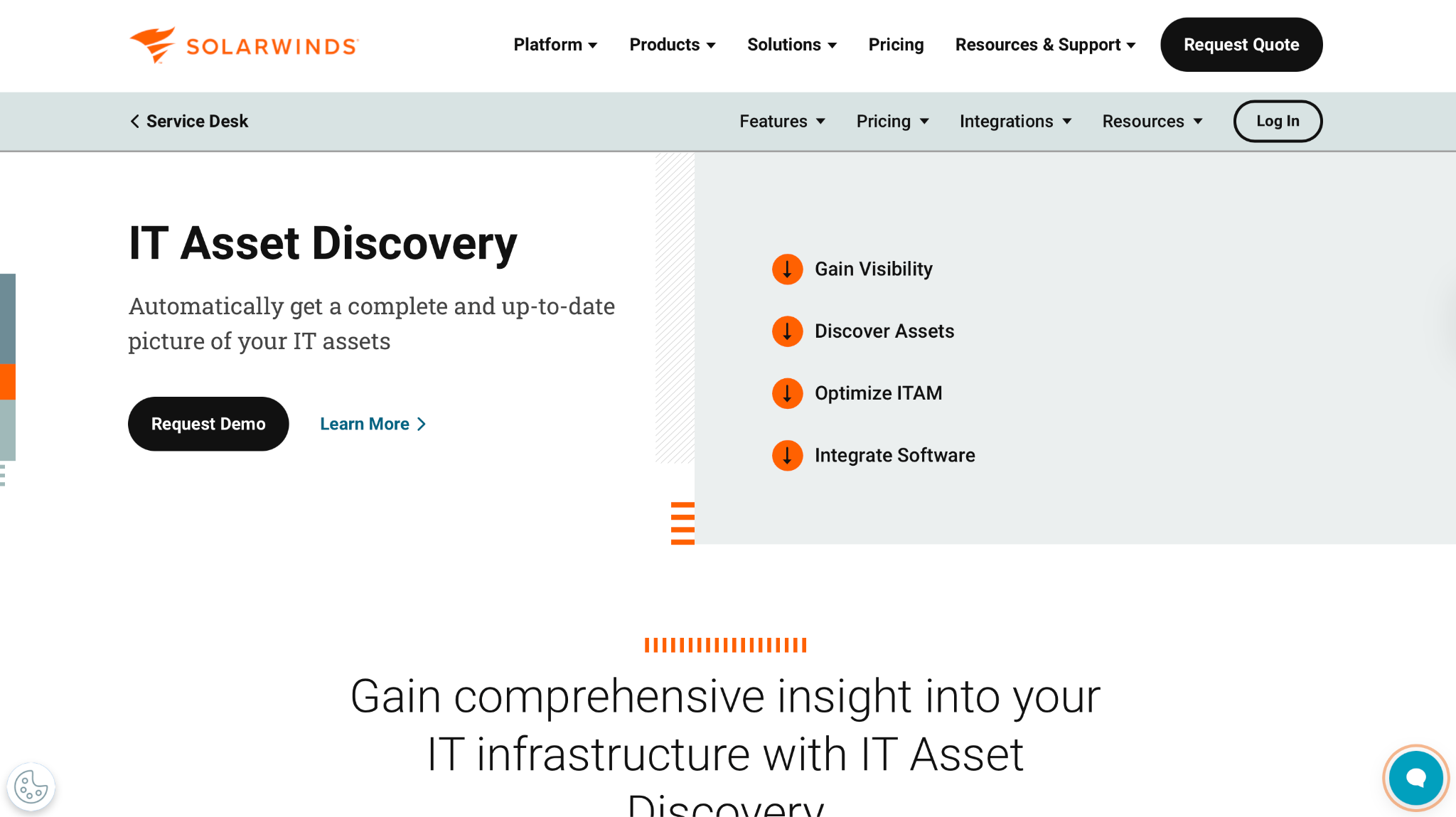
SolarWinds is a leading provider of IT management software. Its asset discovery solution, SolarWinds Network Discovery, gives organizations a comprehensive way to identify, manage, and monitor all devices and IT assets on their network.
Pros
- The intuitive user interface makes it easy to navigate, search, and manage IT assets.
- Flexible options for grouping, tagging, and reporting on assets make it easier to organize and monitor the IT environment your way.
Cons
- Setup and configuration can be complex, requiring a certain level of technical expertise to get full value from the tool.
Customer Rating
- G2: 4.5/5
- Capterra: 4.6/5
3. Lansweeper
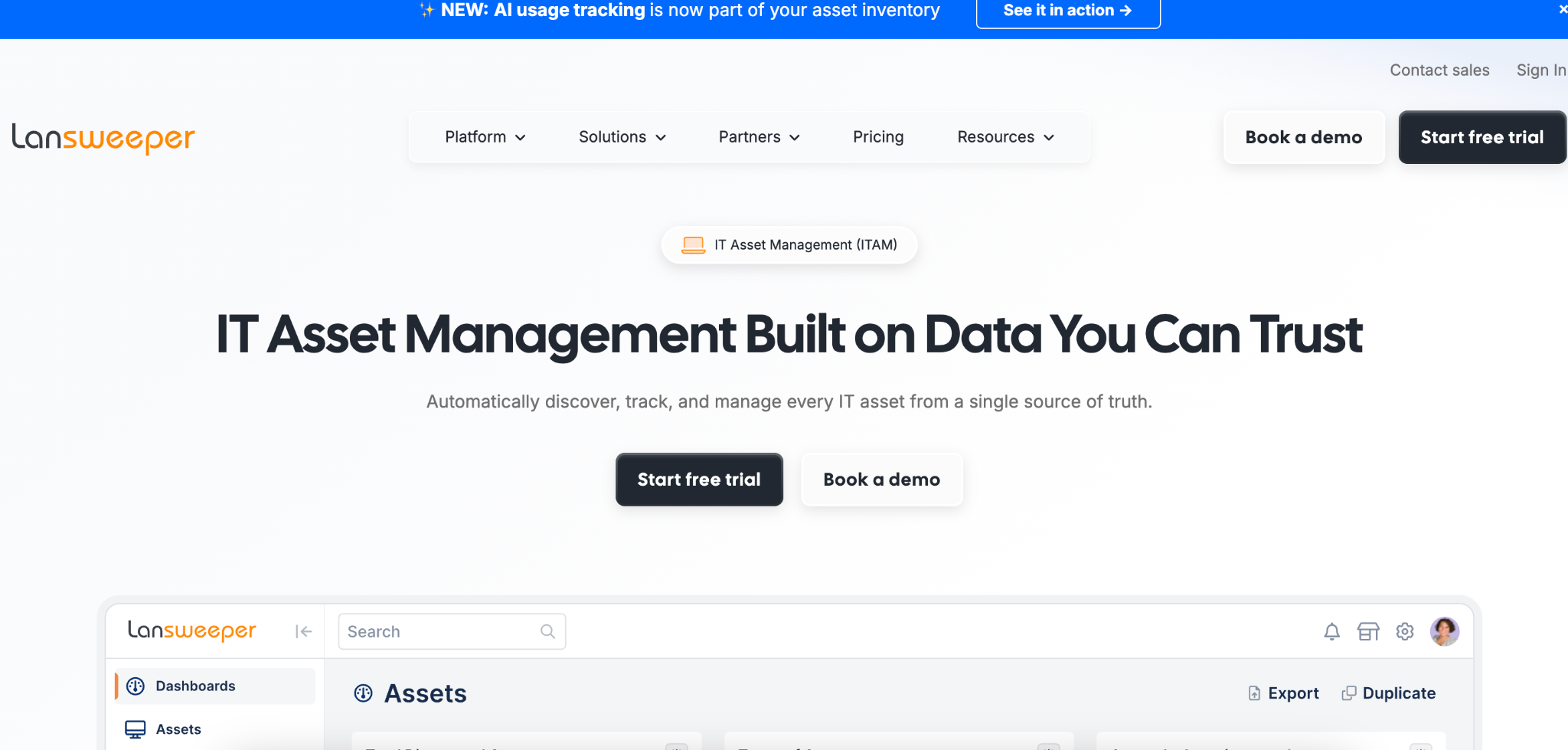
Lansweeper offers an IT asset discovery solution, Lansweeper Network Scanner, that gives organizations a comprehensive view of all their IT assets (hardware and software) across the entire network.
Pros
- Deployment is efficient, with a streamlined setup process and fast network scans that deliver results quickly.
- Customizable grouping, tagging, and reporting make it easier to manage and monitor your environment.
Cons
- While it integrates well with other Lansweeper products, integrations with third-party IT management tools are limited, which can fragment asset management workflows.
- Reporting features are basic, making it difficult to generate detailed reports or track changes over time.
Customer Rating
- G2: 4.5/5
- Capterra: 4.6/5
4. InvGate Assets
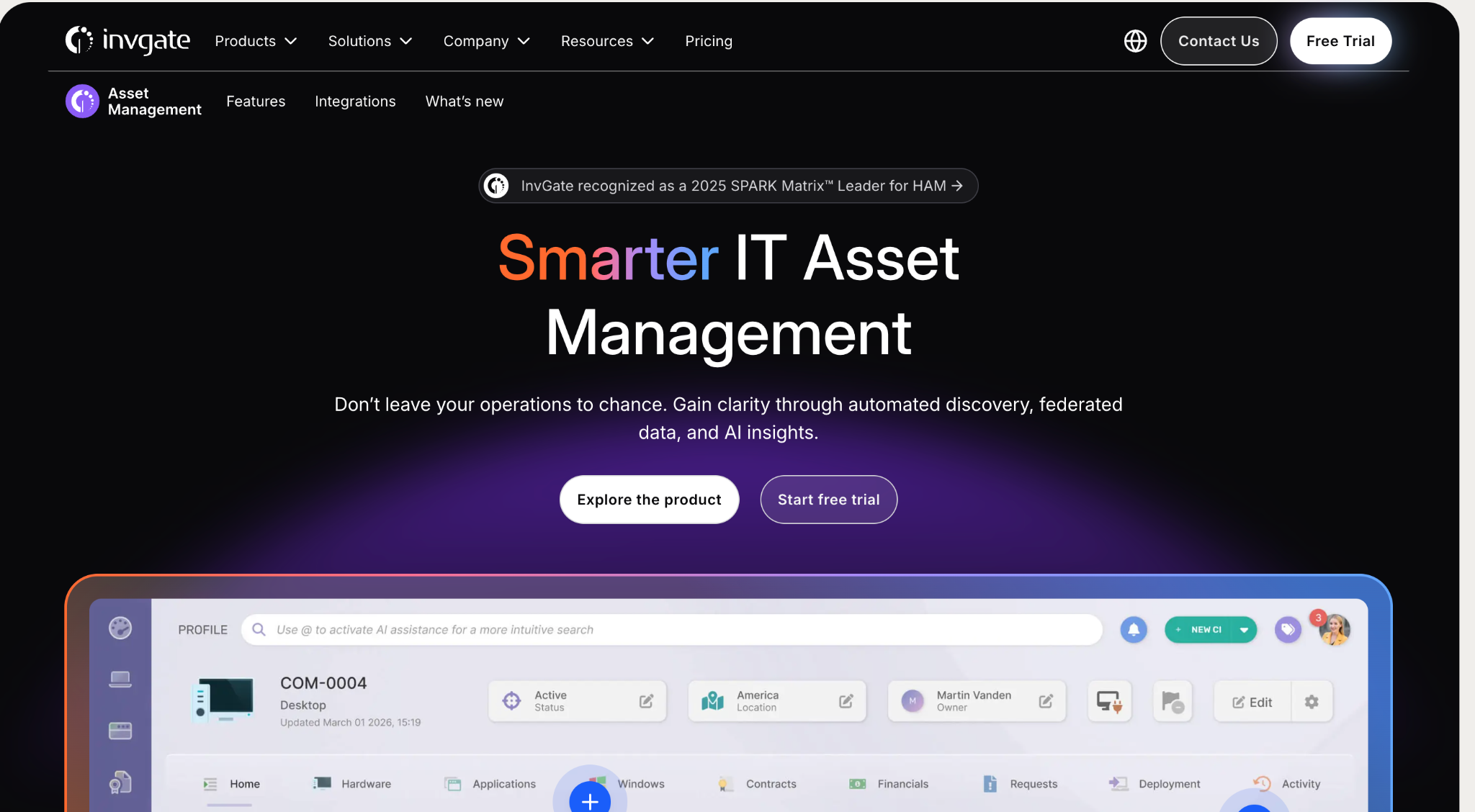
InvGate Assets is a capable tool for IT asset discovery and management. With InvGate Assets, organizations can discover and track all IT assets, from hardware and software to cloud services and mobile devices.
Pros
- A combination of agent-based and agentless discovery methods keeps asset information accurate and up to date.
- Automation reduces the time and effort required to manage IT assets day to day.
Cons
- The learning curve is steep, especially for teams new to IT asset management tools.
- It depends on stable, reliable infrastructure to function optimally, which can affect productivity during connectivity issues.
Customer Rating
- G2: 4.6/5
- Capterra: 4.7/5
5. Asset Panda
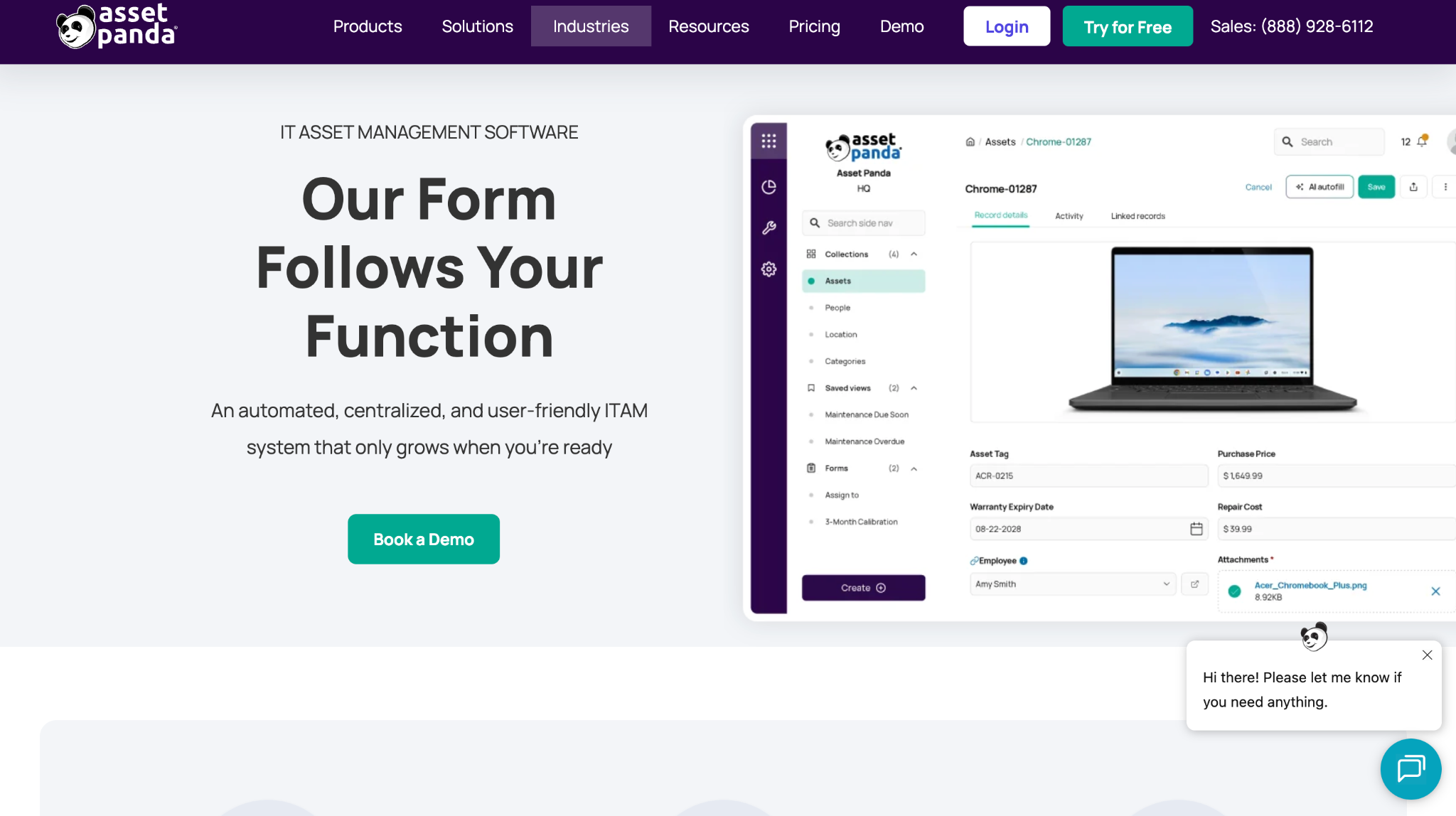
Asset Panda is a cloud-based platform designed for IT asset discovery and management. With Asset Panda, organizations can track and manage all of their IT assets from one centralized platform.
Pros
- Real-time tracking ensures organizations always have current information about their assets.
- The user-friendly interface makes it easy to discover, track, and manage IT assets.
Cons
- Discovery capabilities are limited compared to other tools in this category, which can leave gaps in coverage of the complete IT infrastructure.
- The agent can feel intrusive for end users, affecting the overall experience.
Customer Rating
- G2: 4.1/5
- Capterra: 4.6/5
6. SysAid
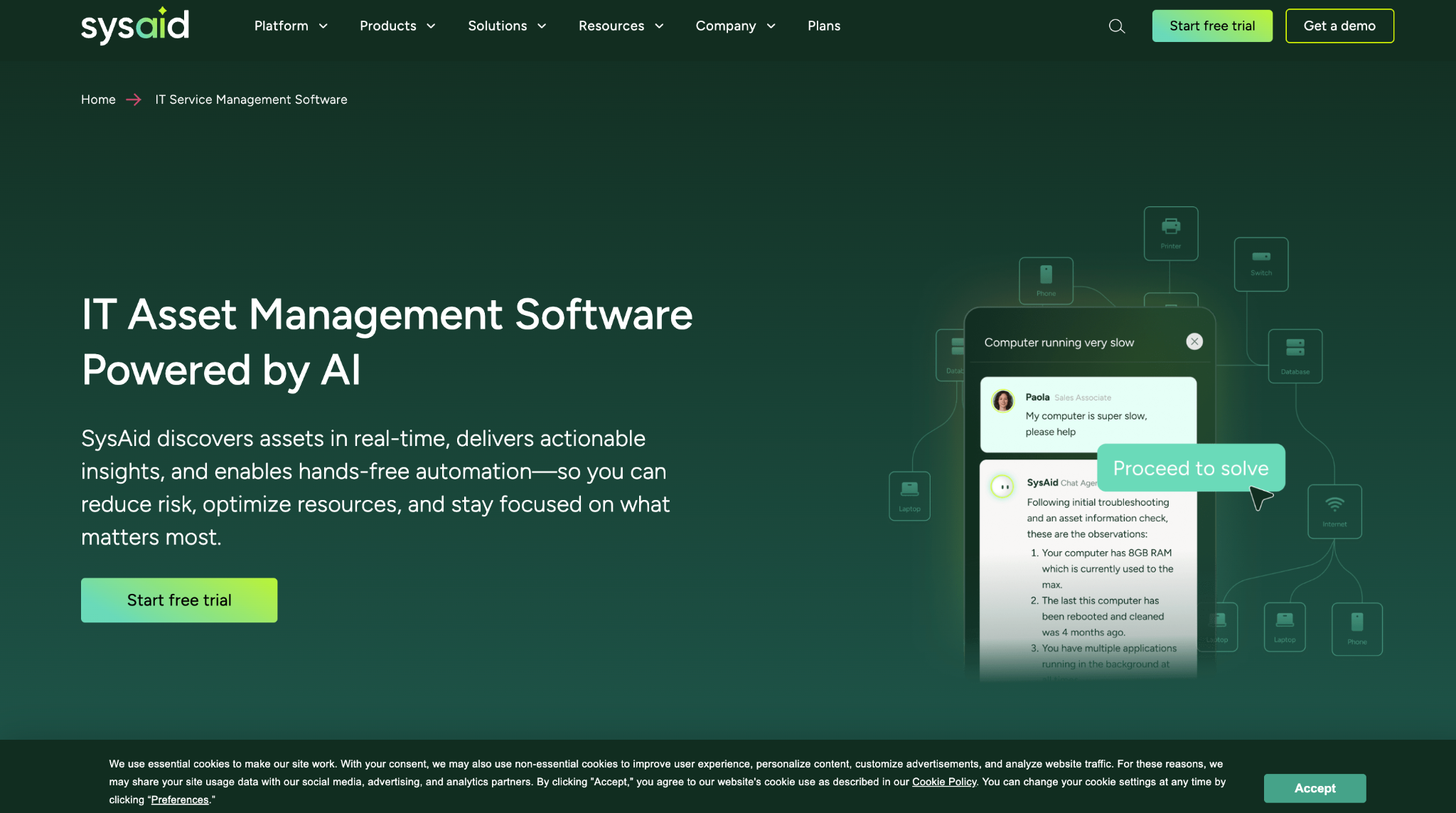
SysAid is a comprehensive IT service management platform with built-in asset discovery and management capabilities. The asset discovery feature automatically scans your network and identifies all connected hardware and software assets, including desktops, laptops, servers, and mobile devices.
That information is organized into a centralized repository that can be easily managed and monitored. IT teams gain a complete overview of all hardware and software assets in their network, helping them understand their infrastructure better and identify areas for improvement.
Pros
- Automated reporting makes it easy to track and analyze IT assets, supporting informed decisions about future investments.
- The centralized asset repository streamlines management and reduces the time and effort required to keep track of everything.
Cons
- Initial setup of the asset discovery feature can require significant time and effort, delaying efficient asset management.
- Integrating SysAid with other systems and tools can be challenging, requiring technical expertise and resources.
Customer Rating
- G2: 4.5/5
- Capterra: 4.5/5
7. Qualys
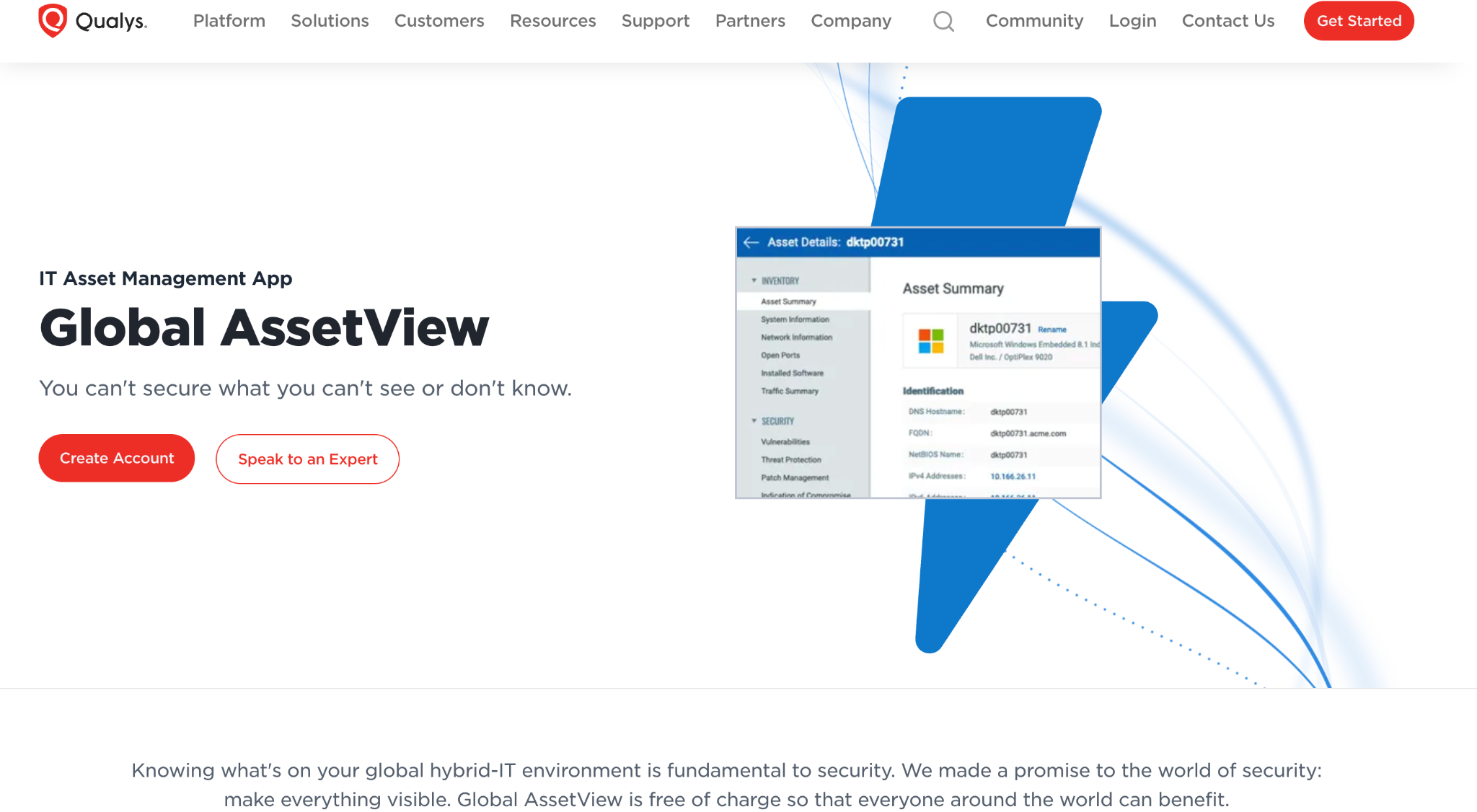
Qualys is a leading provider of cloud-based security and compliance solutions for businesses of all sizes. One of its key offerings is Qualys IT Asset Discovery, a tool that helps organizations discover, track, and manage all of their IT assets.
With Qualys IT Asset Discovery, organizations gain a comprehensive understanding of their IT infrastructure, including all hardware, software, and cloud-based assets. It also integrates with other Qualys security and compliance solutions, making it easy to manage assets within a single platform.
Pros
- Real-time updates ensure organizations always have the latest information about their assets.
- Advanced scanning technologies gather accurate asset information, reducing the risk of missing or misidentifying assets.
Cons
- Compatibility gaps across some operating systems, devices, and software can limit its effectiveness for certain organizations.
Customer Rating
- G2: 4.1/5
8. Nagios XI
Nagios XI is an enterprise-level IT asset discovery and monitoring solution designed for large and complex networks. It provides advanced monitoring and alerting capabilities for network infrastructure, servers, applications, and more.
Pros
- A wide range of monitoring and alerting capabilities across network infrastructure, servers, and applications helps IT teams manage assets efficiently.
- Automated monitoring and alerting reduce the need for manual intervention.
Cons
- No native mobile support, making it less accessible for teams that need to monitor networks on the go.
- Enterprise-level capabilities come at a high cost, putting it out of reach for smaller organizations.
Customer Rating
- G2: 4.5/5
9. N-able
N-able offers a solution for IT asset discovery and management that gives organizations a comprehensive view of their IT assets, including hardware, software, and licenses. With N-able, organizations can track and manage their IT assets to improve efficiency, reduce costs, and lower security risks.
Pros
- Helps organizations manage software licenses and stay compliant with vendor agreements.
- Accurate asset tracking reduces the risk of security breaches and unauthorized access.
Cons
- Implementation can take time and require significant resources.
- Integration challenges with other IT systems can reduce functionality.
Customer Rating
- G2: 4.3/5
The Asset Discovery Problem Has an Identity Problem Inside It
Most tools on this list will tell you what's on your network. Fewer will tell you who, or what, is accessing it.
That distinction matters more than it used to. The average enterprise today runs hundreds of SaaS apps, dozens of AI-powered integrations, and a growing inventory of non-human identities (service accounts, API tokens, bots, and autonomous agents) that operate at machine speed, often without an owner, a review cycle, or anyone watching.
We built Zluri's IVIP to close exactly this gap. Not just to discover assets, but to map every identity connected to them, human and non-human, across SaaS, cloud, endpoints, and on-premises systems. To surface how access was granted, how far it spreads, and where risk is concentrating right now, not in last month's report.
Because the threat isn't always an outsider breaking in. It's a dormant account no one deprovisioned. A shadow AI app with OAuth access to production data. A service account with admin privileges and no owner on record.
If your asset discovery tool can't see those, it's only showing you part of the picture.
Ready to secure your identity surface?
See what's running in your environment → Book a Demo
Frequently Asked Questions
What is IT asset discovery? IT asset discovery is the process of automatically identifying and cataloging every hardware and software asset in your environment, including servers, endpoints, applications, cloud services, and SaaS tools. Modern discovery extends beyond the network to include unmanaged assets like shadow IT, shadow AI apps, and OAuth integrations that never entered the approved inventory.
Why isn't network scanning enough anymore? Network scanning only finds assets connected to your infrastructure. It misses SaaS apps purchased outside IT, AI tools connected through OAuth, and non-human identities like service accounts and API tokens. In decentralized, SaaS-heavy environments, the riskiest assets are often the ones a network scan will never see.
How is identity-based discovery different from traditional asset discovery? Traditional discovery works from the network up: it finds devices and software connected to your infrastructure. Identity-based discovery works from the identity down: it maps every human and non-human identity, connects each one to its entitlements and activity, and shows how access was granted and where risk sits. Zluri's IVIP takes this approach, ingesting data from SSO, HR systems, finance tools, directories, endpoints, and on-premises systems.
What are non-human identities, and why do they matter for asset discovery? Non-human identities include service accounts, API tokens, bots, workloads, and AI agents. They now outnumber human identities in most enterprises, and they typically operate without an owner, a review cycle, or an expiration date. A discovery tool that can't see them leaves a significant portion of your risk surface invisible.
Which IT asset discovery tool is best for compliance readiness? It depends on what your auditors need. Tools like Qualys and SysAid generate point-in-time compliance reports across frameworks like SOC 2, ISO 27001, HIPAA, and PCI DSS. If you need continuously maintained access evidence (who has access to what, how it was granted, and whether it's still appropriate), an identity-first platform like Zluri keeps that posture current rather than reconstructing it at audit time.