
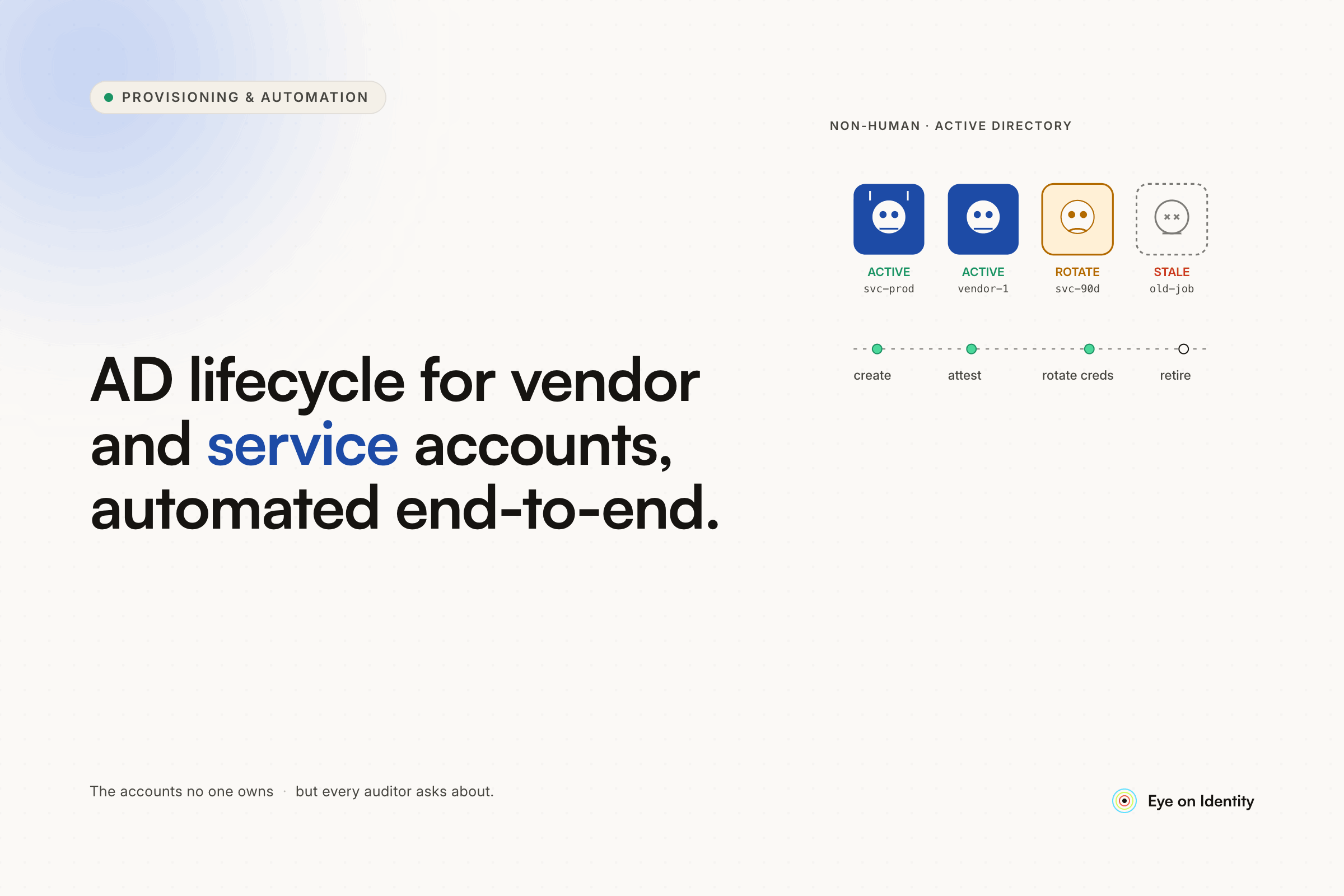


Your HR system will handle your employees just fine. The problem is everything it won't touch — the contractor who joined six months ago under a .ctr account, the service accounts running your scheduled tasks, the vendor logins that predate your current IT team. When you automate onboarding and offboarding through a new HR integration, those accounts sit outside the workflow entirely. They keep accumulating. They never get cleaned up. And the PowerShell scripts you wrote to manage them become the technical debt you were trying to escape in the first place.
Here's how modern AD lifecycle management handles the accounts your HR system ignores — without adding to the script pile.
Why PowerShell Scripts for AD Lifecycle Management Create More Problems Than They Solve
Most sysadmins start here. A webhook from the HR system, a couple of runbooks, some Logic Apps stitched together with Azure Storage Tables — it works. For employees. The r/sysadmin thread on this topic describes exactly that setup: HR marks someone as a leaver, a table gets updated, and a chain of runbooks handles the rest.
But that architecture was built for HR-managed accounts. Vendors don't have HR records. Service accounts don't have managers to notify. The scripts that work cleanly for regular employees break down or simply don't apply to the other identities living in your AD.
The workarounds people try:
- Separate PowerShell scripts per account type — works initially, becomes unmaintainable across 80+ vendors and dozens of service accounts. One team in the same thread described building a custom internal tool just to handle non-HR accounts before eventually migrating the whole thing to a commercial identity management system.
- Manual IT tickets for vendor onboarding/offboarding — gets skipped under pressure, leaves orphaned accounts after contracts end
- Relying on group or OU membership alone — catches the accounts you know about, misses everything that was provisioned inconsistently over the years
- Doing nothing for service accounts — because nobody wants to touch them. They look like dormant accounts in any usage report, and one wrong automated revocation policy can take down a critical process.
The core issue isn't that PowerShell can't do this. It's that maintaining those scripts is ongoing work that compounds. Every new vendor type, every new app integration, every new edge case adds another script to the pile you now have to audit and update.
How to Connect Your AD Without Opening Firewall Ports
IGA platforms like Zluri connect to on-premises Active Directory through a lightweight directory agent — a Docker container deployed inside your internal network. It uses an outbound-only polling mechanism to fetch users, groups, and Organizational Units, so no inbound firewall rules are required.
Configuring the agent to use LDAPS on port 636 enables it to execute workflow actions directly — creating users with a password and enabled account, adding them to the correct OU, and triggering downstream provisioning — all without a custom script handling any of that logic.
The practical difference: instead of maintaining a script that talks to AD, you configure a connection once and the platform handles the AD interactions from that point forward.
How to Isolate Vendor and Service Accounts Your HR System Doesn't See
This is where the non-employee account problem gets solved at the root. Rather than trying to shoehorn vendors and service accounts into an HR-driven workflow, Zluri's user categorization engine lets you distribute identities into explicit buckets: Employees, Externals/Contractors, Group Accounts, and Service Accounts.
The categorization runs on automated backend rules built directly from your AD data:
Pattern matching on email or username — regex rules that flag accounts containing .ctr, ext, svc, or any naming convention your organization uses for contractors and service identities.
Group or OU membership — if vendors land in a specific AD group or OU by convention, that membership becomes the classification trigger. No manual tagging required.
Custom attribute matching — fields like worker_type or any metadata already in your AD records can drive the categorization logic.
Once the rules are configured, new accounts get classified automatically as they're discovered. You stop playing catch-up with accounts that were created outside your normal process.
How to Automate Vendor Onboarding and Offboarding Without Scripts
With categorization in place, lifecycle automation for vendors runs through no-code playbooks. When a new external user is identified in AD, a playbook triggers and provisions them into the specific downstream applications they need — no IT ticket, no manual access request.
Offboarding follows the same logic in reverse. When a vendor's AD account is disabled or deleted — whether because their contract ended or because the owning team updated their status — an offboarding playbook systematically revokes their access across your connected applications. The trigger is the AD state change, not a manual process that someone has to remember to initiate.
The audit trail for every provisioning and deprovisioning action is logged, which matters when you need to demonstrate access control for SOC 2 or GDPR.
How to Protect Service Accounts From Automated Revocation Policies
Service accounts are the category most teams handle last and most carefully. Because they don't generate human login activity, they consistently appear as dormant or unused in any access review or license optimization report. Left uncategorized, an automated cleanup policy will eventually target them.
Classifying service accounts explicitly in Zluri excludes them from continuous optimization policies and automated revocation workflows. The platform knows those accounts are programmatic and treats them accordingly — they stay out of the "review these inactive accounts" queue entirely.
This also gives you a clean inventory of every service account in your environment, which is useful on its own: scope, ownership, and what each account is actually doing.
A Note on Implementation
Zluri connects to 300+ applications natively. For apps outside that library without an API surface, the platform generates a manual task, routes it to the right owner, and tracks it to completion — so even non-automatable steps stay visible and accountable rather than falling through the cracks.
Deploying the Directory Agent typically takes a few hours. Configuring categorization rules for your specific vendor and service account patterns takes a day or two depending on how consistently your AD is organized. After that, the playbooks and automation run without ongoing script maintenance.
FAQ
How do you manage vendor and service accounts in Active Directory without PowerShell?
IGA platforms connect to AD through a secure directory agent and use automated categorization rules to identify non-employee accounts by pattern matching, group membership, or custom attributes. Lifecycle playbooks handle onboarding and offboarding without custom scripts.
What is the best way to automate AD lifecycle management for contractors and vendors?
The most reliable approach is to classify contractor and vendor accounts separately from HR-managed employees, then apply lifecycle playbooks that trigger based on AD state changes rather than HR system events. This covers the accounts your HR integration won't reach.
How do you prevent automated policies from revoking service accounts?
Explicitly categorizing accounts as Service Accounts in an IGA platform excludes them from continuous optimization and automated revocation policies. Without that categorization, service accounts appear inactive and become targets for cleanup workflows.
Can you automate AD user provisioning without opening firewall ports?
Yes. Directory agents that use outbound-only polling connect to on-premises AD without requiring inbound firewall rules. The agent fetches users, groups, and OUs and executes workflow actions over the same outbound connection.



.svg)













