
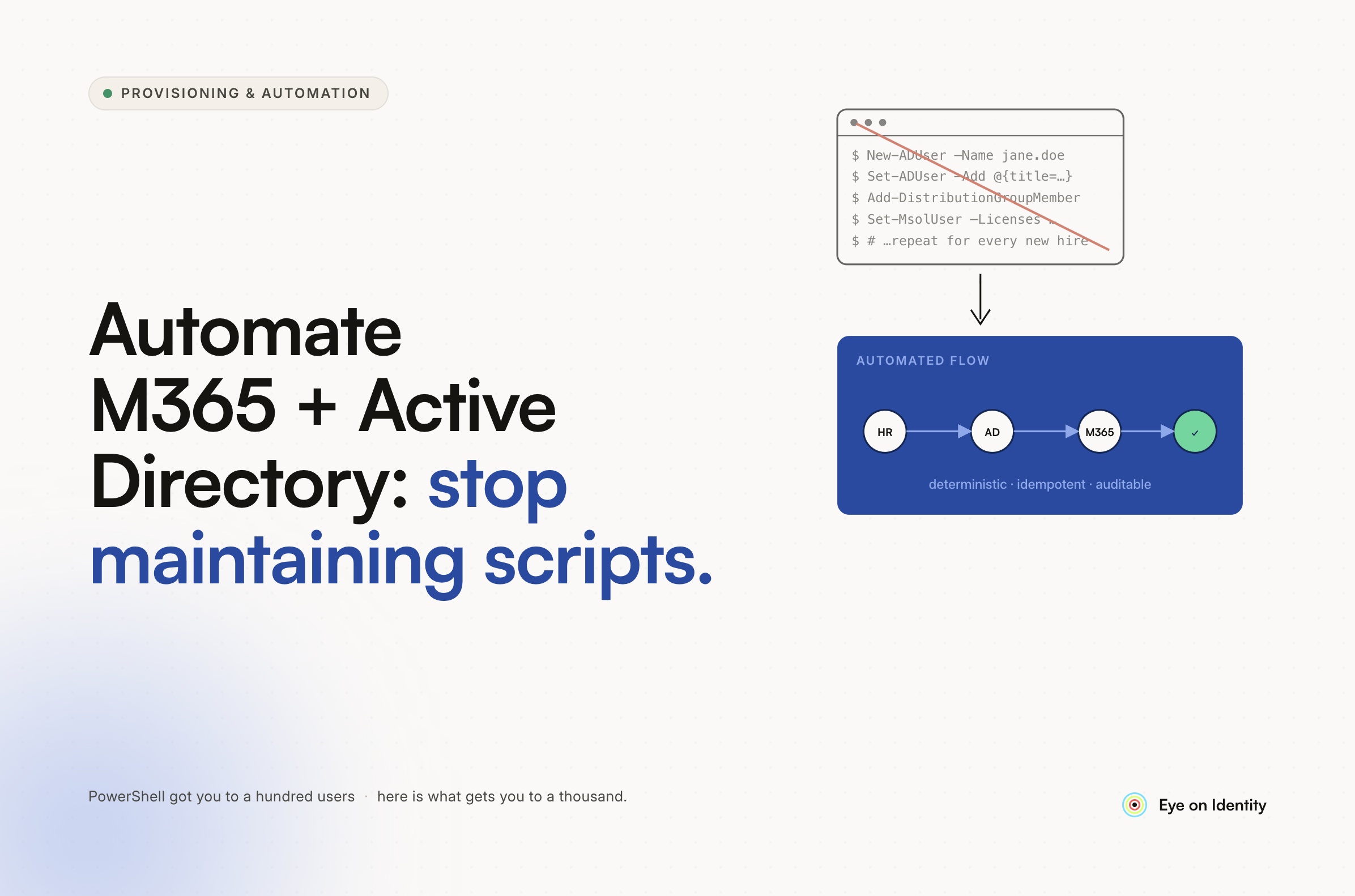


Fourteen new hire requests hit your queue in one week. Every single one requires the same steps: create the M365 account, assign the E3 license, add the user to the right AD security groups, set up the mailbox. Your junior tech forgets the VPN group again. And somewhere in that pile, someone emailed "urgent — screen blank" and now you're manually routing tickets in ConnectWise instead of doing actual sysadmin work.
If you're trying to automate M365 user provisioning and Active Directory onboarding without writing more PowerShell, you're not alone — and the answer isn't more scripts.
Why PowerShell Scripts Keep Breaking (And Why That's Not Your Fault)
The top answer in almost every sysadmin thread about onboarding automation is PowerShell. Write a script, wire it to a form, call it done. And for a while, it works.
Then Microsoft changes something. A module gets deprecated. A license assignment method breaks. Whoever wrote the original script has moved on, and now the person closest to the problem — you — is spending a Saturday debugging code that was supposed to save time.
One comment from a r/sysadmin thread put it directly: "We tried doing a bunch of PowerShell scripts last year to handle the user creation but nobody has time to update them when things break or Microsoft changes something." That's not a skill gap. That's a maintenance problem built into the approach itself.
The Jira-to-Entra ID API pipeline some teams build — logic app picks up the ticket, formats a JSON payload, posts to an enterprise app registration, syncs to on-prem AD through the Entra cloud connect agent — is impressive when it works. But when it breaks, it requires someone who understands every layer of that chain to fix it. That person is usually you, at the worst possible time.
Power Automate is a cleaner option than raw PowerShell for some teams, especially if you're already paying for M365 licenses. But you're still maintaining flows when things break, which means you've traded script debt for flow debt.
The pattern across every approach: the automation exists, it covers the happy path, and it falls apart the moment something changes upstream.
How to Automate New Hire Onboarding IT Tickets Without Building It Yourself
The structural fix is shifting from scripts you maintain to a platform whose vendor maintains the integrations. That distinction matters more than it sounds.
When Zluri connects to Microsoft 365 and Active Directory, those integrations are maintained by Zluri's engineering team. When Microsoft changes an API or updates its provisioning endpoints, Zluri updates the connector. You don't touch it.
The onboarding workflow itself is built through visual, no-code playbooks rather than scripts. A playbook for a new M365 user looks like this: HR adds the hire in BambooHR or Workday with a start date, Zluri detects the event, and the playbook runs automatically — creating the M365 account, assigning the correct license, adding the user to the right Entra ID or AD security groups, and generating the mailbox. No ticket required. No one needs to click a button or remember a step.
This is what Zluri calls Birthright Access. Based on the new hire's role or department, the system knows exactly which apps, groups, and licenses they need on day one — and provisions all of it without intervention. Your junior tech doesn't get the chance to forget the VPN group, because the VPN group assignment isn't a manual step anymore.
Zluri connects to over 300 applications natively. For apps outside that library that lack a clean API, the platform generates a Manual Task automatically, routes it to the right owner via Slack or Jira, and tracks completion in a central dashboard. Nothing falls through silently.
Active Directory Onboarding Automation: On-Prem to Entra ID
For teams running hybrid environments — on-prem AD syncing to Entra ID — the provisioning flow in Zluri handles both sides. Account creation, group membership, and license assignment are executed against the right directory depending on your architecture.
The part most teams find valuable: Zluri's discovery engine maps every application a user has access to, not just the ones behind SSO. When you're provisioning a new hire, you get a clear picture of what they're being granted and why. When they leave, the same engine identifies every app they had access to and triggers a deprovisioning playbook — including non-SSO tools that most AD-based automation misses entirely.
How to Get Your L1 Ticket Queue Under Control
The second half of the problem — the routing nightmare, the "urgent screen blank" emails, the repetitive access requests — has a different shape than provisioning but the same root cause: humans are doing work that a system could handle.
Zluri addresses the access request side specifically. Instead of emailing IT, employees can browse a centralized App Catalog to find what they need, or submit a request directly from Slack with a /accessrequest command. The request routes automatically to the designated approver — the app owner, the manager, whoever you configure — and once approved, Zluri provisions the access without IT playing middleman.
That eliminates a category of ticket entirely. Not deflected, not deferred — gone, because the requestor and the approver handled it without creating an L1 item.
For ticket triage and routing — the "screen blank" problem — some teams in this thread mentioned tools like Siit for structured intake and Neo Agent for RMM-connected routing. Those are worth evaluating for the front-door sorting problem. The architecture that tends to work is what one commenter described as splitting into two layers: deterministic automation for provisioning (account creation, group assignment, license allocation), then AI-assisted triage for intake routing and repeat questions. Keep the brittle, judgment-heavy stuff away from automation and let the well-structured, high-volume paths run on their own.
A Note on Setup
Zluri's native connectors for Microsoft 365, Entra ID, BambooHR, and Workday are available without custom development. If your HRIS is something less common — or if you're running a heavily customized on-prem AD setup — Zluri connects via its Integration SDK. That's a setup project, not a perpetual maintenance commitment. Budget the time upfront and the automation runs the same way afterward.
Frequently Asked Questions
How do you automate M365 user provisioning without PowerShell?
The practical alternative to PowerShell is a platform with maintained API connectors to Microsoft 365 and Active Directory. Zluri uses HRIS-triggered playbooks to create M365 accounts, assign licenses, and add users to AD/Entra ID security groups automatically — without scripts that need updating when Microsoft changes something.
How do you automatically assign M365 licenses to new hires?
License assignment can be triggered from your HR system. When a new hire is added to BambooHR, Workday, or a compatible HRIS, Zluri detects the event and runs a role-based playbook that assigns the correct M365 license, creates the mailbox, and provisions group memberships — all before day one, without manual input from IT.
What replaces PowerShell scripts for Active Directory onboarding automation?
No-code provisioning playbooks connected to your HRIS replace the script layer. Platforms like Zluri maintain the API integrations with Microsoft on their end, so when Entra ID or AD provisioning endpoints change, the vendor updates the connector — not your team. The playbook logic stays the same regardless of what Microsoft changes upstream.
How do you stop L1 access request tickets from piling up?
Moving access requests to a self-serve model removes them from the IT queue entirely. Employees submit requests through an app catalog or a Slack command, the request routes to the correct approver automatically, and approval triggers provisioning without IT involvement. The ticket is never created.
See How Zluri Connects to Your Microsoft 365 Environment
See how Zluri connects to your Microsoft 365 environment and which of your AD/Entra ID provisioning steps it can automate without custom scripting — book a walkthrough specific to your stack, not a generic product demo.



.svg)













