
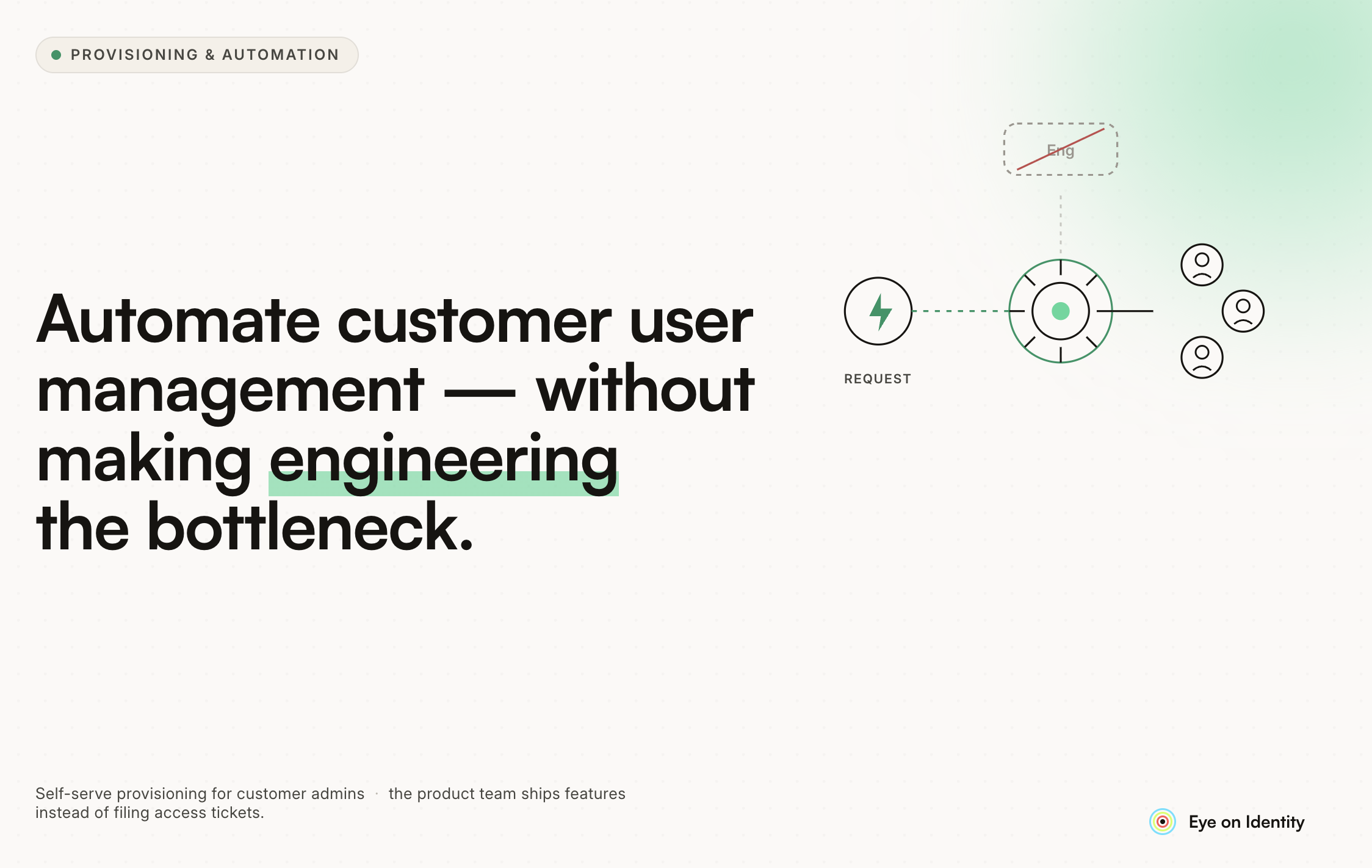


Customer user management — creating accounts, assigning roles, managing permissions, handling offboarding — starts as a minor operational task and scales into an engineering bottleneck.
The early pattern is familiar: a customer signs up, someone on the engineering or ops team manually creates their account, assigns the right roles, and sends credentials. It works when you have ten customers. At fifty, it's a time drain. At two hundred, it's blocking deployments and irritating customers who are waiting days for access that should take minutes.
The core problem is that the provisioning logic is usually hardcoded into the application or handled through ad hoc scripts, which means every change — a new role, a new tier, a new customer type — requires an engineering ticket. This guide covers how to restructure that so engineering sets the rules once and operations (or the customer themselves) handles the rest.
Why Engineering Becomes the Bottleneck
The bottleneck emerges from two structural decisions that make sense early and cause pain later.
Hardcoded access logic. When user tiers, role assignments, and feature flags are defined in application code, changing them requires a code change. A new enterprise tier with different permissions means an engineering sprint. A customer who needs a one-off permission exception means a ticket, a review, and a deployment. The access model is coupled to the release cycle.
Manual provisioning workflows. When creating a new customer account means an engineer running a script or clicking through an admin panel, the throughput is bounded by how much time engineers can allocate to it. Support tickets, Slack requests, and email threads all compete for the same limited engineering attention.
The fix for both is the same: externalize the access configuration and automate the provisioning workflow so that engineering defines the rules once and the system executes them without ongoing engineering involvement.
Externalizing Access Configuration
The first structural change is moving access configuration out of application code and into a system that non-engineers can manage.
For role and permission management, this means defining roles as data rather than as code. Instead of hardcoding that an "admin" user can perform certain actions in a conditional block, the roles and their associated permissions are stored in a database or configuration system that the application reads at runtime. Adding a new role or modifying an existing one is a data change, not a code change.
For tiered access, the same principle applies. Customer tiers (free, professional, enterprise) map to permission sets that are defined in configuration, not in code. When a customer upgrades, their tier changes in the system and their access updates automatically without an engineering intervention.
This is the foundation for self-service and automated provisioning. If the access model lives in code, every provisioning action requires code knowledge. If it lives in configuration, it can be exposed through an admin interface that operations teams can use directly.
Automating the Provisioning Workflow
Once the access configuration is externalized, the provisioning workflow can be automated around it.
New customer onboarding. When a customer signs a contract or completes a trial-to-paid conversion, the provisioning workflow should trigger automatically based on the event from your CRM or billing system. The customer's tier and initial role assignments are determined by their contract terms, not by a manual decision. An account is created, the right roles are assigned, and welcome credentials are sent without anyone on the engineering team touching it.
Role changes. When a customer administrator wants to add a new user to their account or change an existing user's role, that action should be available through a customer-facing admin panel. The customer manages their own user roster within the bounds of their entitlements. Engineering is not in the loop.
Offboarding. When a customer churns or a user within a customer account is removed, the deprovisioning should be automatic. The churn event from the CRM triggers a deactivation. The user removal action in the customer admin panel deactivates the user immediately. No manual cleanup required.
The Internal Side: Managing Your Own Team's Access to Customer Systems
Customer user management has two dimensions: managing customer users within your product, and managing your own team's access to customer systems for support, implementation, and troubleshooting.
The second dimension is where identity governance becomes relevant. Support engineers, customer success managers, and implementation specialists often need elevated access to customer environments to do their jobs. That access needs to be time-limited, approval-gated, and auditable, both for security reasons and because enterprise customers increasingly ask for evidence of how vendor employee access is controlled.
Zluri addresses this dimension of the problem. When a support engineer needs temporary elevated access to a customer's environment, the request goes through Zluri's approval workflow rather than through a Slack message to a manager. The access is granted for a defined period, automatically revoked when the period ends, and logged with the approver's name and justification. When an enterprise customer asks "who from your team has access to our data and when," the answer comes from a structured audit log rather than from memory.
The Role of Identity Governance in Customer-Facing Products
For B2B SaaS products specifically, identity governance shows up in two ways: as a feature your customers expect, and as a capability your team needs internally.
As a customer expectation. Enterprise customers increasingly require that your product support SCIM provisioning, SSO integration, and role-based access controls that their IT teams can manage centrally. Supporting SCIM means your product integrates with their Okta or Azure AD deployment, and user provisioning is handled by their identity provider rather than by manual account creation. This is table stakes for enterprise sales in most verticals.
As an internal capability. Your team's access to customer data and systems needs to be governed with the same rigor you apply to employee access internally. Who has production database access? Who can access customer records in Salesforce? Who has admin access to the infrastructure that runs customer workloads? These questions have compliance and security implications that grow with company size and customer sensitivity.
Starting Points for Teams Currently in the Bottleneck
For engineering teams currently handling customer user management manually, the highest-leverage starting point is usually separating the two problems: externalize the access configuration first (this unblocks operations from needing engineering for most changes), then automate the provisioning workflows around it.
The configuration externalization project is typically scoped to a sprint or two and delivers immediate relief. The provisioning automation builds on that foundation and can be phased: automate new customer onboarding first, then role changes, then offboarding.
The governance layer — approval workflows, audit logging, SCIM support — comes after the basic provisioning is automated. It's a prerequisite for enterprise deals but not the first thing to solve when the immediate problem is that engineering is manually creating accounts every week.



.svg)













