
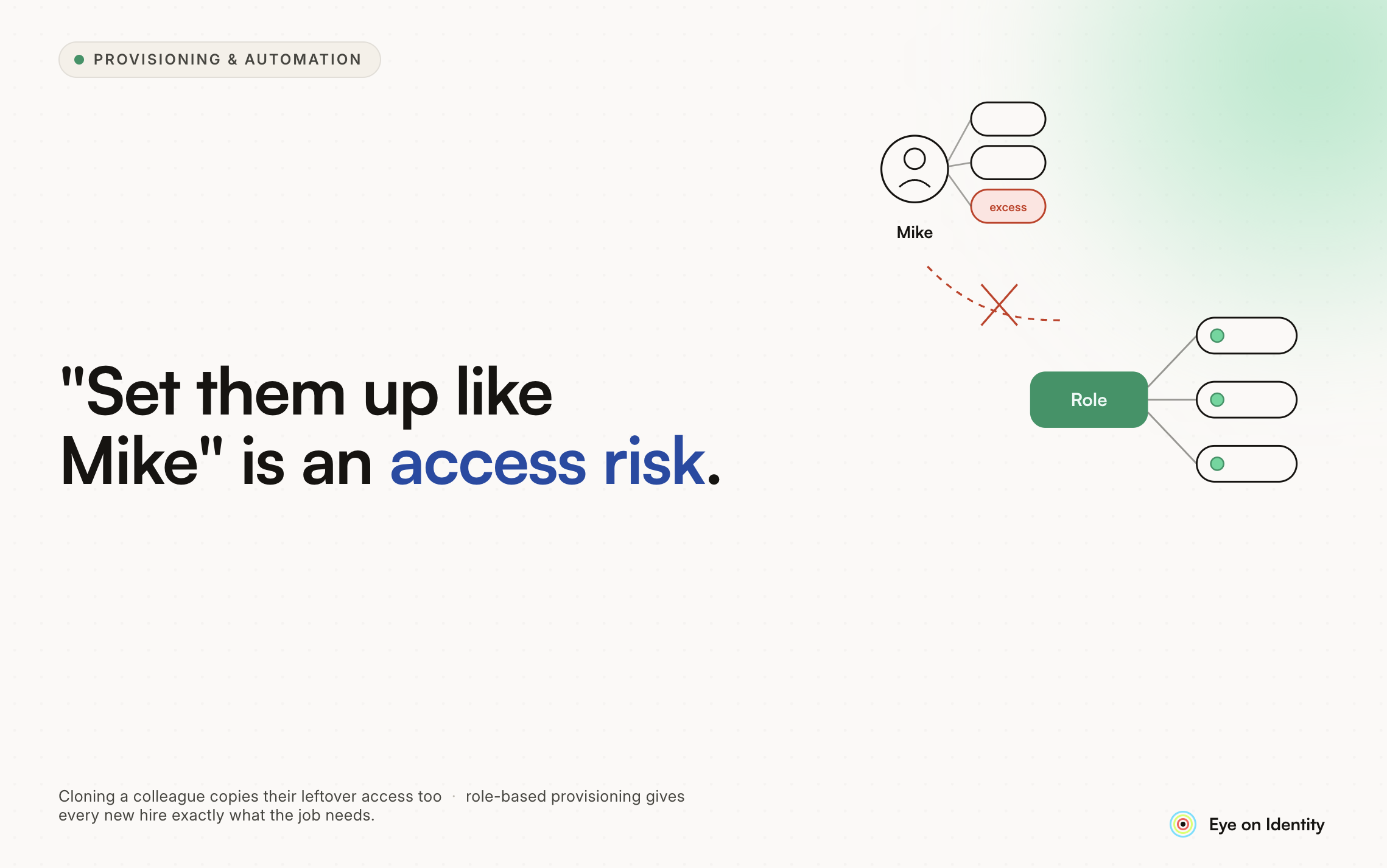


Every IT team has received this request: a new hire is starting Monday, and the manager wants them set up like Mike in Accounting.
The problem is that Mike has been at the company for seven years. Before Accounting, he was in Accounts Payable. Before that, Field Audit. Each time Mike changed roles, someone provisioned his new access. Nobody verified that his old access was removed. Mike's account is now a historical artifact of every role he has ever held, and the new hire is about to inherit all of it.
This is not a problem with Mike. It is a problem with the process: manual provisioning, no systematic mover workflow, and managers who reasonably assume that a long-tenured employee's access represents a good baseline for a new hire in the same department.
The fix is not to make IT push back harder on these requests, though that is a valid short-term tactic. The fix is to make role-based provisioning the default so the "clone Mike" request becomes unnecessary because the right access is already defined and automatically applied.
Why User Cloning Is a Security Problem
The reason "set them up like Mike" is a risky instruction is that it copies access history rather than access requirements.
A new hire in the Accounting department needs access to the applications and resources that the Accounting role requires. They do not need access to the Field Audit portal that Mike used in 2019 and never lost when he moved departments. They do not need the elevated SQL permissions that Mike's team gave themselves to run a one-time report three years ago and nobody revoked.
This accumulated access is called permission creep, and it is one of the most common findings in access reviews and compliance audits. Users collect permissions over time across role changes, project assignments, and ad hoc requests. No single permission might look alarming in isolation. The aggregate represents a significant departure from least privilege.
When you clone a user, you reproduce their permission creep wholesale and transfer it to someone who has been at the company for three days.
The Root Cause: Mover Workflows That Do Not Exist
The "clone Mike" problem is a symptom of a missing process: the mover workflow.
Most organizations have some version of a joiner process (onboarding) and a leaver process (offboarding), even if both are manual. The mover workflow, handling access changes when an employee changes roles, departments, or locations, is the one that most commonly gets skipped.
When Mike moved from Field Audit to Accounts Payable, someone provisioned his Accounts Payable access. His Field Audit access was never formally deprovisioned because there was no trigger for it. The role change happened in the HR system. Nobody connected that event to an access revocation.
Fixing the "clone Mike" problem therefore requires fixing two things simultaneously: establishing role-based provisioning so new hires get the right access automatically, and implementing mover workflows so existing employees do not accumulate access they no longer need.
The Solution: HR-Driven Birthright Access
The alternative to user cloning is birthright access: a predefined set of application entitlements that are automatically provisioned when a new hire is added to the HR system, based strictly on their role, department, and location.
The HR system, whether Workday, BambooHR, or another platform, becomes the authoritative source of truth. When a new hire record is created with the department set to Accounting, an onboarding playbook runs automatically and grants access to exactly the applications that role requires. Nothing is copied from another user. Nothing is inherited from someone else's history.
The manager does not need to know what Mike has. They do not need to submit a manual request for each application. They confirm the hire in the HR system, and the access follows automatically based on the role definition.
This approach requires upfront work to define what birthright access each role includes. That investment pays off continuously: every new hire in that role gets the same correct access from day one, and the definition is owned by IT and HR together rather than reconstructed from a veteran employee's accumulated permissions.
Automating Mover Workflows to Stop Permission Creep at the Source
Birthright provisioning solves onboarding. Mover workflows solve the accumulation problem that creates the "clone Mike" situation in the first place.
When an employee changes roles, the ideal workflow runs two operations simultaneously:
A deprovisioning playbook removes all access tied to the previous role. The employee loses access to the Field Audit portal, the AP approval queue, the shared drives they no longer need.
A provisioning playbook grants access for the new role. The employee gains access to the applications and resources their current responsibilities require.
This transition happens automatically when the role change is detected in the HR system, not when someone files a ticket and IT gets around to it. The employee's access at any point in time reflects their current role, not their employment history.
Implemented consistently, this eliminates the permission creep that makes long-tenured employees look over-provisioned and makes cloning them a risky shortcut.
Handling Access Beyond Standard Birthright Provisioning
Not all access fits neatly into a role definition. Someone in Accounting may need access to a specific project workspace. A developer may need a tool that only their team uses. These exceptions are legitimate but should not be handled through user cloning.
The right model for exception access is a self-service request workflow. The employee browses a catalog of approved applications, requests what they need, and the request routes to the appropriate approver for a decision.
The approval step is where data-driven intelligence makes a meaningful difference. Rather than asking the manager to guess whether the request makes sense, the platform can show what percentage of employees in the same role or department actively use the requested application. This context turns a vague approval decision into an informed one, and it replaces "I'll just give you what Mike has" with "here is what people in your role typically need."
Approved exception access can be time-bound or permanent depending on the nature of the request. Either way, it is documented, attributed to a specific approver, and revocable when circumstances change.
How Zluri Implements This Model
Zluri is an IGA platform that connects the HRMS, identity provider, and SaaS application stack into an automated lifecycle management system.
For onboarding, Zluri detects new hire records in the HRMS and triggers role-specific provisioning playbooks automatically. The new hire's access is based on their role definition, not on another employee's account. No manual provisioning by IT. No "set them up like Mike."
For movers, Zluri detects role changes in the HRMS and executes simultaneous deprovisioning and provisioning workflows. The employee's access is updated to reflect their current role immediately, without requiring a separate IT request.
For exception access, Zluri's App Catalog gives employees a self-service portal to request what they need. Approver Insights, Zluri's data-driven peer intelligence feature, shows managers what percentage of employees in the same role or department actively use the requested application, turning the approval decision into an informed one rather than a guess.
Every provisioning event, access request, and revocation is logged in an immutable audit trail. When an access review comes around or an auditor asks who has access to a sensitive system, the answer comes from the platform rather than from reconstructing history across email threads and ticket systems.
What This Looks Like Operationally
Once this model is in place, the manager's job in onboarding changes significantly. Instead of submitting a manual request with a list of applications or pointing IT to another employee, they confirm the hire in the HR system with the correct role and department. Birthright access provisions automatically. If the new hire needs something beyond standard access, they request it themselves through the catalog, and the manager approves or denies based on the platform's peer intelligence data.
IT's role shifts from manual provisioning to playbook maintenance: defining what birthright access each role includes and keeping that definition current as the business evolves.
The "clone Mike" request does not disappear because managers stop making it. It disappears because there is no longer a gap that makes it feel necessary.



.svg)













