
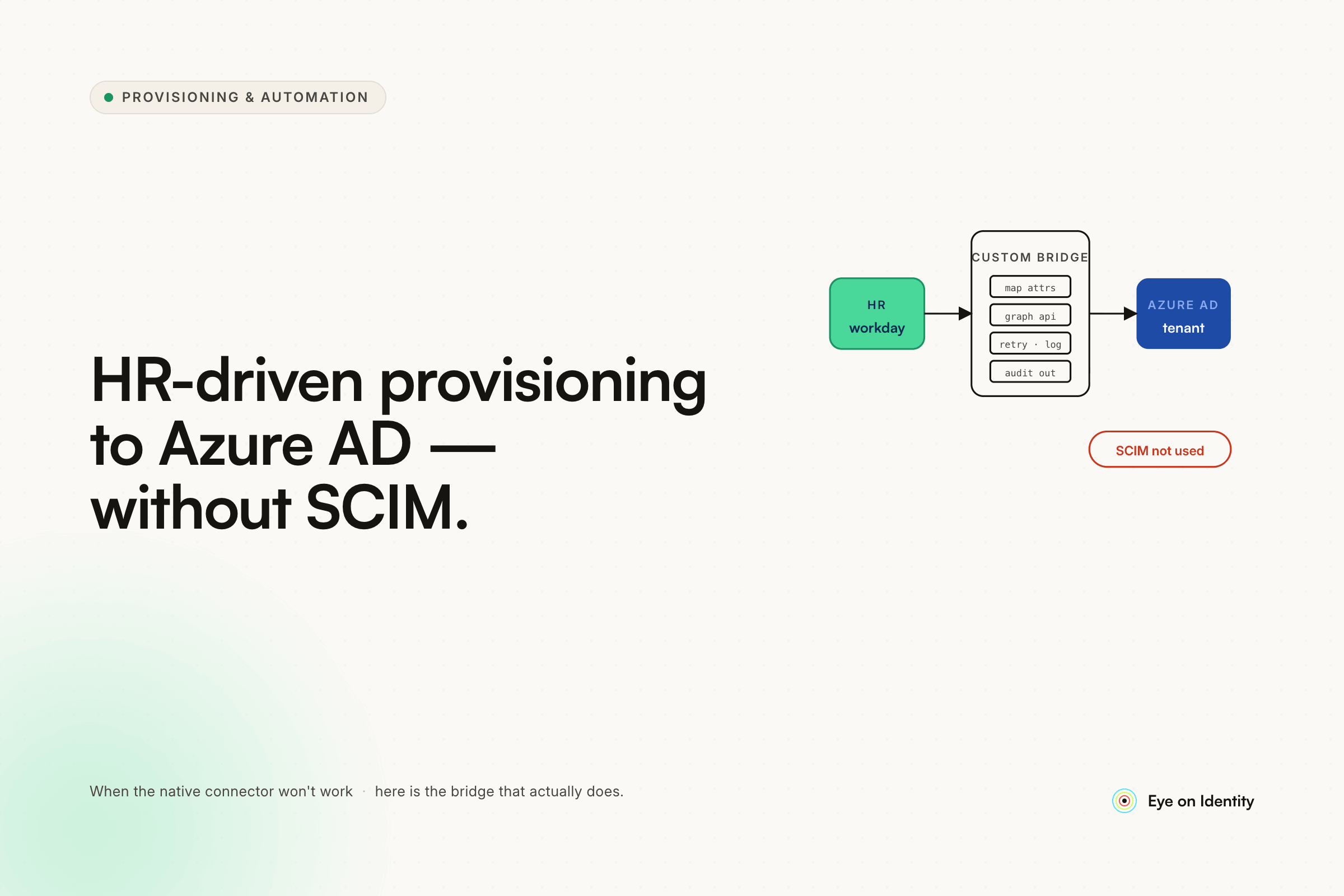


Azure AD's native HR-driven provisioning works cleanly for Workday and SAP SuccessFactors. If your HRIS is anything else — Rippling, HiBob, Personio, a homegrown system, or anything that didn't make Microsoft's pre-built connector list — you're looking at one of three paths: build custom API middleware between the two systems, cobble together something with Power Automate and an Excel export, or find a platform that bridges the gap without requiring you to maintain the integration yourself.
If you're trying to automate a joiner-mover-leaver flow from an HRIS that doesn't have a native Azure AD SCIM connector, the architecture problem is the same regardless of which HRIS you're on — and building it yourself is rarely the right answer at scale.
What Teams Try When There's No Pre-Built Connector
The most common first attempt is Power Automate. One pattern that comes up frequently: schedule a flow to grab an Excel or CSV export from the HRIS, run a PowerShell script to compare it against current AD state, and provision or deprovision based on the delta. This works for the initial build. The maintenance problem surfaces when the HRIS changes its export format, when a PowerShell module breaks after a Windows update, or when a new attribute needs to flow through and someone has to find the original script and update it without breaking the existing logic.
Microsoft's API-driven inbound provisioning — now generally available — is a cleaner architectural approach. It exposes a /bulkUpload endpoint that accepts a standardized payload, handles the comparison logic against existing AD state on Microsoft's side, and applies changes through the Entra provisioning service. The advantage is that your integration only needs to format and POST the HR data; you're not writing the diff logic yourself. The limitation is that you're still building and owning the integration layer that gets the data from your HRIS into the right payload format, and maintaining it when either side changes.
Hire2Retire and similar middleware tools come up in community threads as options for specific HRIS-to-Entra mappings. These work well when your HRIS is in their supported list. When it isn't, you're back to custom work or waiting for a connector to be built.
The pattern across all of these: the integration exists, the happy path works, and the burden of maintaining it as the environment changes stays with your team indefinitely.
How to Automate a Joiner-Mover-Leaver Flow Without Building the Integration Yourself
The practical alternative is an IGA orchestration platform that maintains the HRIS connector on one side and the Azure AD integration on the other, so when either changes, the vendor updates the connector rather than your team.
Zluri connects to your HRIS as the authoritative source of truth for identity data — department, role, employment status, start date, termination date. For HRIS platforms with pre-built connectors, the connection is configured without custom development. For platforms outside the native library, Zluri's Integration SDK provides a structured path to pull HR data without building a full bespoke middleware layer. For Rippling specifically: Zluri supports Rippling for SAML SSO integrations natively; using Rippling as the HR master for automated JML flows would run through the SDK path — worth scoping during implementation to confirm the specific attributes your workflows depend on.
Once the HRIS connection is established, the JML automation runs through playbooks rather than scripts.
Automating the Joiner Flow Into Azure AD
When a new employee is added to the HRIS with a start date, Zluri detects the record and triggers an Onboarding Playbook automatically. The playbook uses direct API actions against Azure AD to create the user account, generate the work email, set the initial password, assign the correct licenses, and add the user to the right security groups based on their department and role. No ticket required to start the process. No manual step between HR entering the hire and IT having the account ready.
For organizations running hybrid environments, Zluri's LDAP Agent handles the on-prem Active Directory side of account creation in the same playbook run, so both directories are addressed from a single HRIS trigger.
Automating the Mover Flow for Role and Department Changes
The mover scenario is where purely SCIM-based integrations often fall short. SCIM handles attribute updates, but translating an attribute change — a department field updating from Engineering to Sales — into the correct set of access changes in Azure AD requires logic that SCIM doesn't carry.
When an employee's role or department changes in the HRIS, Zluri detects the attribute update and triggers a Mover workflow. The workflow simultaneously deprovisions the access tied to the previous role — removing group memberships, revoking application access, adjusting license assignments — and provisions the access appropriate for the new role. Both sides of the transition happen in the same automated run, rather than requiring separate provisioning and deprovisioning tickets handled by different teams.
Automating the Leaver Flow Across Azure AD and Downstream Apps
When a termination is recorded in the HRIS, Zluri triggers an Offboarding Playbook that disables the Azure AD account, revokes group memberships and license assignments, and runs deprovisioning actions across every downstream application the user had access to. For applications with direct API integrations, access is revoked automatically. For applications without API support, the playbook generates tracked manual tasks routed to the relevant app owners.
The offboarding scope is determined by Zluri's Discovery Engine rather than a static access list. The engine continuously maps what applications users actually have access to — including tools acquired outside the formal provisioning process — so the offboarding playbook covers the real access footprint, not just what was provisioned through the intake flow.
A Note on Rippling as HRIS Master
Zluri's native support for Rippling covers SAML SSO integrations. Using Rippling as the authoritative HR source for automated JML provisioning into Azure AD runs through Zluri's Integration SDK. Before committing to this architecture, scope the specific HR attributes your joiner, mover, and leaver workflows depend on — start date, termination date, department, title, manager — and confirm they're accessible through the Rippling API in the SDK integration path. This is a setup-time question, not an ongoing maintenance burden, but it's worth answering before the implementation begins.
Frequently Asked Questions
How do you automate HR-driven provisioning to Azure AD without a native SCIM connector?
For HRIS platforms without a pre-built Azure AD SCIM connector, the options are custom API middleware, Microsoft's API-driven inbound provisioning endpoint, or an IGA orchestration platform that maintains the HRIS integration on your behalf. Platforms like Zluri handle both the HRIS connection and the Azure AD provisioning through maintained connectors and SDK integrations, removing the ongoing maintenance burden from your team.
What is the joiner-mover-leaver flow in identity provisioning?
The joiner-mover-leaver (JML) flow covers three identity lifecycle events: a new employee joining (account creation, access provisioning), an existing employee changing roles or departments (access adjustment across both old and new role), and an employee leaving (account disablement, access revocation across all systems). Automating all three from a single HRIS source of truth is the goal of HR-driven provisioning.
Does Rippling integrate natively with Azure AD for user provisioning?
Rippling has a native SCIM integration with Azure AD for SSO and basic provisioning scenarios. For full JML automation — including mover workflows and cross-application deprovisioning — organizations typically add an IGA orchestration layer that uses Rippling as the HR source of truth and handles the downstream provisioning logic across Azure AD and connected applications.
What is the difference between SCIM provisioning and IGA orchestration for Azure AD?
SCIM provisioning handles user lifecycle events between two specific systems — an IdP and an application — through a standardized protocol. IGA orchestration sits above that layer and coordinates provisioning across multiple systems simultaneously, applies role-based access policies, handles non-SCIM applications through API calls or manual tasks, and maintains an access ledger across the full environment. SCIM is a protocol; IGA is the orchestration layer that uses it along with other integration methods.



.svg)













