
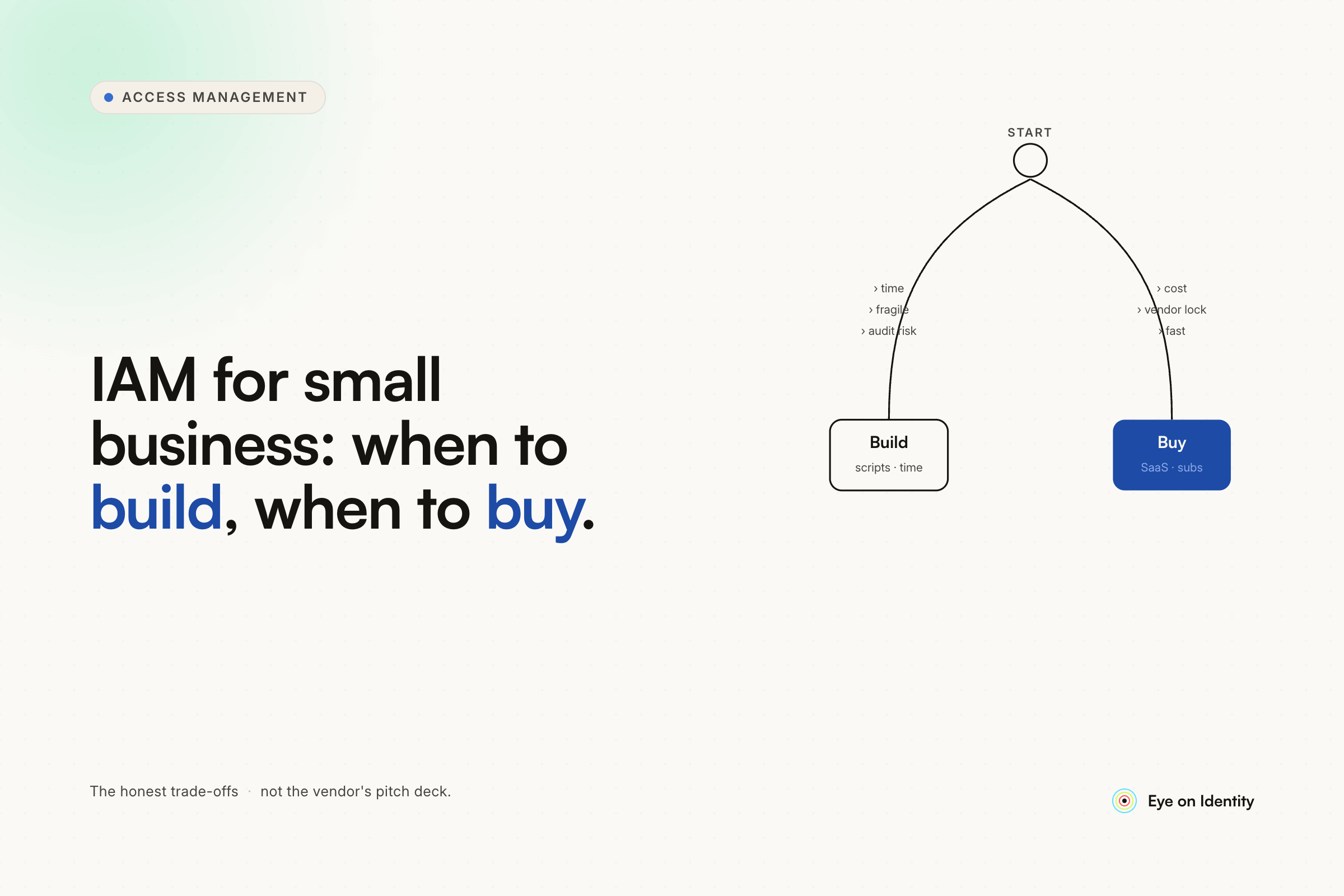


At 20 employees, the "dodgy PowerShell" approach isn't actually dodgy — it's a legitimate solution that practitioners at much larger organizations have used effectively. The question isn't whether to automate the problem; it's whether the automation complexity of your environment justifies a dedicated tool versus a well-structured script.
The MuhBlockchain comment in this thread laid out the architecture of a production-grade JML automation built on PowerShell and HR API queries. Three processes: starter provisioning, existing user attribute sync, and leaver deprovisioning. At 20 employees with a single HRMS (Xero, in the OP's case) and Active Directory, that's a completely viable foundation that will serve you well past 20 employees and into the range where a commercial platform starts making economic sense.
The Architecture of a Lightweight JML Script Stack
The starter/mover/leaver automation the community describes follows a consistent pattern regardless of the language or tool:
Source of truth query. Your HR system is the authoritative record for who is employed, what their start date is, and what their end date is. The automation queries this source — via API if available (cleanest), via scheduled CSV export if not, or via database query if you have direct access. The OP's situation is favorable: Xero has a published API, making the clean path available without custom database work.
Starter provisioning. Query the HR API for new employees whose start dates are approaching (today or within X days). For each new hire found, create the AD account in a disabled state — building the object before the start date, then enabling it when the start date arrives. This gives you time to catch errors before day one rather than discovering them when the new employee can't log in.
Attribute sync. Query the HR API for all active employees and compare relevant attributes against current AD values — department, title, manager, cost center. These drive dynamic groups and downstream access in most environments, so keeping them current is as important as the provisioning itself. Most organizations that skip this step discover the gap when group-based application access stops matching job function.
Leaver deprovisioning. Query the HR API for employees whose end dates are today. Execute the termination sequence: disable the AD account, place the mailbox in litigation hold if you're using Exchange/M365, revoke active sessions and tokens, remove group memberships, certificate revocation if applicable. The Sunsparc comment has the right operational pattern: HR puts in a ticket that triggers the script, giving you a documented record of what ran and when. For a small team where the trigger is currently manual, that ticket-based model keeps the automation accountable without requiring a full IGA platform.
What to Look for When Evaluating Free and Low-Cost Tools
The honest answer for a 20-person company with a tight budget: there isn't a well-maintained, fully-featured free IGA platform that does everything a commercial tool does. The free options fall into categories with real tradeoffs.
Microsoft's Identity Manager (MIM) — free to run if you have Software Assurance licensing, but requires infrastructure investment and engineering time that often exceeds the cost of a commercial alternative for small environments. The source thread referenced Microsoft's Identity Access Governance platform for quarterly access reviews; this is the native Microsoft tooling, accessible if you're already in the Microsoft ecosystem.
midPoint (Evolveum) — open source IGA platform with active community development. More capable than a PowerShell script at scale, but requires significant configuration investment that may not be justified at 20 employees. Worth evaluating if you expect to scale significantly and want to avoid vendor lock-in.
Keycloak — open source identity provider strong on authentication (OIDC, SAML, user federation), weaker on the lifecycle governance side. If your primary need is SSO and authentication centralization rather than JML automation, Keycloak is a legitimate option. It doesn't solve the "disable on termination date" problem natively without custom code.
Xero API + PowerShell — for the OP's specific situation, this is genuinely the right answer right now. Xero's API surfaces employee data including employment end dates. A scheduled PowerShell script that queries Xero and fires against AD on termination date is maintainable, auditable (log what you touch), and appropriate for the scale. The MuhBlockchain comment's three-process architecture is a good blueprint.
When It's Time to Move to a Commercial IGA Platform
The PowerShell approach works well at 20 employees. The inflection points where it stops being the right answer are predictable:
When the number of applications exceeds what you can maintain individually. A script that disables an AD account and handles Exchange is manageable. A script that also needs to reach into Slack, Salesforce, GitHub, HubSpot, and 15 other SaaS tools — each with different APIs and auth methods — becomes a maintenance burden that exceeds the benefit. At that point, a platform with maintained connectors is a better investment than growing the script surface.
When compliance requirements demand documented evidence. SOC 2, ISO 27001, and similar frameworks require audit trails — evidence that access reviews happened, that terminations triggered deprovisioning within a defined window, that access grants followed an approval process. A PowerShell script can log to a file; an IGA platform produces structured, timestamped, auditor-ready reports natively. When the compliance requirements become real, the manual logging approach creates work.
When the organization scales past the point where one person knows all the systems. At 20 employees, there's probably one person who wrote the script and knows what it touches. At 100 employees with higher staff turnover, that single point of knowledge becomes a single point of failure. A commercial platform externalizes the institutional knowledge about what gets provisioned and deprovisioned, making it survives personnel changes.
For the OP's current situation — 20 employees, Xero HR, AD, technically capable of writing the automation — building the PowerShell solution now is the correct decision. Design it cleanly (three processes, API-based, logged output), and you'll be able to migrate to a commercial platform later by replacing the PowerShell logic with playbook configuration rather than rebuilding the underlying architecture.
What a Commercial Platform Adds When You're Ready
When the inflection points above arrive, platforms like Zluri handle the architecture you've already built — HR API as source of truth, starter provisioning, attribute sync, leaver deprovisioning — through a no-code playbook interface connected to maintained integrations for 300+ applications.
The specific advantages over the script approach: connectors that are maintained by the vendor rather than requiring your engineering time when an API changes, AI-powered browser automation for applications without APIs, governed manual task routing for applications that require human intervention, and access certification campaigns that produce the SOC 2 audit evidence your compliance team will eventually need.
The Directory Agent pattern mentioned in the Cortex answer is relevant here: if you're still running on-prem AD when you make the move to a commercial platform, a lightweight Docker container deployed in your network handles the AD integration without requiring firewall changes or architectural disruption to what you've already built.
Frequently Asked Questions
Is PowerShell a reasonable approach for identity access management at 20 employees?
Yes — for a small organization with an HR system that has an API, Active Directory, and a technically capable administrator, a PowerShell-based JML automation (starter provisioning, attribute sync, leaver deprovisioning) is an appropriate and maintainable solution. The key is designing it cleanly: query the HR API rather than relying on manual triggers, log every action with timestamps, and document the process so it survives personnel changes. The inflection point toward a commercial platform typically comes with compliance requirements, significant staff growth, or a SaaS stack that exceeds what individual API scripts can maintainably cover.
What is the best free IAM tool for a small business?
There isn't a well-maintained free IGA platform that covers the full JML lifecycle without significant configuration investment. For small businesses with Active Directory and a basic HR system, a scheduled PowerShell script querying the HR API is more practical than deploying midPoint or similar open-source tools. Microsoft's native identity tooling (Entra Lifecycle Workflows) is available without additional cost if you're already on M365 E3 or above and covers the core joiner/leaver automation for Microsoft-connected applications.
When should a small business move from PowerShell scripts to a commercial IGA platform?
The common inflection points are: when the application stack grows beyond what individual API scripts can maintainably cover (typically when SaaS app count exceeds 20-30), when compliance frameworks (SOC 2, ISO 27001) require structured audit evidence rather than log files, and when staff turnover creates a knowledge continuity problem around the custom script infrastructure. At 20 employees, building the script solution now and migrating to a commercial platform when these triggers arrive is the practical path.
What is the JML lifecycle in identity management?
Joiner-Mover-Leaver (JML) describes the three key identity events that drive access management: a new employee joining (account creation and access provisioning), an existing employee changing roles or attributes (access adjustment), and an employee leaving (account disablement and access revocation). Automating all three from a single HR data source is the core objective of both homegrown script-based solutions and commercial IGA platforms.



.svg)













