


Two hundred employees, 50+ apps randomly managed across departments, Google Workspace already in place, and the goal of centralizing user creation and deletion into one place. This is one of the most common identity management starting points, and the path forward depends significantly on what "centralized" means in practice for your specific situation.
The reflexive answer is Okta. The honest answer is that Okta solves the SSO and authentication problem well, and partially solves the provisioning problem depending on how many of your 50 apps support SCIM.
What the Community Actually Uses at This Scale
The responses from IT managers in this thread reflect a real split based on existing infrastructure:
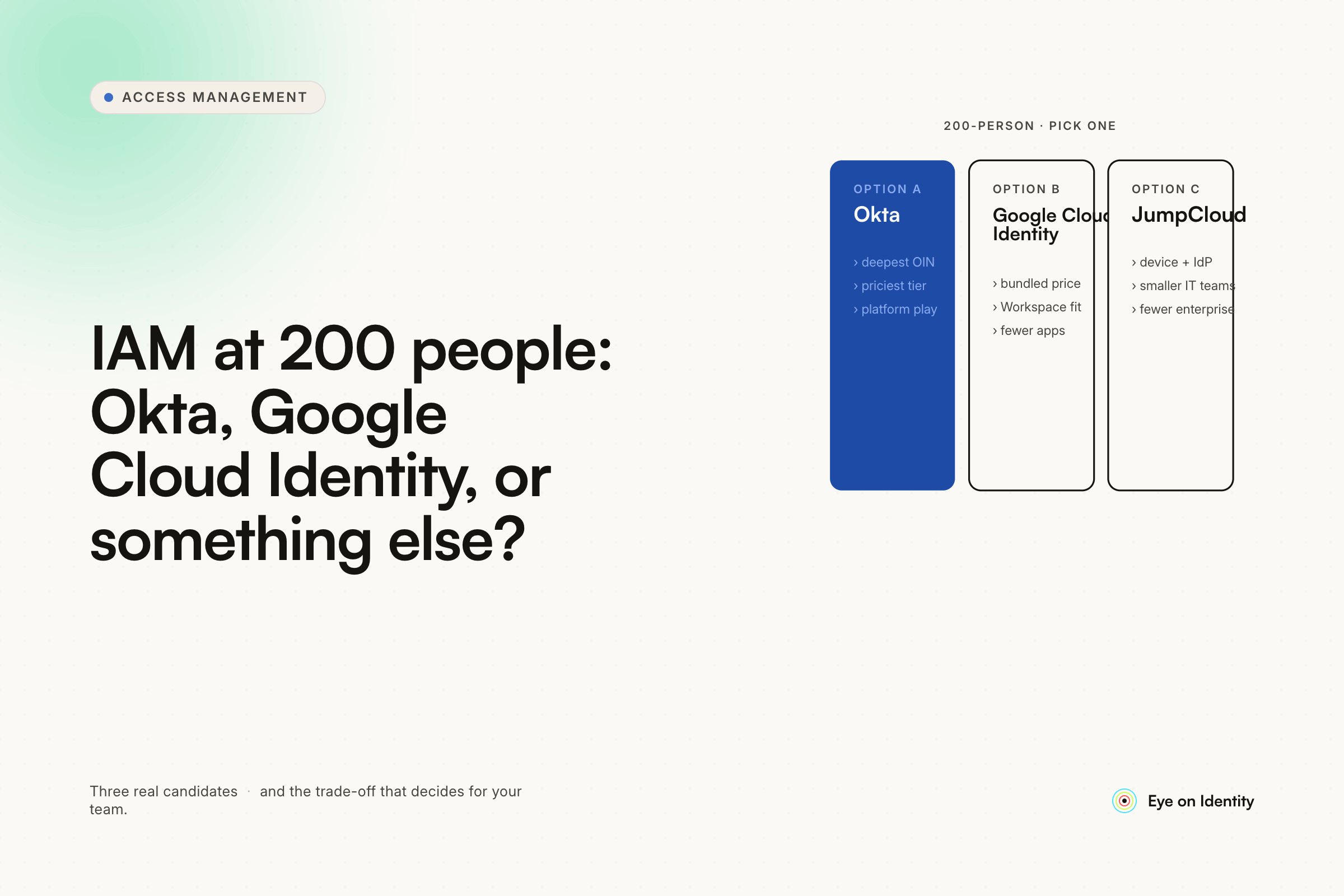
Okta is the most recommended option, consistently cited as flexible, scalable, and worth the cost for organizations that want the strongest SSO and lifecycle management platform. The specific value: SCIM app provisioning for supported apps, adaptive MFA, and the ability to sync multiple directory environments. The cost caveat is real — Okta isn't cheap, and the advanced lifecycle management features are a separate product with additional cost. One practitioner who used Okta for years and moved to M365 E5 when the licensing overlap made cost savings possible is a relevant data point: Okta is the right choice when you need its specific capabilities and the cost is justified.
Azure AD / Entra ID is the recommendation for Microsoft-centric organizations and those already invested in M365 licensing. Conditional access, SAML SSO for many apps, and integration with the Microsoft security stack are the primary benefits. If you're on Google Workspace rather than M365, this is a less natural starting point.
Google Cloud Identity / Google Workspace as the IdP is the recommendation for organizations that want to stay within the Google ecosystem without adding Okta. Google Cloud Identity Free is included with Workspace; the Premium tier adds device management, app management, and additional security features. The honest assessment from multiple practitioners: it works for smaller organizations and is not as scalable as Okta for complex environments, but it delays the Okta decision until you actually need Okta's capabilities.
JumpCloud comes up as an alternative when you want cloud-native directory services without committing to either the Microsoft or Google stack, with device management and SSO capabilities at a lower entry cost than Okta.
The SCIM Gap: What No IdP Solves Completely
The most important practical constraint that the dissydubydobyday comment in this thread explained clearly: SCIM adoption across SaaS applications is uneven. Some of your 50+ apps will have native SCIM integration with your IdP — when you create or deactivate a user in your IdP, those apps update automatically. Others won't. For the apps without SCIM, your IdP can handle authentication (they can log in via SSO if you federate them), but it can't automatically create or delete the account. Manual provisioning remains necessary for those apps regardless of which IdP you choose.
The practical implication: before committing to an IdP, inventory your 50 apps and categorize them by SCIM support. This tells you how much of the provisioning problem your IdP will actually solve and how much will remain manual. For a 200-person company with 50+ apps, a significant number are likely in the "SSO-supported, SCIM not available without enterprise tier" category — some apps require you to upgrade to their enterprise pricing before they'll give you SCIM provisioning.
SailPoint is mentioned in this thread as the comprehensive solution. The honest community feedback: at a 10,000+ person company, it takes a team of 5 full-time people plus contractors to keep running. For a 200-person organization, SailPoint is architectural overkill with corresponding cost and complexity.
Building on Google Workspace: The Practical Path
Since Google Workspace is already your source of truth, the architecture that avoids the most disruption is extending it rather than replacing it.
Google Workspace handles authentication and basic SSO for Google-native apps and SAML-supported applications. For lifecycle automation — automatically provisioning and deprovisioning across your full app stack when employees join or leave — adding an IGA or HR-to-identity automation layer on top of Workspace gives you what Workspace alone doesn't provide.
Hire2Retire and similar HR-to-identity tools are specifically built for this pattern: use your HR system as the authoritative source, push identity changes to Google Workspace and downstream apps automatically. For organizations where staying within or adjacent to the Google ecosystem is a priority, this avoids the Okta cost premium while still automating the lifecycle management problem.
Zluri integrates directly with Google Workspace as the source of truth. When a user is created or suspended in Workspace, Zluri detects the event and runs provisioning or offboarding playbooks across connected applications — using direct API integrations for apps with APIs, AI-powered browser automation for apps without APIs, and governed manual task routing for apps that require human intervention. This extends the automation coverage to the apps that SSO and SCIM don't reach.
The discovery capability is particularly relevant for your specific situation: 50+ randomly managed apps across the org means shadow IT is almost certainly part of the picture. Understanding what's actually being used — including tools IT doesn't know about — is the prerequisite for bringing everything under centralized governance.
What Actually Needs to Happen at Your Scale
The practical recommendation from the community for a 200-person organization starting with Google Workspace:
Keep Google Workspace as your directory and IdP for now. It handles authentication for Google-native apps and SAML federation for the apps that support it. This buys you time to assess whether you actually need Okta or whether Workspace + an orchestration layer covers your requirements.
Build SOPs for account creation and deletion in the apps that don't support SCIM. Document the process, assign ownership, and enforce it. Manual provisioning for some apps isn't a failure — it's the reality of the SaaS landscape, and having documented consistent processes is better than automated-but-incomplete coverage.
Add an IGA or lifecycle automation layer when manual processes start to break down at scale. For 200 employees and 50 apps, the inflection point where manual provisioning becomes unsustainable varies by organization but is usually visible in offboarding failures (orphaned accounts) or onboarding delays (new hires waiting for app access on day one).
Evaluate Okta when you need Okta's specific capabilities. The organizations in this thread who chose Okta did so because they needed to sync multiple AD environments, needed strong adaptive MFA enforcement, or needed SCIM provisioning at a scale where manual alternatives were untenable. At 200 employees with Workspace, you may not be there yet.
Frequently Asked Questions
Should a 200-person company with Google Workspace use Okta or stay with Google's identity tools?
Google Workspace handles basic SSO and authentication for organizations that are primarily Google-native or have apps with strong SAML support. Okta becomes the stronger choice when you need to sync multiple directory environments, enforce consistent adaptive MFA across all apps, or want the most mature SSO and lifecycle management platform regardless of cost. For many 200-person organizations, extending Workspace with lifecycle automation tooling is a lower-cost intermediate step that delays the Okta decision until the organization's complexity actually requires it.
What is the SCIM problem in identity management?
SCIM is the protocol that allows an identity provider to automatically create, update, and delete user accounts in downstream SaaS applications. The problem is that many SaaS applications don't support SCIM natively, or require enterprise-tier licensing before enabling it. For organizations with 50+ apps, a significant portion will fall into categories where manual provisioning remains necessary even with an IdP in place. Before selecting an IdP, inventorying which apps support SCIM, which require manual provisioning, and which are unsupported by any automation path informs realistic expectations.
How do you handle app provisioning for apps that don't support SCIM?
Options in order of automation level: custom API calls via IdP workflow tools (Okta Workflows, Azure Logic Apps) for apps with REST APIs but no SCIM; AI-powered browser automation for apps with admin UIs but no programmatic interface; governed manual task routing where the system generates and tracks a task to the app owner with mandatory completion confirmation; or fully manual provisioning with documented SOPs. Most organizations use a combination depending on each app's capabilities.
Is SailPoint appropriate for a 200-person company?
Based on practitioner feedback from this thread and others, SailPoint is typically deployed by organizations with thousands of employees that have dedicated IAM teams. At a 10,000-person company, maintaining SailPoint required 5 full-time staff plus contractors. For a 200-person organization, the implementation complexity and ongoing maintenance overhead exceeds what the use case requires. Mid-market IGA platforms designed for faster deployment are a more practical fit at this scale.



.svg)













