
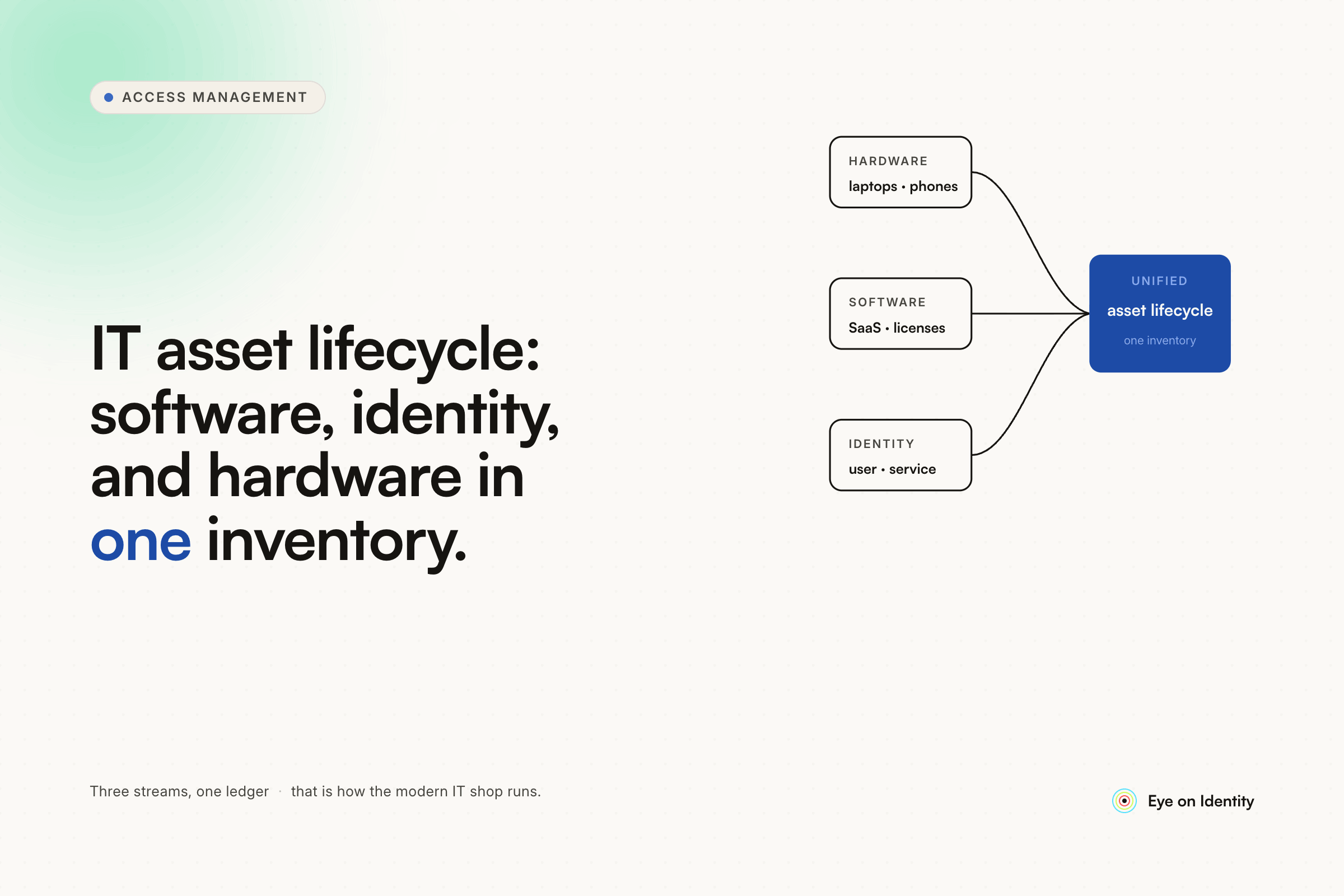


Every organization manages IT assets differently depending on what "assets" means in their context. For some teams, it's physical hardware — laptops, mobile devices, vehicles, facilities — tracked through a CMDB or ERP. For others, the harder problem is software: SaaS subscriptions procured by individual departments, licenses that accumulate on accounts nobody uses, and access that persists long after employees leave.
The honest answer from practitioners running this in production is that no single tool covers everything well, and the most important factor isn't the tool — it's whether the lifecycle tracking is built into everyday operations or something people have to remember to do separately.
What Teams Actually Use (And Why Each Fits Its Context)
ServiceNow CMDB is the enterprise standard for comprehensive asset tracking. If your organization runs ServiceNow for ITSM, using it as the CMDB for hardware and software assets gives you the integration advantage — hardware requests, replacements, and decommissions all flow through the same ticketing system that keeps the asset records current without manual database updates. The lifecycle tracking becomes part of the ticketing workflow rather than a separate administrative task.
SnipeIT handles hardware tracking well for teams that want a dedicated, lightweight tool without ERP complexity. PDQ Inventory covers software inventory on the endpoint side. For mid-sized organizations that don't have or need ServiceNow, this combination is a practical starting point.
ScalePad integrated with RMM tools is common in MSP environments — it tracks device specs, purchase dates, and warranty status, generates reports on environment health based on device age, and can flag equipment approaching end-of-life against your refresh threshold. The automated client reporting is particularly valuable for MSPs who need to communicate hardware lifecycle status without manual Excel exports.
Spreadsheets and custom Power Automate workflows are where most organizations start, and for small teams with stable asset inventories they can remain viable longer than expected — if the underlying processes are enforced. As one commenter in this thread put it: a solid tool flops without a consistent process behind it, and getting people to actually use the system is the real challenge regardless of what tool you choose.
ERPs handle the financial side well — depreciation, procurement workflows, insurance data — but consistently fall apart at end-of-life disposal and don't provide the granularity needed for software license tracking or SaaS governance.
Where Software Asset Management Gets Hard: SaaS and Identity Lifecycle
The physical hardware lifecycle — procurement, assignment, refresh, disposal — is relatively structured. SaaS software is harder because the procurement is decentralized and the lifecycle is tied to people rather than devices.
When an employee joins, they need the right software licenses provisioned on day one. When they change roles, their software needs change. When they leave, their licenses need to be reclaimed and their accounts deactivated — across every application they had access to, including tools that were never formally provisioned through IT. This is the identity lifecycle problem, and it's where ERPs and hardware-focused ITAM tools don't reach.
The practical failure mode: someone leaves the company, their laptop is retrieved and wiped, but their Salesforce admin access, their Slack workspace membership, their GitHub repository access, and their accounts in three department-managed SaaS tools remain active for months. The hardware lifecycle closed properly. The software identity lifecycle didn't.
The JML Framework for Software Asset Lifecycle
The framework modern IT teams use to manage software assets tied to human identities is Joiner-Mover-Leaver (JML) — and the key shift from manual to automated is connecting the HRMS as the trigger for all three phases rather than relying on IT tickets or email notifications.
Joiners (procurement and provisioning). When HR adds a new employee with a start date, an automated onboarding workflow provisions the standard set of software licenses appropriate for their role and department — what's sometimes called birthright access. No manual license request, no ticket to IT to set up each application. The license is provisioned before day one, assigned correctly by role, and tracked in the platform.
Movers (maintenance and transitions). When an employee changes roles, their software needs change. Without automation, they accumulate licenses from every role they've held — the privilege creep problem that produces audit findings and wasted spend. An automated mover workflow simultaneously removes the licenses tied to the previous role and provisions those appropriate for the new one, keeping the access profile current without IT intervention.
Leavers (end-of-life and reclaim). When an employee departs, an offboarding workflow reclaims every license they held and deactivates their accounts across every connected application. The platform needs to know about all the software the user had access to — not just what IT formally provisioned, but tools they signed up for independently with their work email, applications departments adopted without going through IT procurement, and shadow AI tools. A discovery engine that maps actual usage through SSO logs, expense system integrations, and browser agents is what makes the offboarding scope complete rather than partial.
Zluri handles this JML framework for SaaS and identity assets specifically — it's not a hardware ITAM tool, but for the software and access lifecycle it provides the automation layer that ERPs and spreadsheets don't.
The Shadow IT Problem: Assets IT Doesn't Know About
The most consistent challenge in SaaS asset management is that a significant share of the software stack was never procured through IT. Marketing subscribes to a new analytics tool on a credit card. Sales uses an AI tool that someone signed up for with a work email. A developer adds a productivity tool to their workflow.
These assets don't appear in your ITSM procurement records. They don't appear in your software inventory. And when employees who use them leave the organization, they don't appear in the offboarding checklist — which is how you end up with terminated employees holding active accounts in tools IT didn't know existed.
Discovery — pulling usage data from SSO logs, financial systems, and browser agents — surfaces these tools and brings them into the governance scope. Once discovered, they can be categorized (approved, restricted, under review), assigned owners, and included in access reviews and offboarding workflows. The unused license problem becomes tractable once you know what's actually being used.
Hardware and Software Working Together at Offboarding
For physical IT hardware, MDM integrations connect the software lifecycle to device management. When an offboarding workflow fires, it can trigger device wipe commands through Jamf, Kandji, or Intune alongside the software license reclaim. For physical equipment retrieval, the workflow generates a tracked ITSM ticket to the IT team with the specific hardware details — the same ticket-based approach that keeps the CMDB current without manual updates.
The commenter in this thread who integrated hardware procurement with their UEM so that serial numbers populate a SharePoint list as soon as devices are in production is describing the right instinct: make the lifecycle tracking part of the operational workflow rather than a separate administrative step. The same principle applies to software — if SaaS provisioning and deprovisioning happens through the same system that tracks access, the records stay current automatically rather than requiring someone to update them manually after the fact.
Frequently Asked Questions
What tools do IT teams use for asset lifecycle management?
The most common stack: ServiceNow CMDB for enterprise-scale hardware and software tracking, SnipeIT and PDQ Inventory for mid-market hardware and endpoint software, an ERP for financial tracking (depreciation, procurement, insurance), and an IGA or SaaS management platform for software license and identity lifecycle. No single tool covers everything well — the right combination depends on whether your primary challenge is hardware tracking, SaaS governance, or both.
What is the difference between ITAM and IGA for software assets?
IT Asset Management (ITAM) tracks what software is installed or licensed, typically at the organizational level — seat counts, contract terms, renewal dates, compliance status. Identity Governance and Administration (IGA) manages software access at the individual user level — who has access to which application, whether that access is appropriate for their current role, and what happens to that access when they leave. Both are needed for complete software asset governance; they address different dimensions of the same problem.
How do you handle SaaS licenses when employees leave?
The complete offboarding requires revoking access and reclaiming licenses across every SaaS application the employee had access to — not just the ones IT formally provisioned, but shadow IT tools and apps procured by individual departments. An IGA platform connected to the HRMS triggers an offboarding workflow that covers the full access footprint discovered through SSO logs, financial systems, and browser agents. Without this discovery layer, offboarding covers only the formally-managed applications and leaves the rest active.
What is shadow IT and how does it affect asset lifecycle management?
Shadow IT refers to software adopted by employees or departments without formal IT procurement or approval. Because these tools aren't in the IT asset inventory, they don't appear in standard provisioning or offboarding workflows. From an asset lifecycle perspective, shadow IT creates untracked license spend (someone is paying for it, possibly on a personal credit card expensed to the company), security risk (unreviewed tools with unknown data handling practices), and orphaned account risk at offboarding. Discovery tooling that surfaces actual SaaS usage is the prerequisite for bringing shadow IT into the governance framework.



.svg)













