
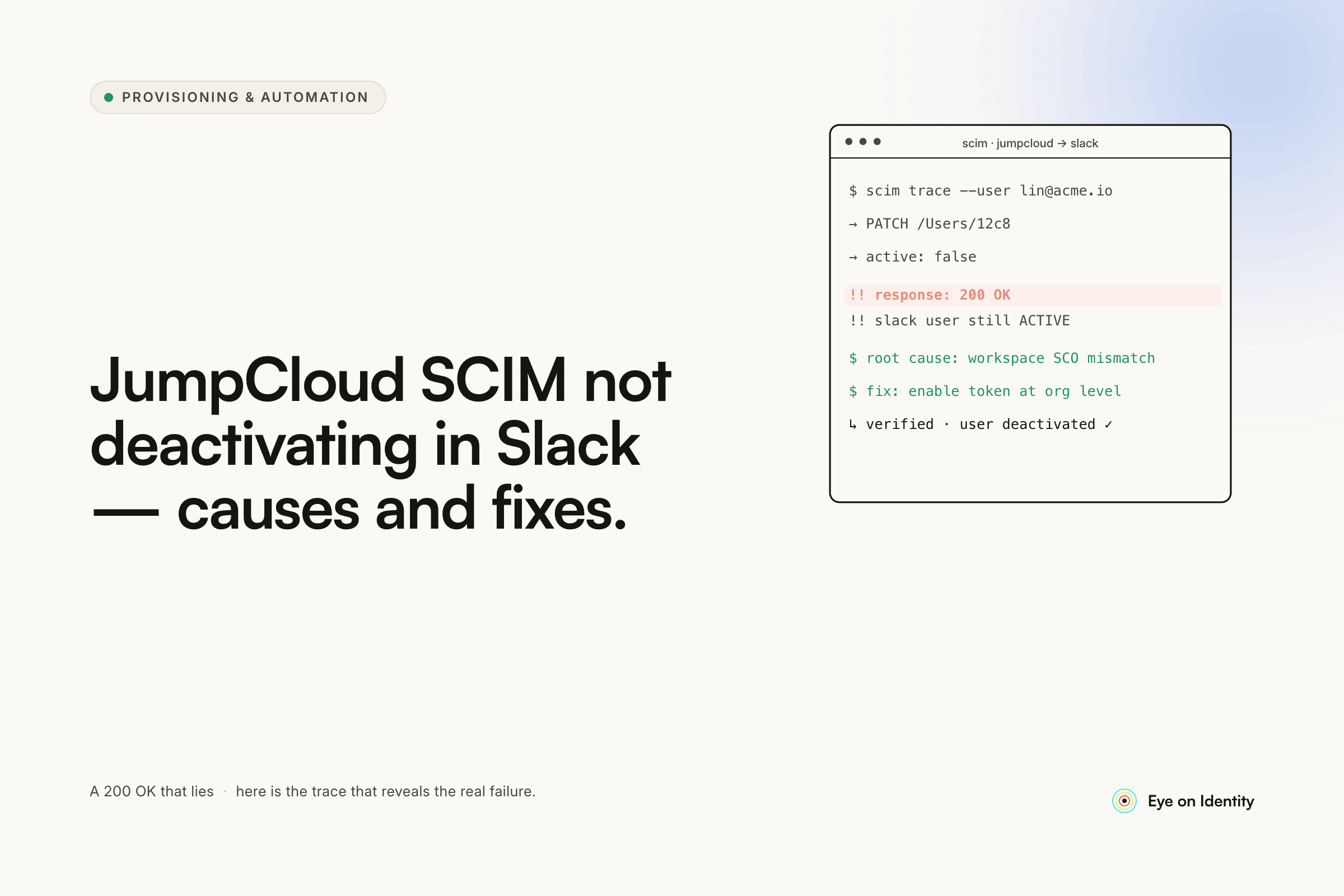


SCIM is working. New users get created in Slack the moment you add them in JumpCloud. But when you deactivate a user in JumpCloud or remove them from the Slack group, nothing happens in Slack. The account stays active, the license keeps running, and the user technically still has access even though SSO is cut.
This is one of the most common SCIM troubleshooting scenarios when integrating JumpCloud with Slack — and it usually comes down to one of three causes, each with a different fix.
Why JumpCloud SCIM Creates Users But Doesn't Deactivate Them
Cause 1: Deactivate is not enabled as a separate SCIM operation.
SCIM provisioning covers four distinct operations: Create, Read, Update, and Deactivate. Most IdP-to-app integrations don't enable all four by default. It's entirely possible to have Create working correctly while Deactivate is simply turned off in the SCIM configuration. In JumpCloud's Slack integration, check the provisioning settings explicitly for a Deactivate Users toggle — it's separate from the Create and Update settings and needs to be active independently.
Cause 2: The SCIM service account doesn't have permission to deactivate the target user.
The SCIM connection runs under a specific service account or API token. If that account doesn't have Slack admin permissions at the right level — or if it's trying to deactivate a user with equal or higher permissions than itself — the deactivation call will silently fail. Nothing in JumpCloud will surface this as an error; the SCIM push fires and Slack simply rejects it without surfacing a visible failure. Verify that the account powering the SCIM integration has full Slack admin permissions and can take action on all user types in the workspace.
Cause 3: Legacy users whose accounts predate SCIM aren't provisioned identities.
This is the most common cause and the one that trips up almost every team that enables SCIM after users already exist in the downstream app. When you turn on SCIM, the integration only manages users it provisioned. If your Slack users were created manually — through invitations, sign-ups, or before SCIM was configured — they don't exist as SCIM-provisioned identities in JumpCloud's records. When you try to deactivate them, JumpCloud has no SCIM handle for those accounts, so the deactivation command has nothing to target.
The fix is to re-provision those users through SCIM. In practice this means removing them from the Slack group assignment in JumpCloud and re-adding them, which forces JumpCloud to provision them through SCIM and establish the identity link. Before doing this, turn off deprovisioning temporarily so the removal step doesn't accidentally deactivate anyone who is currently provisioning correctly. Re-add the users to the group, confirm SCIM provisioning completes for each one, then re-enable deprovisioning. New deactivations should propagate correctly after that.
The OP in this thread resolved a related issue: Slack's "Allow people to change their display name" setting was enabled, which prevented JumpCloud from controlling the display name field. With that setting active, Slack was treating the display name as user-owned rather than IdP-controlled, which blocked the identity management flow from working correctly. Unchecking it allowed JumpCloud to take ownership of the field and the SCIM deactivation started working. If you've checked the three causes above and deactivation still isn't propagating, this setting is worth verifying.
Why SCIM Deactivation Still Fails Even When It's Configured Correctly
Even with all three settings correct, SCIM deactivation isn't a guaranteed path to complete deprovisioning. The SCIM standard defines what the deactivation command is supposed to do — it doesn't guarantee that the downstream application implements it fully or consistently.
Deactivating a user in JumpCloud via SCIM revokes their SSO authentication and should propagate a deactivation call to Slack. What it doesn't do is independently verify that Slack processed the call, reclaimed the license, invalidated active sessions, or removed the user from shared channels and workspaces. If Slack's SCIM handler processes the deactivation but doesn't revoke the license — which is a known inconsistency in some SCIM implementations — the account is technically inactive but the seat remains allocated.
For teams where license reclaim and verified deactivation matter for compliance or cost reasons, relying solely on SCIM for deprovisioning creates a gap that periodic manual audits can catch but not prevent.
How to Close the SCIM Deprovisioning Gap With API Orchestration
The architecture that closes this gap pairs JumpCloud as the identity source with an orchestration layer that executes deprovisioning through direct API calls rather than through SCIM.
When a user is deactivated in JumpCloud, Zluri detects the status change and triggers an Offboarding Playbook. Rather than relying on a SCIM push to Slack, the playbook executes a direct API call to Slack's admin endpoints — explicitly deactivating the account, reclaiming the license, and removing the user from active sessions. The action is logged with a timestamp and the result is confirmed, rather than fired-and-forgotten the way a SCIM push is.
Zluri's Discovery Engine pre-populates the offboarding scope with every application the departing user had access to — not just Slack, and not just the apps connected through SCIM. Shadow IT, tools self-provisioned by the user, apps outside the formal procurement process — all of it appears in the offboarding workflow so the deprovisioning scope matches the actual access footprint rather than just the formally provisioned subset.
For the specific JumpCloud-to-Slack scenario, the practical result is that deactivating a user in JumpCloud triggers complete deprovisioning in Slack through a direct API call, with license reclaim confirmed, regardless of whether the SCIM deactivation would have propagated correctly on its own.
Quick Troubleshooting Checklist
Before opening a support ticket or rebuilding the integration, work through these in order:
Check that Deactivate Users is explicitly enabled in the JumpCloud Slack SCIM provisioning settings — it's a separate toggle from Create and Update. Verify the service account powering the SCIM integration has full Slack admin permissions and can act on the specific users you're trying to deactivate. If the affected users predate SCIM enablement, remove them from the Slack group assignment in JumpCloud and re-add them to establish SCIM identity links — with deprovisioning turned off during the re-provisioning step. Check Slack's "Allow people to change their display name" setting and disable it so JumpCloud controls the display name field. If none of these resolve it, open a ticket with JumpCloud support with specific user examples and the timestamps of failed deactivation attempts.
Frequently Asked Questions
Why does JumpCloud SCIM create Slack users but not deactivate them?
The most common causes are: Deactivate Users is not enabled as a separate SCIM operation in the integration settings, the SCIM service account lacks the Slack permissions needed to deactivate the target user, or the affected users were created manually before SCIM was enabled and don't exist as provisioned identities in JumpCloud. Each cause has a different fix — check all three before assuming the integration is broken.
How do you fix SCIM deprovisioning for legacy Slack users after enabling JumpCloud SSO?
Users created manually in Slack before SCIM was configured aren't recognized as provisioned identities. To fix this, remove them from the Slack group assignment in JumpCloud (with deprovisioning temporarily disabled) and re-add them to force SCIM provisioning. Once JumpCloud establishes the SCIM identity link for those users, future deactivations should propagate correctly.
Does deactivating a user in JumpCloud revoke their Slack license?
Deactivating a user in JumpCloud via SCIM revokes SSO authentication and should trigger a Slack deactivation. Whether Slack also reclaims the license depends on how Slack processes the SCIM deactivation call — this is inconsistent across workspace configurations. For confirmed license reclaim, a direct API call to Slack's admin endpoints is more reliable than relying on SCIM propagation alone.
What is the difference between SSO deactivation and SCIM deprovisioning in Slack?
SSO deactivation prevents the user from authenticating through JumpCloud — they can't log into Slack via SSO. SCIM deprovisioning goes further and deactivates the Slack account itself, reclaims the license, and removes the user from the workspace. A user with SSO cut but SCIM deprovisioning not propagated correctly may still have an active Slack account with a valid license that IT isn't aware of.
Close the JumpCloud-to-Slack Deprovisioning Gap
If SCIM deactivation is working for new users but legacy accounts still aren't deprovisioning reliably, see how Zluri's direct API integration with Slack handles deactivation and license reclaim independently of SCIM propagation — for your JumpCloud environment specifically.



.svg)













