


Automating your MDM recovery key process and getting it working is exactly the moment most Okta admins realize what Workflows is actually capable of. The question after that is always the same: what else can this do, and where do I focus next?
The honest answer from practitioners who have gone deep on Okta Workflows — some running 400 to 600 active flows — is that the platform can handle almost anything, but the flows that save the most time over the long run share a common trait: they eliminate recurring manual work that scales linearly with headcount, not clever one-off automations that only run occasionally.
Here are the use cases that consistently come up as the highest-value builds across the Okta admin community.
Provisioning and Deprovisioning Beyond Group Assignments
The most common high-value use case is handling provisioning for apps that aren't covered by native Okta group assignments — SP-initiated apps, non-SCIM applications, tools with proprietary APIs that don't map cleanly to SCIM operations.
The pattern that works: trigger on group membership, use the Okta API connection to read user attributes, call the downstream app's API directly to create the account, and run a child flow to handle any app-specific configuration — like adding the user to a license group within Adobe that grants Acrobat Pro access. The leaver version is the same trigger in reverse: group removal fires a flow that calls the app's API to deactivate the account.
For apps that are SP-initiated rather than IDP-initiated, the workaround is similar — automate the account creation step that would normally require manual intervention to complete the SSO setup.
The practical ceiling here is logic complexity. Flows that need significant conditional branching, error handling, or stateful retry logic tend to hit points where dropping into Python via a webhook is cleaner than building the same logic in the Workflows canvas. That's not a knock on Workflows — it's the right tool for orchestration, and Python is the right tool for heavy logic. Most experienced Okta admins end up using both.
Timed Elevated Access as a PIM Replacement
Privileged Identity Management — the ability to grant temporary elevated access that expires automatically — is one of the most requested identity governance features and one of the most expensive when bought as a standalone product.
The Okta Workflows implementation: a request triggers a flow that adds the user to a privileged group, sets a timer, and removes them from the group when the timer expires. No PAM product required, no governance module license. One commenter in this thread noted they replaced an actual PAM tool with this pattern for a subset of their use cases.
The limitation is that Workflows doesn't maintain state across sessions natively, so more complex PIM scenarios — cascading approvals, audit trails that satisfy SOC 2 requirements, integration with ITSM ticketing for the approval chain — tend to require additional infrastructure. For simple timed elevation, Workflows handles it cleanly.
License Management: Automating the Unused License Problem
License optimization is the workflow that consistently shows up as a sanity-saver because the alternative is manual: someone periodically downloading usage reports, identifying dormant accounts, and chasing users or managers to confirm whether the tool is still needed.
The automated version: a workflow identifies licenses that haven't been used in a defined window (30, 60, or 90 days), sends a prompt to the user via Slack or email asking if they still need the tool, and takes action based on the response. If the user confirms they no longer need it or doesn't respond within a cooldown period, the workflow either downgrades their license tier or removes access via API.
This is where the line between Okta Workflows and a dedicated platform becomes relevant. Okta Workflows can trigger on events it knows about — group changes, user status changes, app assignments. Identifying which licenses are dormant requires knowing actual usage data — when the user last logged into the specific application, how often they use it, whether their activity is declining. That data isn't in Okta. It comes from integrating with the application's own usage reporting or from a SaaS management layer that aggregates it.
Zluri's license optimization automation runs this workflow natively: it monitors application usage across the connected app catalog, identifies dormant or underutilized licenses, triggers the "Request to Forego" prompt to the user, and executes the downgrade or removal automatically based on the response. The difference from a Workflows-based implementation is that Zluri has the usage data that Okta doesn't — so the trigger is based on actual application activity rather than just Okta-level signals.
Security Alerting and Shadow IT Response
The security automation use cases cluster around two patterns: threshold alerts and event-triggered response playbooks.
Threshold alerts fire when a metric crosses a defined boundary — license usage over a set percentage, a spike in failed authentications, a new application appearing that wasn't in the approved catalog. These are relatively straightforward in Workflows: monitor a data source, compare to a threshold, fire a Slack notification or create a Jira ticket when the threshold is crossed.
Event-triggered response is more interesting. When a specific event happens — an application's status changes to restricted, an unauthorized AI tool is detected in the environment, a suspended user attempts to access a restricted application — a playbook executes immediately: revoking access, notifying the security team, pushing alert data to a SIEM. This is where Workflows' real-time trigger capability earns its value, and it's also where the scope of what Okta can see limits what the workflow can respond to.
Okta sees authentication events and Okta-managed app assignments. Shadow IT — applications employees signed up for with their work email outside of IT's view — doesn't generate Okta events. Responding to shadow IT at the workflow level requires a discovery layer that surfaces those applications first. Zluri's Discovery Engine continuously maps application usage across the environment, including tools outside Okta's visibility, and can trigger policy automation playbooks when a restricted or unapproved app is detected regardless of whether it's connected to SSO.
Complex Custom API Workflows and Output Chaining
For applications without native connectors, the HTTP Request action in Okta Workflows handles direct REST API calls. The pattern works well for single-step API interactions. Where it gets powerful — and where most admins don't push far enough — is output chaining: taking the response payload from one API call and injecting it as a variable into the next call in the sequence.
The practical example: a flow that first authenticates against an application's API to retrieve an access token, then uses that token in the authorization header of the actual provisioning call, then takes the returned user ID and makes a third call to add the user to a specific workspace or license group. Three API calls, chained from a single trigger, with no manual credential management between steps. This pattern handles a significant portion of the "non-SCIM but has an API" app category without building custom connectors.
The Jira-based onboarding flow one commenter described — trigger on a Jira ticket, parse the HTML to extract manager, name, and start date, create child tickets for additional access, send a Slack message to the hiring manager with an action button, update the ticket title and reporter, and create a calendar entry for the EUC team — is a good example of what multi-step output chaining looks like in production. A single trigger coordinates work across Jira, Slack, and Google Calendar simultaneously.
Where Okta Workflows Hits Its Ceiling
The practitioners running the largest Workflows deployments are candid about the limitations. Performance and reliability have been inconsistent. Flows that require significant logic complexity hit points where Python via webhook is the right call. And for workflows that need to act on data Okta doesn't have — actual SaaS usage metrics, shadow IT, non-Okta-managed applications — the trigger data isn't available natively.
For teams that want to stay within Okta Workflows, the right scope is orchestration of Okta-visible events: provisioning and deprovisioning for Okta-managed apps, security alerts based on authentication events, license management for apps where Okta holds the access data, timed elevation for groups Okta controls.
For the broader identity governance scope — license optimization based on actual usage, deprovisioning across non-SSO apps, access reviews that satisfy SOC 2 requirements, mover workflows triggered by HRMS events rather than Okta events — a dedicated IGA platform handles the data and integration surface that Workflows can't reach.
The two aren't mutually exclusive. Okta remains the authentication and SSO layer. An IGA platform like Zluri handles provisioning, deprovisioning, and governance for the applications and events that sit outside Okta's visibility. Most mature identity stacks run both.
Frequently Asked Questions
What are the most useful Okta Workflows automations for IT admins?
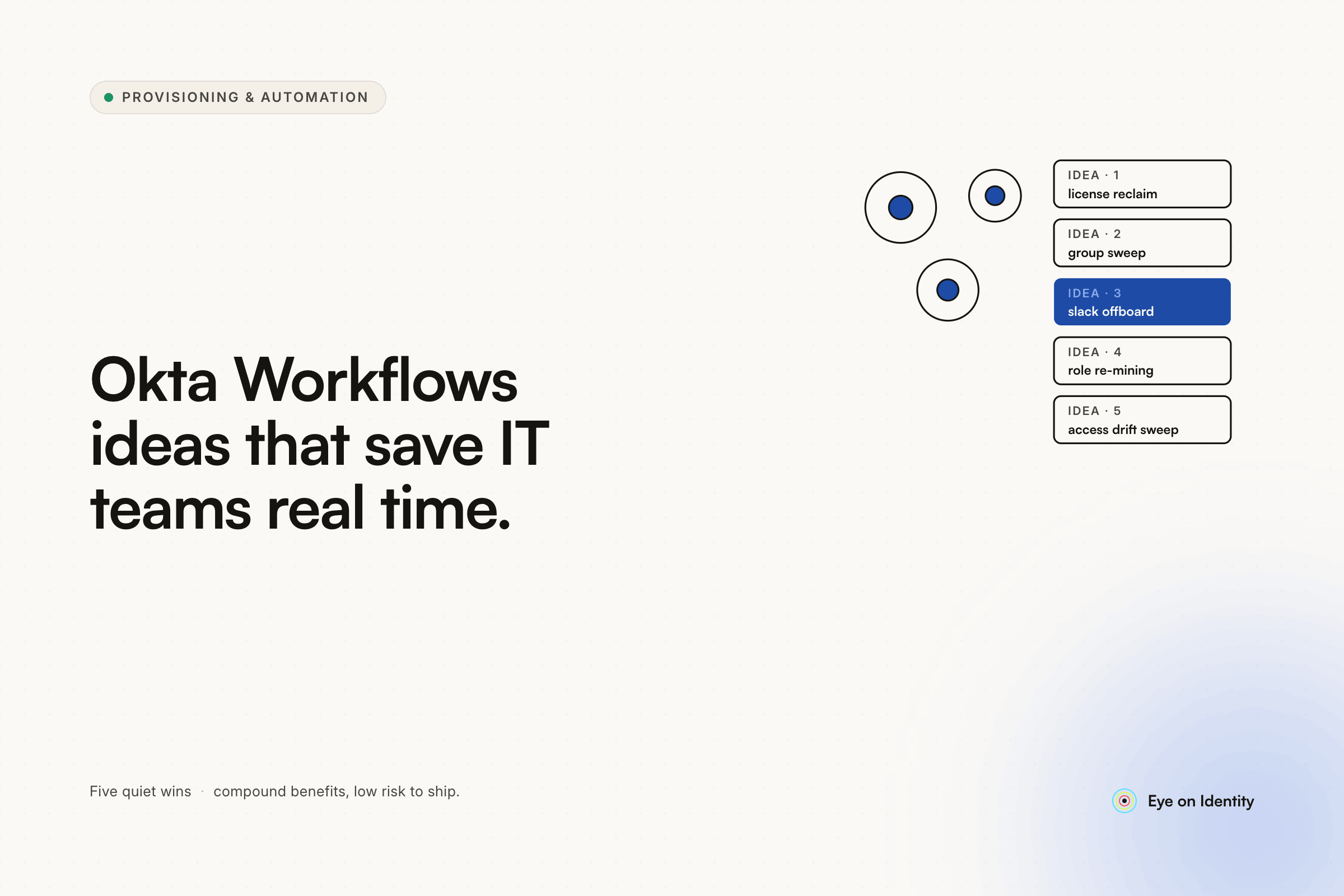
The highest-value builds consistently are: provisioning and deprovisioning for non-SCIM apps via direct API calls, timed elevated access as a lightweight PIM replacement, license usage alerts and automated "forego" prompts for dormant accounts, security event response playbooks, and onboarding orchestration that coordinates Jira, Slack, and calendar actions from a single trigger. The common thread is eliminating recurring manual work that scales with headcount.
Can Okta Workflows handle non-SCIM app provisioning?
Yes — for applications with REST APIs, Okta Workflows can make direct HTTP Request calls to create, update, and deactivate user accounts. The pattern typically involves triggering on group membership, reading user attributes, and calling the app's API with the relevant payload. Output chaining lets you sequence multiple API calls — authenticate, provision, then configure — in a single flow. For apps with no API at all, browser automation through a dedicated IGA platform is the fallback.
What is output chaining in Okta Workflows?
Output chaining is the practice of using the response from one API call as an input variable in the next call within the same workflow. A common example is retrieving an authentication token in step one, then injecting it into the authorization header of the provisioning call in step two. This lets Workflows handle multi-step API interactions that require dynamic data from previous steps without manual credential management between calls.
Where does Okta Workflows fall short for identity governance?
Okta Workflows operates on Okta-visible events — authentication activity, group changes, app assignments. It doesn't have visibility into actual SaaS application usage data, shadow IT, or applications managed outside Okta. For license optimization based on real usage metrics, deprovisioning across non-SSO apps, and access reviews that produce auditor-ready evidence, a dedicated IGA platform with broader integration coverage handles the data surface that Workflows can't reach.
Extend Okta Workflows Coverage Beyond Okta-Visible Events
If you've maxed out what Okta Workflows can see and you're hitting the boundary of Okta-visible events, see how Zluri extends that coverage — to shadow IT, actual usage-based license optimization, and deprovisioning across apps that live outside your SSO perimeter.



.svg)













