
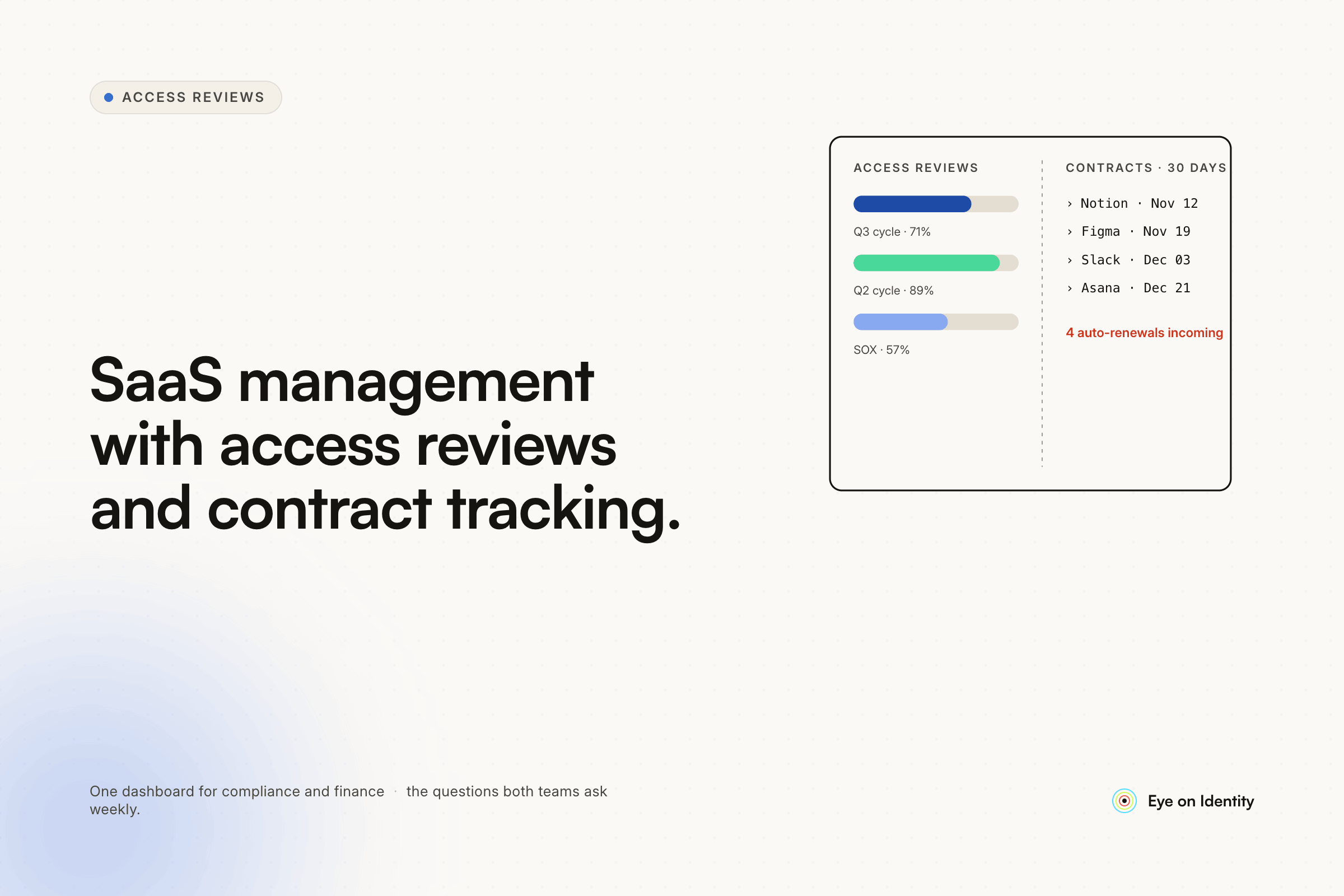


The requirements list you're working from isn't a unicorn — it's the feature set that sits at the intersection of two product categories that have historically been sold separately: SaaS Management Platforms (spend, contracts, utilization) and Identity Governance tools (access reviews, provisioning, role visibility). The frustration comes from tools that nail one side and are weak on the other, or tools that cover both but bundle in workflow automation you don't need at a price point that doesn't make sense.
The market has moved toward combined platforms in the last few years, but the depth of implementation varies significantly. Here's what each part of the requirements actually means in terms of features to verify during evaluation.
Why Most Tools Cover Either Spend or Access, Not Both
The observation one practitioner in this thread made directly is accurate: most tools in this space focus on either spend management or access governance, not both. The SaaS management tools — Trelica, Torii, Zylo — are strong on contract tracking, renewal management, and spend visibility. The access governance tools — ConductorOne, access review-focused platforms — are strong on certification campaigns and permission-level visibility. Tools that combine both genuinely are less common, and when they exist they tend to either charge a premium for the combination or implement the secondary use case at a shallower depth.
The OP in this thread made an important clarification: they don't need the full onboarding/offboarding workflow suite, they don't need a Zapier replacement, they specifically want SaaS lifecycle management combined with access visibility and quarterly audit exports for SOC 2. That scoped requirement is actually a reasonable ask — it's just not how most vendors package or price their products.
What "Software Lifecycle Management" Actually Requires
Contract tracking. The minimum viable version: contract type (subscription, fixed term, true-up), seat count, renewal date, cancel-by date, payment terms, and cost. The useful version adds renewal reminder automation that fires at configurable intervals (60, 30, 15, 1 day before) to the relevant stakeholders, and integrates with your existing renewal workflow rather than requiring you to rebuild it in the new tool.
License utilization vs. purchased count. The requirement to track actual usage against the licensed seat count — particularly for true-up arrangements like SentinelOne where you can go over during the term — requires the tool to have an actual integration with the application that pulls login/activity data, not just a manual entry of seat counts. Verify that the tool has a direct integration with the specific applications you care about before assuming utilization tracking will work for your stack. For applications without direct integrations, some platforms support browser extension-based activity tracking as a fallback.
Inactive user detection and polling. The Bob-with-LucidChart scenario — automatically detecting that someone hasn't logged in for 30-90 days and sending them a "do you still need this?" survey — requires usage data (see above), a configurable inactivity threshold, and a notification mechanism. Zluri calls this "Request to Forego" and it triggers via Slack or email with a configurable cooldown period before automatic license reclaim if no response. This is a genuine differentiator over pure contract management tools that don't have this loop.
What "Access Reviews" Actually Requires for SOC 2
The access review requirement for a SOC 2 Type II audit is more specific than "a list of who has access." Auditors want to see: the review was scheduled and ran at a defined frequency, specific reviewers made explicit approve/revoke/modify decisions, those decisions were documented with the reviewer's identity and a timestamp, and any revocations were actually executed (not just noted). The compliance artifact that comes out of the review — the PDF or CSV the OP wants to hand over to Vanta — needs to be non-editable and timestamped.
The role-level visibility requirement — seeing not just that Bob has Salesforce access but whether he's a user, admin, or super admin — requires the platform to pull permission data from the application, not just assignment data from SSO. This is where many tools fall short: they can tell you who is assigned to an application via Okta, but they can't tell you what role that person has inside the application without a deeper integration. Verify permission-level visibility specifically for your highest-risk applications during evaluation.
The AccessOwl commenter in this thread made a relevant point: SCIM APIs have been the main solution for permission sync but can be limited and require enterprise subscriptions at the application tier. Non-SCIM approaches — service accounts or browser automation — make this accessible without forcing enterprise upgrades on every application in the stack.
How Zluri Covers the Combined Requirements
Zluri operates as a combined SaaS Management Platform and IGA tool, covering the requirements the OP listed without requiring the full onboarding/offboarding workflow suite as a prerequisite:
The Contracts module tracks agreement types (Master, SOW, subscription, true-up), payment terms, seat counts, start and end dates, and renewal dates with automated reminders configurable at 60, 30, 15, and 1 day before action is required. True-up tracking includes an "Overused Licenses" flag when usage exceeds purchased quantity and a "Licenses Nearing Threshold" alert at 80% utilization, with a configurable true-up date reminder that fires 15 days before the period.
The App Catalog handles the software request flow: employees browse approved applications with descriptions and compliance status, submit license requests specifying tier and role, and requests route through configurable multi-level approval chains. Auto-approval rules for standard tools and auto-rejection for restricted ones reduce IT involvement in routine requests.
The Continuous Optimization module handles the inactive user loop: configurable inactivity thresholds (30, 60, 90 days), automated Request to Forego surveys via Slack or email, and automatic license reclaim or downgrade if the user forfeits or doesn't respond within the configured deadline.
The Access Reviews module supports scheduled certification campaigns — quarterly, monthly, or custom — where reviewers see each user's specific role within the application (not just application-level access), make explicit approve/revoke/modify decisions with mandatory justification, and the platform executes revocations via direct API when reviewers click Revoke. The output is a timestamped, non-editable PDF compliance report formatted for auditor review.
Other Tools Worth Evaluating for This Use Case
Trelica — strong on SaaS management (contract tracking, renewal management, spend visibility), weaker on access reviews. The OP found it close but incomplete, and the pricing was above their threshold. The OP ultimately returned to Trelica after evaluating the alternatives, which suggests it satisfied enough of the requirements even with the gaps.
AccessOwl — focuses on the access governance side with a non-SCIM approach to permission sync using service accounts, which makes it more accessible for organizations that aren't on enterprise application tiers. Better fit for Google Workspace or Microsoft SSO environments. Less depth on the spend and contract management side.
Torii and Zylo — strong SaaS management platforms with spend visibility and contract tracking. Access review depth varies; verify specifically before assuming it meets SOC 2 certification requirements.
Access Auditor from SCC — mentioned in this thread as strong for identity governance and access reviews specifically, without the contract tracking side. Worth evaluating if the primary driver is access visibility and audit reporting rather than spend management.
The practical advice from the thread: the market is crowded, capabilities vary widely, and demos make everyone look good. Bring your specific requirements — including your actual applications — to evaluation calls and ask specifically how each tool handles the applications that matter most for your access reviews and license utilization tracking. A tool that has 400 connectors but doesn't have a direct integration for your top 10 applications covers the wrong 390.
Frequently Asked Questions
What is the difference between SaaS management and access governance for IT teams?
SaaS management focuses on the financial and operational side: what applications the organization has, what they cost, how many licenses are used versus purchased, when contracts renew, and whether spend is justified. Access governance focuses on the security and compliance side: who has access to each application, at what permission level, whether that access is still appropriate, and whether there's an audit trail of access decisions. Most organizations need both; many tools are strong at one and shallow on the other.
What features do you need for SOC 2 access review compliance?
SOC 2 access review controls require: scheduled certification campaigns at defined frequencies, explicit approve/revoke/modify decisions from designated reviewers with timestamps and reviewer identity captured, execution of revocations rather than just documentation, and a non-editable audit report generated at campaign completion. Auditors will look for evidence that the reviews actually happened, that decisions were documented, and that access was actually removed when reviewers said to remove it.
How do you track SaaS license utilization against purchased seat counts?
License utilization tracking requires a direct integration with the application that pulls activity or login data — not just a manual entry of how many seats you bought. For true-up arrangements where you can exceed the purchased seat count during the term, you need real-time or near-real-time usage visibility against the purchased quantity so you can forecast your true-up cost before renewal. Platforms like Zluri pull this data from direct application integrations; for applications without integrations, browser extension-based activity tracking can fill the gap.
What is a "Request to Forego" and how does it work?
A Request to Forego is an automated workflow that detects inactive users in an application — someone who hasn't logged in for 30, 60, or 90 days — and sends them a survey asking whether they still need the license. If they respond that they don't need it, or if they don't respond within a configured cooldown period, the platform automatically revokes or downgrades the license. This automates the license reclaim process without requiring IT to manually review usage reports and chase users for responses.



.svg)













