
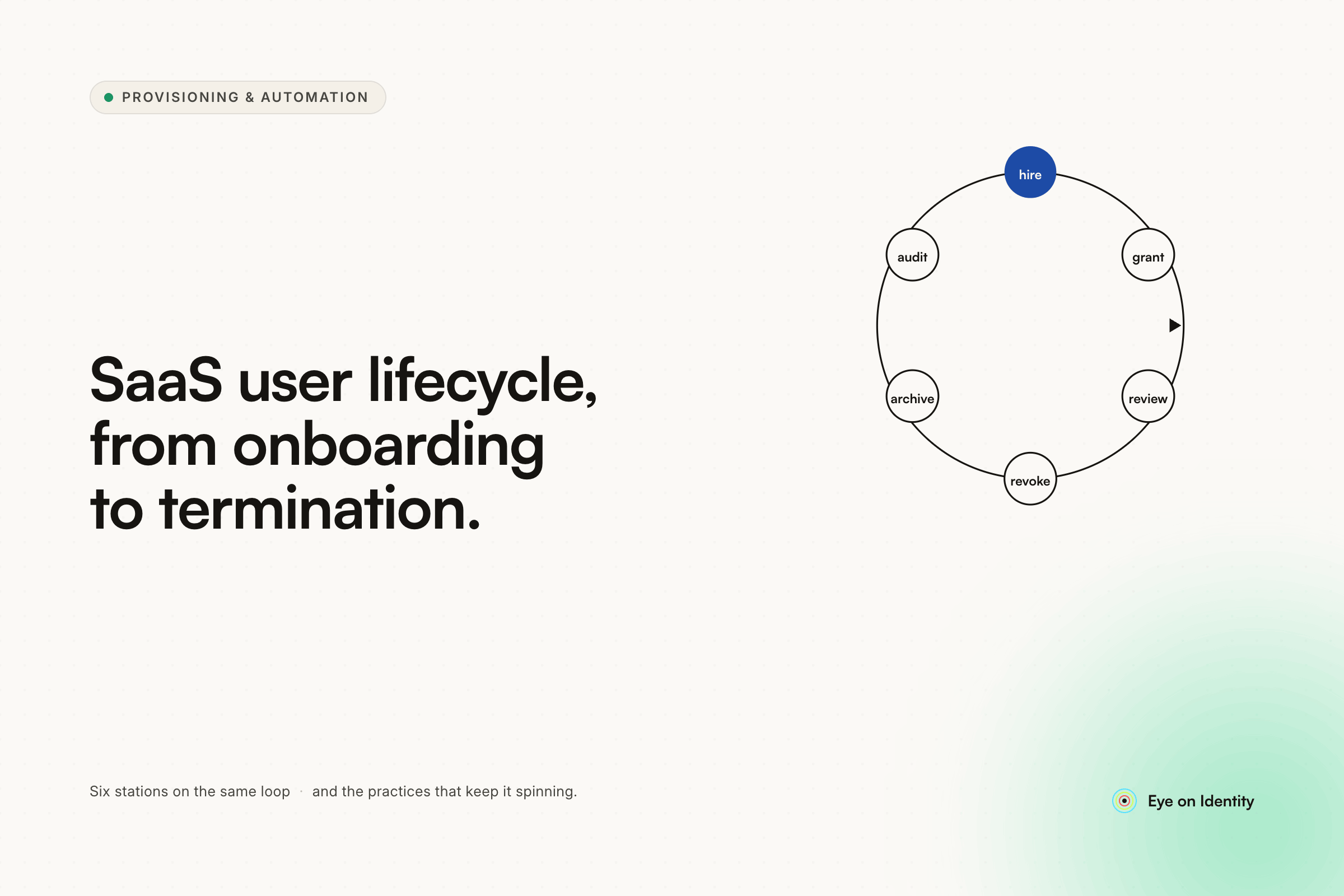


Most SaaS identity problems do not start with a security incident. They start with a spreadsheet. A manual process for creating accounts, an offboarding checklist that gets skipped when someone leaves suddenly, a role change that adds access without removing anything. By the time the audit comes or an ex-employee's account surfaces in an access review, the gap has been open for months.
The questions in this thread — how long to keep user data, whether deleted users should be restorable — are the right ones to ask before the process breaks, not after. Here is the framework modern identity architectures use to answer them.
The JML Framework: Why It Exists and What It Actually Covers
JML — Joiner, Mover, Leaver — is the standard framework for thinking about user lifecycle events in SaaS environments. It maps to three distinct moments where identity management either works cleanly or leaves gaps.
Most organizations handle Joiners reasonably well because onboarding is visible: a new hire shows up and needs access. Leavers get attention because offboarding failures have obvious consequences. Movers are where lifecycle management most commonly breaks down silently — a role change that adds new access without removing old access, repeated across dozens of employees over years, is how privilege creep becomes a structural problem rather than an individual oversight.
The framework is useful because it makes each lifecycle stage explicit and creates a natural place to attach automation, policy, and review processes.
Joiner Best Practices: Automating Access From Day One
The core principle for new user provisioning is that account creation should not happen manually in individual SaaS applications. Manual provisioning at the app level creates inconsistency, delays, and no audit trail connecting the access grant to the business reason for it.
The better architecture uses your HR system or identity provider as the authoritative source of truth. When an HR profile is created — the hire date is set, the role and department are defined — that event triggers automated provisioning across the applications the user needs from day one. This is what practitioners mean by birthright access: the standard set of tools every employee in a given role, department, and location receives automatically, without a ticket or a manual step.
The practical benefits are operational as much as they are security-related. IT does not spend day-one scrambling to provision access across a dozen apps. The new hire is productive immediately. And every access grant is logged against the HR event that triggered it, which matters when you need to explain to an auditor why someone has access to a particular system.
Mover Best Practices: Preventing Privilege Creep at the Source
Role changes are where lifecycle management most often fails quietly. When an employee moves from an individual contributor role to a manager, or transfers from one department to another, the instinct is to provision whatever the new role requires. What gets skipped is revoking what the old role no longer justifies.
Over time, a user who has changed roles twice accumulates three roles' worth of access. Multiplied across an organization, this is what privilege creep looks like in practice — not a single dramatic over-provisioning event, but hundreds of small omissions that compound into a meaningful attack surface and a compliance liability.
The best practice is to treat role changes as a two-part transaction: provision new access and revoke outdated access in the same workflow, triggered by the same HR event. The revocation side of that transaction is the part that requires explicit process design, because no system will remove access automatically unless it is configured to do so.
Leaver Best Practices: Immediate, Comprehensive, and Documented
Offboarding has two requirements that are both necessary and frequently in tension with each other: it needs to be fast, and it needs to be complete.
Fast matters because the window between an employee's last day and full access revocation is a live risk. An account that stays active after someone leaves — whether through oversight, delayed IT processing, or a manual checklist that did not reach every application — is an orphaned account. Orphaned accounts in disconnected or non-SSO applications are particularly persistent because disabling an SSO account does not remove the underlying app-level account.
Complete matters because offboarding that covers only the obvious applications leaves gaps. Shadow IT — the tools employees adopt outside of IT's purview — represents the access that formal offboarding checklists routinely miss. An effective offboarding process reaches both SSO-federated applications and the unmanaged tools that never went through formal provisioning.
Automated offboarding playbooks triggered by the HR termination event handle both requirements. The trigger is the HRMS status change, not a manual IT ticket. The playbook covers every connected application in sequence. And every revocation action is logged, so the audit trail shows exactly when access was removed and from which systems.
How Long to Keep User Data After Deletion
The standard answer in enterprise SaaS environments is: longer than you think, and with a clear distinction between what you keep and what you delete.
The approach most compliance-aligned organizations use is a soft delete rather than a hard delete on termination. The user's account is deactivated — they cannot log in, they cannot access any systems — but the underlying record and its associated history are retained. This is sometimes called tombstoning: the account is effectively dead but its history remains accessible.
What gets retained: audit logs, access request history, provisioning and deprovisioning records, access review outcomes. These are the records that matter when an auditor asks who had access to a sensitive system in a specific time period, or when an internal investigation requires reconstructing an access timeline.
What gets deleted on a shorter schedule: sensitive personal data. GDPR and similar privacy frameworks impose data minimization obligations that require removing personal identifiable information that no longer serves a legitimate business purpose. Many organizations handle this by retaining identity metadata and audit history while purging PII — name, contact information, personal attributes — within a defined window after contract termination, commonly 60 to 90 days.
The specific retention period for audit records depends on your regulatory environment. SOC 2 typically requires one year. HIPAA requires six years for certain record types. SOX has its own retention schedules for financially relevant records. The right retention period is the one your compliance framework specifies, not a number chosen arbitrarily.
Whether Deleted Users Should Be Restorable
Yes — and designing for restoration from the start is significantly easier than retrofitting it after a hard-delete architecture has been in production for two years.
The rehire scenario is more common than most IT teams anticipate. Contractors transition to full-time employees. Former employees return after a gap. Someone's termination is processed in error and needs to be reversed before end of day. In each case, a hard-deleted user profile means starting from scratch: new account, no historical data, no audit continuity, and a new identity record disconnected from everything the previous one accumulated.
The cleaner architecture distinguishes between ending employment and deleting a user. Termination sets the account to an inactive or suspended state — access is fully revoked, the user cannot log in — but the profile, history, and associated records are preserved. If the user is rehired, the existing profile is reactivated and mapped to the new employment record, maintaining a continuous audit trail across both tenures.
Most modern HR and identity platforms expose this as separate functions: "end employment" and "delete user" are distinct actions with distinct consequences. The policy question is ensuring that offboarding workflows use the former by default, and that hard deletion is a deliberate, reviewed decision rather than the automatic outcome of termination.
FAQ
What is JML in SaaS user lifecycle management?
JML stands for Joiner, Mover, Leaver — the three lifecycle stages where identity management decisions happen. Joiners are new employees being provisioned. Movers are employees changing roles whose access needs updating. Leavers are employees being offboarded whose access needs full revocation. The framework creates a structured way to attach automation and policy to each stage.
How long should user data be retained after an account is deleted?
Most compliance frameworks require retaining audit logs and access history for at least one year, with some frameworks like HIPAA requiring up to six years for certain records. Best practice is to retain identity metadata and audit history for compliance purposes while purging personal identifiable information within 60 to 90 days of termination to meet GDPR and privacy obligations.
Should SaaS user accounts be hard deleted or soft deleted on termination?
Soft delete is the standard best practice. Deactivating the account removes all access immediately while retaining the historical record for audit continuity and enabling restoration if needed. Hard deletion permanently removes the profile and its history, creating problems for rehire scenarios and leaving gaps in audit trails that compliance programs depend on.
What is privilege creep and how do you prevent it?
Privilege creep is the accumulation of access permissions over time as employees change roles without having previous access revoked. It is prevented by treating role changes as a two-part transaction — provisioning new access and revoking old access in the same automated workflow — rather than provisioning only and relying on manual cleanup that rarely happens.



.svg)













