
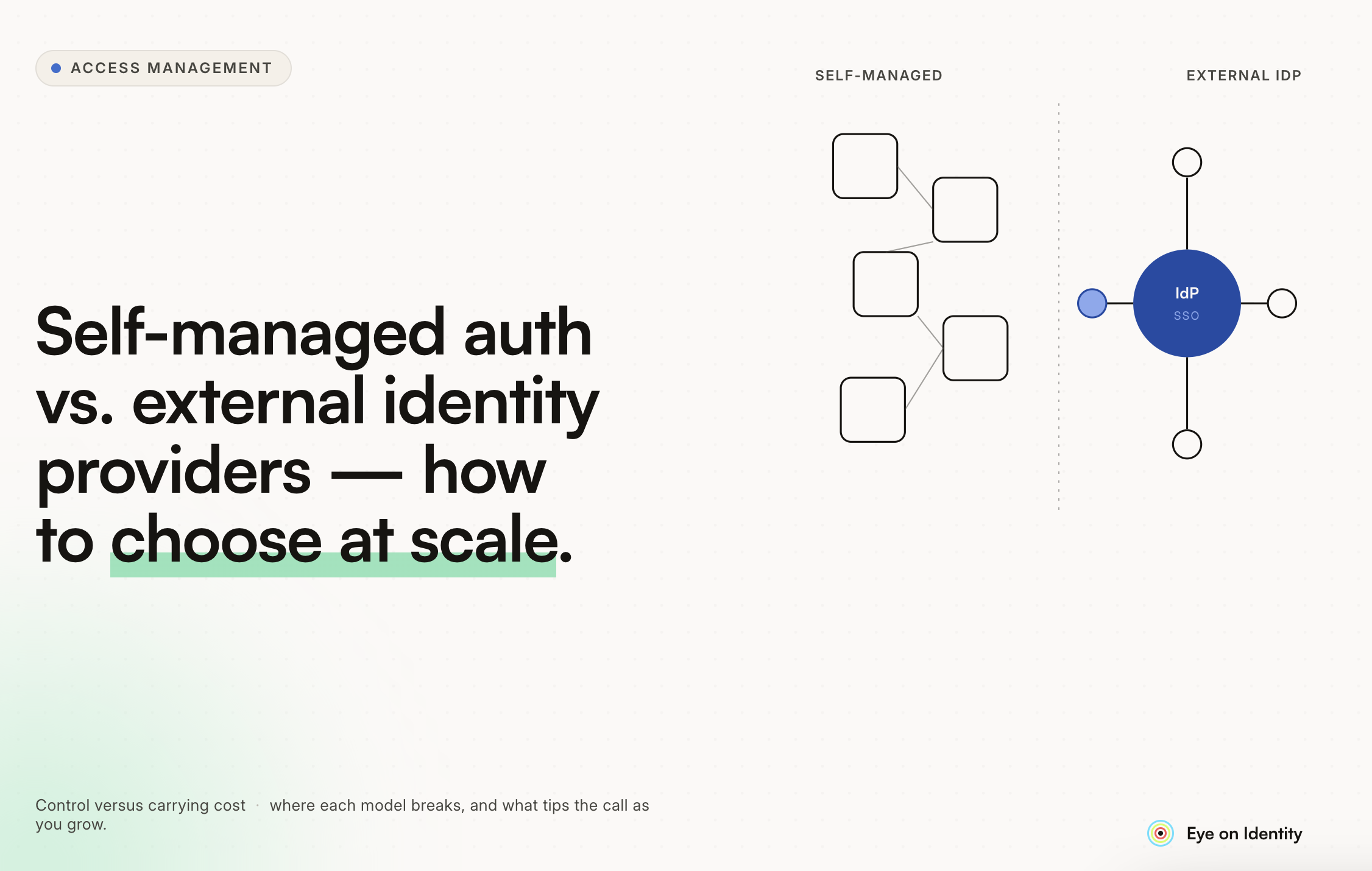


Most developers building internal tools start the same way: a login page, a users table, a hashed password column, and ASP.NET Core Identity or a similar framework handling the rest. It works. It's contained. It's familiar.
The cracks appear when you're building multiple tools for the same client, or when that single internal tool grows into a suite of applications that all need to know who the user is. Suddenly you're maintaining separate credential stores, separate session management, and separate MFA implementations across every app. Users are logging into four things separately. When an employee leaves, someone has to remember to revoke access in four places.
That's the moment when the "just handle authentication yourself" decision starts costing more than it saves.
This guide walks through when self-managed authentication makes sense, when to offload it to an external identity provider, and what the governance layer above authentication looks like once you've made that choice.
The Case for Handling Authentication Yourself
Self-managed authentication isn't always the wrong answer. For simple, single-app internal tools with a small, stable user base and no complex access requirements, it can be the pragmatic choice.
The arguments in its favor are real:
It's contained. Everything lives in your application. No external dependencies, no vendor lock-in, no per-user pricing that scales with headcount.
It's straightforward for basic use cases. ASP.NET Core Identity, for example, handles password hashing, session management, and basic role assignment without much ceremony. For an internal tool used by a fixed team with simple role requirements, it does the job.
It avoids external dependencies. Some environments, particularly government or regulated sectors, have constraints on what external services are permitted to handle authentication.
The limitation isn't that self-managed authentication is wrong. It's that it doesn't scale gracefully and it puts security responsibilities on your team that specialist providers handle better.
Where Self-Managed Authentication Breaks Down
The cracks in self-managed authentication tend to appear in predictable places.
Multiple applications. The moment you're building a second tool for the same client, you face a choice: duplicate the authentication implementation, or start thinking about centralization. Duplicating it means two credential stores, two session management systems, and two places to maintain security patches. For three or four tools, the overhead compounds.
MFA and evolving security standards. Adding MFA to a self-managed system is doable but not trivial. You're taking on responsibility for the integration with authenticator apps or SMS providers, testing it, maintaining it, and staying current as standards evolve. Today it's TOTP-based MFA. Tomorrow it may be passkeys or hardware tokens. A specialist provider handles that evolution for you.
User lifecycle management. When an employee joins or leaves, access needs to be provisioned or revoked across every application. With self-managed identity in each app, that means updating multiple systems. With a centralized identity provider, it means updating one directory and letting the change propagate automatically.
Security liability. Credential storage, password hashing, token issuance, and rotation are areas where implementation errors have serious consequences. Third-party identity providers are dedicated to getting these things right. Your development team is also handling feature work, bugs, and sprint commitments. The risk profile is different.
The Case for External Identity Providers
The practitioner consensus on this is consistent: for any internal tool suite exposed to real organizational risk, offload authentication to a provider that specializes in it.
The practical reasons stack up quickly.
Single sign-on across all tools. When authentication is handled by a centralized identity provider, users authenticate once and access every application that trusts the provider. No separate logins per tool. No separate passwords to reset. One login experience, regardless of how many internal tools you build.
A single source of truth for user identities. A centralized identity provider, whether Azure AD, Google Workspace, or Auth0, becomes the authoritative directory for all user identities. When an employee joins, they're added once. When they leave, they're disabled once and access is revoked across all connected applications automatically. The identity lifecycle is managed in one place, not distributed across every application.
Modern protocol support out of the box. OAuth 2.0 and OIDC are the current standards for federated authentication. External providers implement these correctly, handle token issuance and rotation, and stay current as the standards evolve. Building this correctly yourself takes significantly more engineering effort than most teams budget for.
MFA without building it yourself. Enabling MFA on an external identity provider is typically a configuration change. The complexity of implementation is someone else's problem.
The main tradeoff is cost. Auth0 is versatile and enterprise-grade but gets expensive at scale, particularly for multi-tenancy. For organizations already running Microsoft 365, Azure AD or Entra ID is already paid for and integrated with the directory employees use to log into their Windows machines, which makes it the natural choice for internal tools.
Choosing Between the Main Options
For internal tools specifically, the choice usually comes down to what the client already uses.
Azure AD (Microsoft Entra ID) is the default for organizations in the Microsoft ecosystem. Employees already have accounts. SSO with internal tools is straightforward. Offboarding removes access automatically because the directory is the source of truth. If the client is already on Microsoft 365, this is usually the lowest-friction path.
Google Workspace plays the same role for Google-native organizations. Users authenticate with their Google accounts. Identity lifecycle is managed through the Workspace admin console.
Auth0 is the most versatile option for complex requirements: multi-tenancy, support for multiple identity providers, custom claims, and fine-grained access control. The tradeoff is cost. For a client that's already paying for Azure AD or Google Workspace, Auth0 is harder to justify unless there are specific requirements those providers can't meet.
Self-hosted options like Keycloak or Zitadel offer more control for teams willing to own the operational overhead. Keycloak handles complex scenarios well and is widely used in enterprise environments. Zitadel has a cleaner interface and has matured significantly in recent years. Both require infrastructure to run and maintain.
The Layer Above Authentication: Identity Governance
Choosing and implementing an identity provider solves the authentication problem. It doesn't solve the governance problem.
Authentication answers: is this person who they claim to be? Governance answers: should this person have access to this application, was that access properly approved, and what happens when their role changes or they leave?
For small internal tool deployments with stable teams, the governance question is often manageable manually. For enterprise environments with dozens of applications, hundreds of users, and regular onboarding and offboarding, it's not.
This is the layer where Identity Governance and Administration platforms operate. Zluri, for example, uses Auth0 for its own authentication, delegating login to whatever identity provider a customer already uses: Google Workspace, Microsoft Entra ID, or any SAML 2.0 compliant service. Once authentication is handled, Zluri governs the access layer: who has access to which applications, how that access was approved, and whether it's been reviewed recently.
The practical effect is that when an employee is added to the HR system, Zluri automatically provisions their access to every application their role requires. When they leave, access is revoked across all connected applications automatically, without anyone needing to manually work through a checklist. The identity provider handles authentication. The IGA platform handles lifecycle governance.
The Governance Argument for Centralizing Identity
The productivity and UX case for a centralized identity provider is straightforward. The governance and compliance case is equally strong and often underweighted in the build vs. buy decision.
Every application with its own identity store is a gap in the governance picture. Access that isn't managed through a centralized directory isn't visible in access reviews. It doesn't get revoked automatically when someone leaves. It doesn't show up in compliance reports. It's a shadow identity silo.
Centralizing identity through an external provider is the prerequisite for governing that identity effectively. Once all user identities flow through a single authoritative source, the governance layer can see everything, automate lifecycle changes, and produce the audit evidence that compliance frameworks require.
That's the architecture most enterprise organizations converge on eventually, often after experiencing the pain of distributed identity management at scale. Starting with a centralized provider is the decision that makes everything downstream easier.



.svg)













