
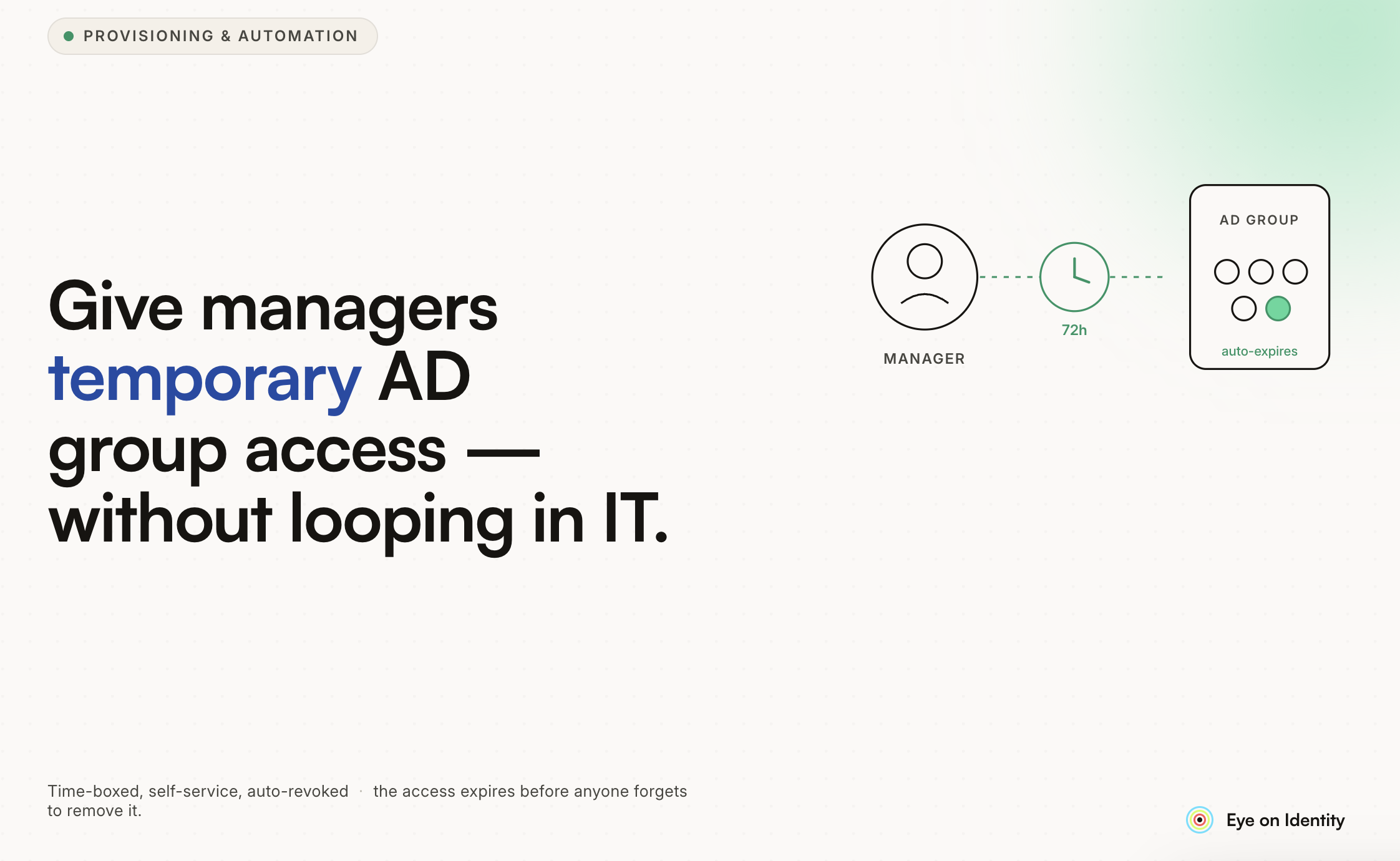


The IT ticket queue for Active Directory group membership changes follows a predictable pattern. A manager needs to give someone temporary access to a shared drive, a distribution list, or a security group for a project. They open a ticket. IT processes it, usually within a day or two. The project wraps up. Nobody removes the access. Three months later, that same person still has membership in a group they no longer need, and the original manager has long forgotten they requested it.
This is not a failure of IT diligence. It is a structural problem with routing temporary access requests through a helpdesk system that was not designed to track time-bounded memberships or trigger automatic reviews.
Why AD Group Access Keeps Going Through IT
Active Directory group membership controls access to file shares, email distribution lists, security zones, and application permissions tied to group-based licensing. These are sensitive enough that most organizations default to requiring IT involvement for any modification. The logic is sound: uncontrolled group membership is a real attack surface, and centralized IT oversight is a reasonable safeguard.
The problem is that this centralization creates a bottleneck for legitimate, low-risk operational requests. A manager who needs to give a contractor temporary access to a project folder should not be waiting two days for a helpdesk ticket to process. They understand the business context better than IT does. What they lack is a controlled mechanism to act on that understanding without bypassing governance controls.
The result is often one of two failure modes: tickets pile up and IT becomes a bottleneck, or managers find workarounds, like sharing credentials directly or adding people to overly broad groups, that introduce real security risk.
What Delegated Approval Actually Looks Like
The pattern that resolves this is delegated approval with guardrails: managers get the ability to approve access requests for their direct reports within a defined scope, but the actual provisioning, logging, and expiration are handled by the identity governance layer rather than by IT or the manager manually.
A typical flow works like this:
An employee submits an access request through a self-service portal, specifying the AD group they need, the reason, and the duration (two weeks for a project, one month for a contractor engagement). The request routes to their direct manager rather than to IT. The manager reviews the request in context: they know the project, the employee, and whether the access makes sense. They approve or reject with a comment.
If approved, the provisioning happens automatically. No IT ticket. No manual group modification. The group membership is created with a defined expiration date, and when that date arrives, the membership is removed automatically. A log entry captures the request, the approval, the provisioning event, and the expiration, all timestamped and auditable.
IT's role shifts from processing every ticket to setting the policy: which groups can be delegated to managers, what duration limits apply, whether certain sensitive groups require dual approval or IT sign-off. They are still in the governance loop, but they are not in the request-processing loop for every routine access change.
What Zluri Does Here
Zluri handles both sides of this pattern: the self-service request interface and the automated provisioning that executes the approved request.
The self-service portal gives employees a structured way to request access, with the context of what the group provides and the ability to specify a time-bounded request. Managers receive the approval request in Slack or email with enough context to make an informed decision without needing to open a separate system. If they approve, Zluri provisions the group membership and sets the expiration. When the expiration arrives, the membership is removed automatically. If circumstances change and the access needs to be extended, the employee can submit a renewal request, which routes through the same approval flow.
For AD specifically, Zluri integrates with Active Directory through its on-premise connector, which means the group membership changes happen in the actual AD environment rather than only in a SaaS layer. This matters for organizations where AD groups control access to on-premise resources like file servers and internal applications.
The Audit Trail Question
One objection to delegating approval to managers is that it fragments the audit trail. If every manager is approving their own team's access requests, how do you maintain a coherent picture of who approved what, when, and why?
The answer is that the audit trail becomes more complete, not less, when approvals go through a governed self-service system rather than informal Slack messages and manual IT changes. Every request, approval, provisioning event, and expiration is logged in the identity governance platform with a timestamp and an approver record. An auditor asking who approved a given access grant gets a precise answer rather than a helpdesk ticket with a vague description.
For access reviews, the logs feed directly into the certification process. Reviewers can see exactly which access was requested, who approved it, and when it was granted, which makes the review decision more straightforward than looking at a flat list of current group memberships.
Scoping What Managers Can Approve
Not all AD groups should be available for manager-delegated approval. Groups that control access to highly sensitive systems, financial data, or administrator-level permissions typically require IT or security team involvement regardless of who is requesting them.
The practical approach is to define tiers:
- Tier 1: Standard project groups, distribution lists, shared drive access. Manager approval is sufficient. Automated provisioning with time bounds.
- Tier 2: Application access groups, department security zones. Manager approval required plus notification to IT. Provisioning automated but logged for review.
- Tier 3: Privileged access groups, finance system access, admin groups. Manager request initiates the workflow, but IT or security team must co-approve before provisioning.
This tiering means managers are handling the high volume, low-risk requests that currently clog the IT queue, while escalation paths remain clear for sensitive access that genuinely warrants IT involvement.
How This Connects to the Broader Provisioning Problem
AD group membership is one piece of a larger identity governance challenge: access provisioning across the full stack of applications a modern workforce uses. Most organizations have both AD-controlled resources (file servers, on-premise applications, email distribution) and SaaS applications managed separately through individual admin consoles.
An employee who needs temporary access to a project might need AD group membership for the shared drive, a Jira project permission, and a read-only role in a data analytics tool. A manager-delegated approval workflow that only handles the AD piece still leaves two other requests in the IT queue.
Zluri's identity governance layer handles both dimensions: AD through its on-premise connector and SaaS applications through its direct integrations. A manager approving a project access bundle can trigger provisioning across all three systems from a single approval action, with time bounds applied consistently and a unified audit trail across all three access grants.



.svg)













