
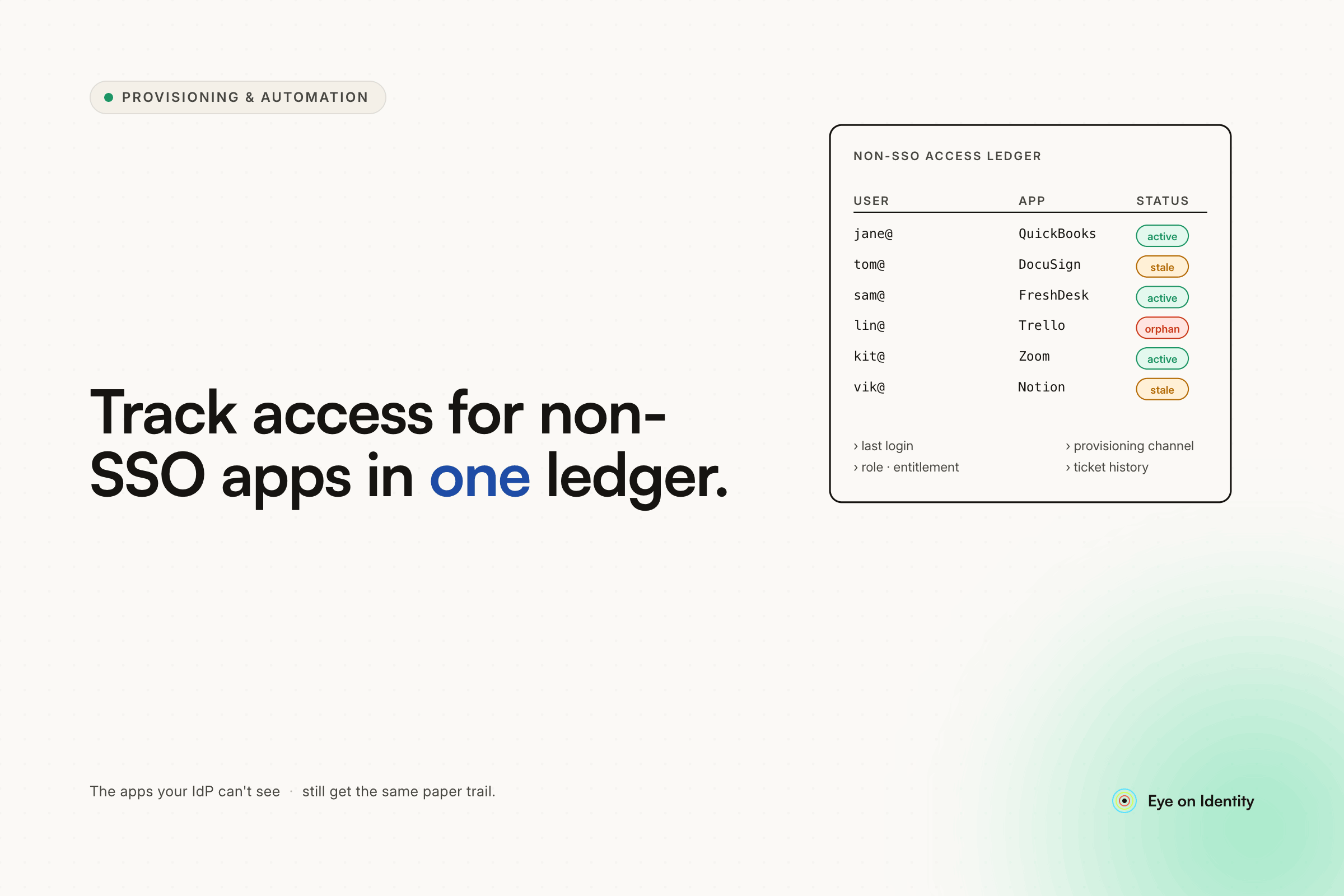


The tool category you're looking for is Identity Governance and Administration — specifically the access tracking and manual task orchestration layer that sits above your SSO provider and covers the applications your IdP can't reach.
The reason this feels hard to search for is that most IGA content leads with the enterprise automation story: SCIM provisioning, Okta integrations, API-driven deprovisioning. What you're describing is the manual task layer — the part that handles the 40% of your stack that doesn't support SSO, can't be automated, and currently lives in someone's memory and a Slack thread. That layer exists in the same platforms, but it's not usually what's featured on the homepage.
Why SSO Alone Doesn't Solve This
Okta, Azure AD, and similar IdPs manage what they can authenticate. For apps that support SSO, they're excellent: provisioning, deprovisioning, and user visibility are all handled through the integration. For apps that don't support SSO — or that support it but still require manual account creation because of seat limits — the IdP has no visibility and no mechanism for task routing or status tracking.
Electric.ai and similar IT management tools fill part of this gap by letting you define applications and designate owners who get notified during onboarding. The gap the OP identified is exactly right: notification is not the same as tracking. Knowing that the owner was notified doesn't tell you whether they provisioned the account, what username they used, or whether that access was ever revoked when the employee left.
Spreadsheets are the default fallback. A shared sheet with applications, owners, and a column for "provisioned Y/N" handles the tracking problem until the sheet goes stale, someone provisions an account without updating it, or an employee leaves and no one knows which non-SSO columns to check against.
The problem with spreadsheets isn't the format — it's that they're updated manually and optionally. An access tracking system that depends on humans remembering to update a spreadsheet will always drift from reality, and the drift is worst exactly when it matters most: at offboarding.
What the Right Tool Architecture Looks Like
The five things you described — employee list with attached external accounts, app catalog with designated owners, access request workflow with owner notification, status tracking with notes, and offboarding checklist generation — are the core features of an IGA platform's manual task engine. Here's how each maps:
Employee list with attached external accounts. Zluri connects to your HRMS as the authoritative employee list and uses its Discovery Engine to map every application each employee has access to — SSO-connected apps, non-SSO apps discovered through browser agents or financial integrations, and shadow IT. Each employee profile shows the full access footprint, including accounts that were never formally provisioned through IT.
App catalog with designated owners. Every application in Zluri can have a designated Primary Owner, IT Owner, and Finance Owner. These owners receive notifications automatically when a provisioning or deprovisioning task is generated for their application. The ownership assignment persists in the system — you don't have to look up who manages WidgetFactory.com every time someone needs access.
Access request workflow with owner notification. Employees can browse the app catalog and submit an access request for a specific tool. For tools that can't be automatically provisioned — no SSO, no API, or limited seats — Zluri generates a Manual Task and routes it to the designated app owner via Slack or email. The employee sees their request status in the portal. The owner sees an actionable task in their dashboard.
Status tracking with notes. The app owner logs into WidgetFactory.com, creates the account manually, then returns to the Zluri task dashboard and marks it complete. The Comments field lets them record the provisioned username, any special configuration, or notes for future reference. The completion timestamp and owner identity are both logged — which is what creates the audit trail rather than just the notification receipt.
Offboarding checklist with non-SSO coverage. When an employee is terminated in the HRMS, Zluri generates an offboarding workflow pre-populated with every application in their access profile — including the non-SSO tools that were manually provisioned. For each non-SSO app, a Manual Task is generated and routed to the app owner with the instruction to remove the user's access. The owner completes the removal and marks the task done. The offboarding record shows every application that needed action, who was responsible, and when each was completed.
The Export and Reporting Layer
Zluri's reporting covers both dimensions the OP described: users by service (who has access to a specific application) and services by user (every application a specific user can access). Both are exportable as CSV for audits, compliance reviews, or manual cross-referencing against HR records.
For SOC 2 or ISO 27001 access reviews, the same data that powers the offboarding checklist powers the periodic access certification workflow — managers review their team members' application access on a schedule, approve or revoke directly from a Slack notification, and the decisions are recorded in a structured audit log rather than email threads.
What Makes This Different From a Spreadsheet or Electric.ai
The functional difference is state management with accountability. A spreadsheet updated manually will drift. Electric.ai sends the notification but doesn't enforce completion or capture the provisioning details. The manual task engine in an IGA platform does three things those alternatives don't:
It enforces a completion step. The task exists in the system until someone explicitly marks it done. Uncompleted tasks are visible to IT without anyone having to chase individually.
It captures the provisioning record at the task level. The username, the date, the owner who completed it — all stored alongside the task rather than in a comment somewhere or not at all.
It auto-generates the offboarding scope from the provisioning history. Because the provisioning task created the access record, the offboarding workflow knows to generate a deprovisioning task for the same application. You don't have to remember which non-SSO apps someone had access to — the system does.
Frequently Asked Questions
What is the right tool category for tracking user access across non-SSO applications?
Identity Governance and Administration (IGA) platforms cover this use case through their manual task and access tracking layers. For companies that don't need enterprise-scale SCIM automation but do need structured provisioning workflows, owner-routed notifications, completion tracking, and offboarding checklists that cover non-SSO apps, the IGA category provides the right feature set. Platforms like Zluri handle both the automated provisioning for SSO-connected apps and the manual task routing for everything else from a single interface.
How do you track who has access to applications that don't support SSO?
The reliable approach is an app catalog with designated owners and a provisioning task system that creates an access record when manual provisioning is completed. When the app owner marks a provisioning task complete and records the username, that creates a persistent access record tied to the employee. At offboarding, the system generates a deprovisioning task for every application in the employee's access profile — including the manually-provisioned non-SSO ones — rather than relying on someone to remember which tools they used.
How do you generate an offboarding checklist that includes non-SSO apps?
An IGA platform that tracks provisioning at the task level maintains a complete access record regardless of whether the provisioning was automated or manual. When an employee departs, the offboarding workflow is generated from that record — covering every application they have access to, with deprovisioning tasks routed to the appropriate app owners for the manual ones. This eliminates the need for a separate spreadsheet or mental inventory of which non-SSO tools each person used.
What is the difference between an IGA platform and an SSO provider for access management?
An SSO provider manages authentication and provisioning for applications that support its integrations — SAML, OIDC, SCIM. It has no visibility into applications outside that scope. An IGA platform sits above the SSO provider and extends governance across the full application stack: automating provisioning where possible, routing manual tasks where not, tracking access regardless of how it was granted, and generating offboarding workflows that cover the complete access footprint rather than just the SSO-connected subset.
See the Manual Task Engine in Action
If you've been tracking non-SSO app access in a spreadsheet or relying on notification-only tools that don't confirm completion, see how Zluri's manual task engine handles the provisioning workflow, status tracking, and offboarding checklist for the exact use case you described — without requiring full SCIM automation to get started.



.svg)













