
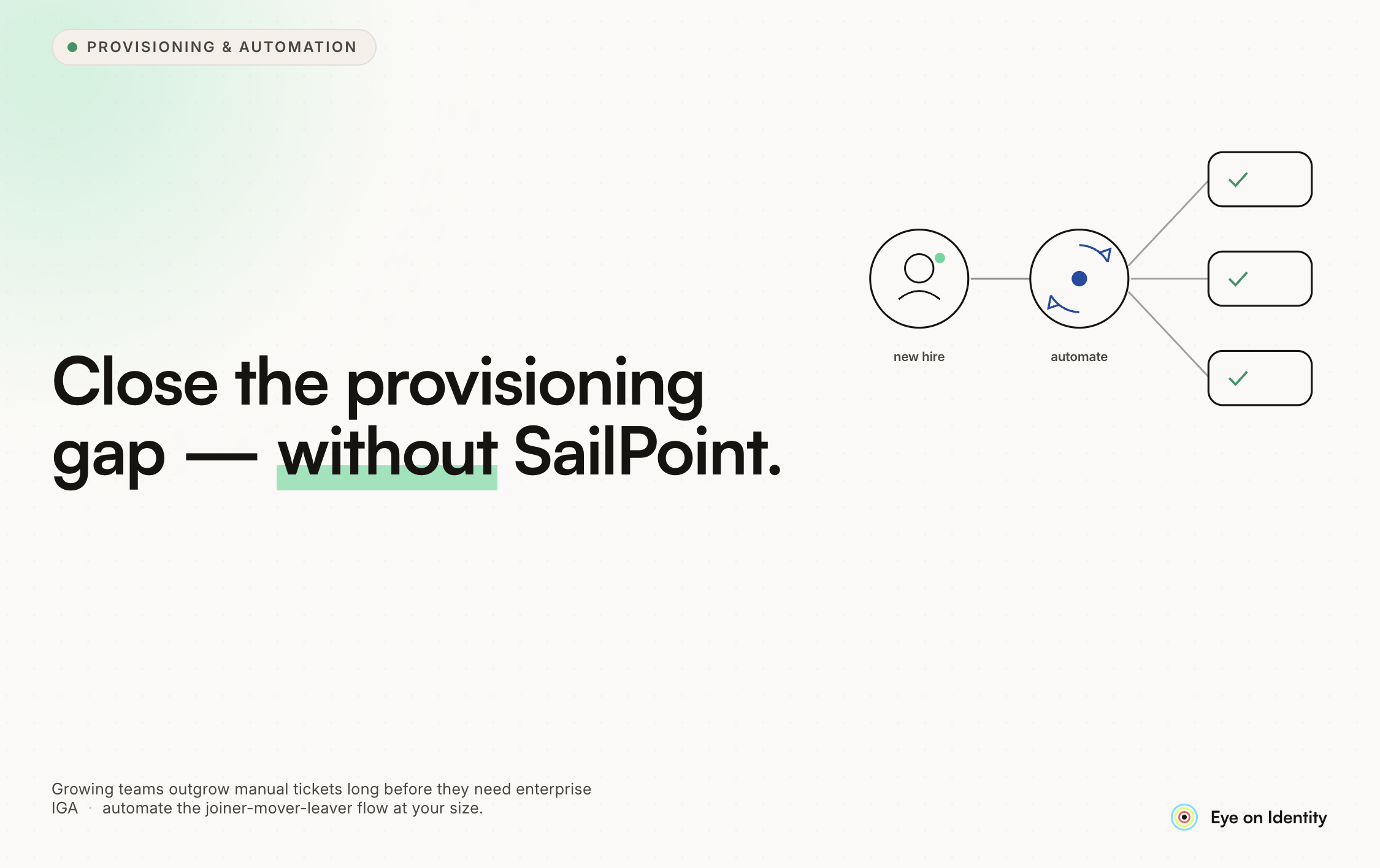


At around 100 employees, most companies hit the same provisioning wall. The manual process that worked at 30 people (a form here, a Slack message there, a ticket to track it) starts producing regular failures: missed form submissions, ignored provisioner messages, new hires sitting without access on day one, and a compliance team spending hours chasing acknowledgments instead of doing actual security work.
The temptation is to evaluate enterprise IAM platforms. The reality is that most of them are sized and priced for organizations that are significantly larger and have dedicated IAM engineering teams to implement and maintain them. The gap in the market is between "spreadsheets and Slack" and "SailPoint": tools that handle the core provisioning, approval, and reminder workflows without requiring an IAM expert or a multi-month implementation project.
This guide covers how to structure the process, what the automation looks like in practice, and what to look for when evaluating tools at this scale.
Diagnosing the Actual Problems
Before evaluating tools, it helps to be specific about where the current process fails. Most cobbled-together provisioning setups fail at the same points:
The handoff gap. A form comes in via email. Someone has to manually transfer the data from the form into a ticket or tracking system. When the team is busy, that transfer gets delayed or missed. The access request exists in the inbox but not in the tracking system.
The provisioner accountability gap. Once access is approved, someone has to reach out to whoever does the actual provisioning: a Slack message, an email, a ticket. If that person is busy or the message gets buried, nothing happens until the new hire or their manager follows up. There is no automatic reminder and no escalation path.
The visibility gap. Nobody has a clear picture of which provisioning tasks are outstanding, which are overdue, and which have been completed. The compliance team has to actively investigate status rather than seeing it from a single view.
The template gap. For standard roles (the same developer stack for every new developer), someone still has to manually identify and request the standard access set rather than it being triggered automatically.
Fixing these problems requires different mechanisms: the handoff gap requires an automated intake channel, the provisioner gap requires trackable tasks with deadlines and reminders, the visibility gap requires a centralized status view, and the template gap requires role-based birthright provisioning.
The Tool Landscape for Smaller Teams
The community discussion around this problem surfaces a consistent observation: most organizations at 100 employees are too small for enterprise IGA platforms but have genuinely outgrown manual processes.
Options in the middle of the market:
Lightweight IGA platforms (Zluri, Lumos, AccessOwl, Corma) are purpose-built for the use case: access requests, automated approvals, provisioner task management, and integration with common SaaS applications. They are designed to be deployable without an implementation team and usable by non-technical users. The tradeoff is that they have less depth than enterprise platforms, which matters more as organizations grow and governance requirements become more complex.
Open-source IGA (MidPoint) is free but requires technical investment to deploy and maintain. For a team without dedicated IAM or IT engineering, the operational overhead is likely to exceed the cost of a managed platform.
Workflow automation tools (Zapier, n8n) can connect forms and ticketing systems and send reminders. They do not provide the governance framework (access reviews, audit trails, access catalogs) that a compliance team needs as requirements mature. Appropriate as a bridge for very small organizations, but not a substitute for purpose-built access governance tooling.
Dedicated ticketing systems (Jira Service Management, Freshservice) handle the tracking and reminder problem but not the automated provisioning or birthright access problem. They require someone to still manually initiate provisioning rather than triggering it automatically.
For a 100-person company planning to grow to 130-140 people this year, a lightweight IGA platform that handles both the request/approval flow and the provisioner task management is the pragmatic fit.
How the Improved Process Works
Replacing Forms and Tickets with Slack-First Requests
The fundamental problem with the Google Form is that it creates a manual handoff step. Someone submits data in one system, and someone else has to transfer it into another system. Every handoff is an opportunity for something to get lost.
The replacement is a self-service access catalog that managers can access directly, either through a web portal or through Slack. A hiring manager submits an access request by interacting with the tool directly: selecting the user, the applications, and the access level. The request exists in the system immediately, without a transfer step.
For business users who do not have GitHub access and should not need to learn a ticketing tool, a Slack-native interface removes the barrier: type a command in Slack, fill out a simple prompt, submit. No separate system to learn, no licensing cost for a tool they will use twice a year.
Automated Approval Routing
Once a request is submitted, the approval should route automatically to the right person: the application owner, the department head, or whoever the organization has defined as the approver for that resource. The approver receives a notification in Slack and can approve or deny with a single response.
This eliminates the "paste the form data into a ticket and then chase approvals" step. The system does the routing and the follow-up. The compliance team's job becomes defining the rules rather than executing them.
Birthright Access for Standard Roles
For roles where the access set is well-defined (the same five applications for every developer, the same four applications for every QA), the provisioning should happen automatically without anyone submitting a request.
When a new user is detected in the HRIS or directory with a role attribute that maps to a defined access template, the birthright provisioning playbook runs automatically. The developer gets their GitHub access, Slack workspace access, and whatever other standard applications the role requires, without a form being submitted or a ticket being created.
This is the right use of the compliance team's time: define the access templates once, let the automation handle routine provisioning, reserve human review for access that falls outside the templates.
Trackable Provisioner Tasks With Reminders
For applications that cannot be provisioned automatically (those without APIs, or those where provisioning requires a human to make a judgment call), the provisioner responsibility needs to be formal rather than a Slack message.
When an onboarding playbook reaches a manual step, it should generate a formal task assigned to a specific person with a due date. The provisioner receives a structured notification (not just a Slack DM) and the task appears in a queue they can manage. If the task is not completed by the due date, automated reminders fire, and the task becomes visible to the compliance team as overdue.
When the provisioner completes the work, they mark the task complete in the system. The requester is notified, the task closes, and there is an audit record of who did what and when.
This is what the compliance team in the Reddit thread was describing when they said they wanted something that "gets in people's face" about incomplete tasks. The mechanism is not social pressure via Slack; it is a formal task management system with escalation and accountability.
How Zluri Fits This Problem
Zluri is an IGA platform that addresses each of the failure points described above.
Slack-native access requests. Zluri's App Catalog is accessible through a web portal and directly through Slack. Employees and managers can submit access requests without logging into a separate tool. Requests route to the appropriate approver automatically.
Automated approval routing. Approval chains are configured based on the application and access level. The right person gets notified in Slack and can approve or deny directly in chat. The approval is logged with a timestamp.
Birthright provisioning for standard roles. Zluri connects to Google Workspace and uses it as a source of truth. When a new user account is created with a role or department attribute, Zluri can automatically trigger a provisioning playbook for that role, provisioning standard applications like GitHub and Slack without manual intervention.
Manual tasks with tracking and reminders. For applications that require a human provisioner, Zluri generates a formal manual task with an assigned owner and due date. Automated reminders fire if the task is not completed. The task status is visible in Zluri's dashboard, giving the compliance team a single view of all outstanding provisioning work.
Audit trail for compliance. Every access request, approval, and provisioning action is logged. When a compliance audit requires evidence of controlled access provisioning, the records are in the platform rather than scattered across email threads and Slack history.
Zluri supports over 300 integrations, which covers the Slack, GitHub, Google Workspace, and Confluence stack the OP described without requiring custom development.
Scaling Ahead
The process improvements described here are designed to hold as the organization grows. Birthright provisioning means that adding 30-40 people in a year does not require 30-40 manual provisioning cycles for standard roles. The manual task system means provisioner accountability does not degrade as volume increases. The audit trail means that compliance evidence is available without reconstructing history from memory.
The transition from cobbled-together processes to a purpose-built system requires upfront work: defining access templates for standard roles, configuring approval chains, and connecting the applications that need to be provisioned. For a 100-person organization, that setup is measured in days rather than months, and the ongoing maintenance is manageable without a dedicated IAM team.



.svg)











