
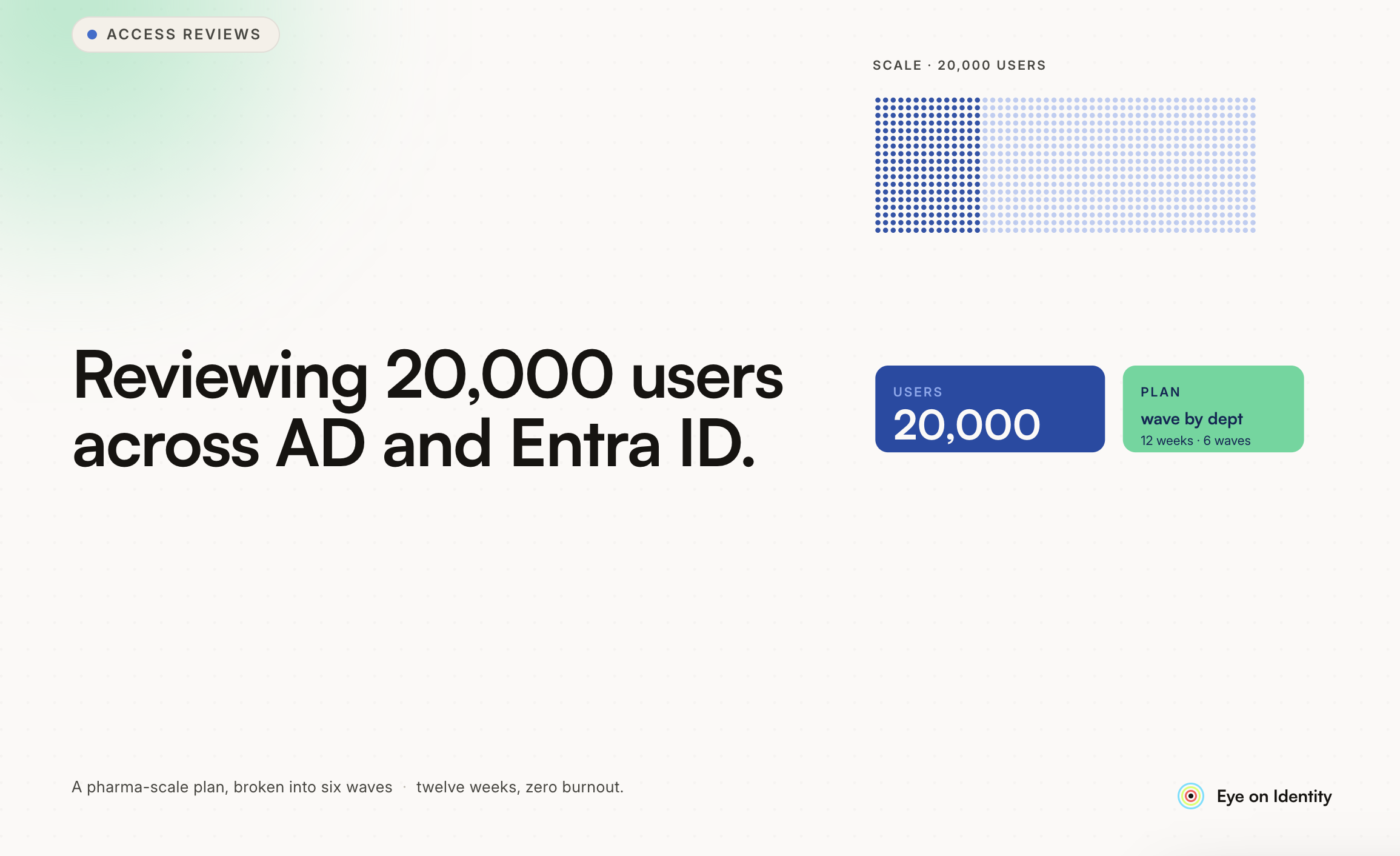


Access reviews at 20,000-user scale in a pharmaceutical environment aren’t just a larger version of what a 500-person company does. The regulatory environment is different — FDA 21 CFR Part 11, GxP validation requirements, and HIPAA create specific obligations that a standard SOC 2 program doesn’t impose. The organizational complexity is different — multiple sites, multiple legal entities, complex org structures with matrixed reporting relationships. And the consequence of a weak review is different — in a regulated pharma environment, access control failures are patient safety issues, not just compliance gaps. Here’s how to approach the specific challenges you’ve outlined.
How Do You Handle Scope at 20,000 Users? The first and most important scoping decision at this scale is what not to review quarterly. Reviewing 20,000 users across all applications every quarter isn’t feasible and isn’t required. What is required — and what pharma-specific regulatory frameworks are explicit about — is risk-stratified review: more frequent, more rigorous review for the systems and users that represent the highest risk. For a pharma environment, the high-risk tier is relatively well-defined: GxP systems (the systems directly involved in drug development, manufacturing, and quality), systems with electronic records and electronic signatures subject to 21 CFR Part 11, systems where unauthorized access could affect product quality or patient safety, and privileged access across all systems. These warrant quarterly review at minimum, with some organizations running monthly reviews for the most sensitive GxP systems. The medium-risk tier includes business systems that support regulated activities but don’t directly affect product quality — ERP, CRM, HR systems, financial platforms. Annual review with continuous monitoring is typically appropriate for this tier. The low-risk tier covers collaboration and productivity tools where the access risk is lower. Annual review is usually sufficient. The practical implication: a 20,000-user review at quarterly frequency is actually a 2,000-3,000-user review of high-risk system access, plus periodic reviews of the broader population at lower frequency. This is the approach that makes the program sustainable without sacrificing the coverage that regulators actually require.
How Do You Handle Reviewer Assignment at This Scale? Manual reviewer assignment for 20,000 users is not a viable approach. The reviewer assignment needs to be automated based on attributes that already exist in your directory and HRMS. The standard model: direct managers handle access reviews for their direct reports. This is the most defensible assignment from a regulatory perspective — the manager knows the employee’s role, their access history, and whether their access level is still appropriate for their current responsibilities. For this to work, your HRMS needs to be the authoritative source for manager-employee relationships, and that data needs to flow into the governance platform in real time. Stale manager data is one of the most common operational failures in large-scale access review programs: a reviewer assignment goes to a manager who left six months ago, the task bounces, and the access goes unreviewed. Automated fallback reviewer assignment handles this: when the primary reviewer assignment is unavailable, the campaign automatically escalates to the secondary reviewer (typically skip-level manager or department head) within a defined window. This keeps the review campaign moving without manual intervention for every failed assignment. Application ownership handles the other reviewer assignment pattern. For application-level reviews — where you’re reviewing all users of a specific system rather than all access for a specific user — the application owner is the right primary reviewer. In a 20,000-user pharma environment, the GxP system owners are typically documented as part of the validation record, which makes application ownership assignment relatively straightforward for the high-risk tier. Cross-site and cross-entity reviews add complexity when the organization includes multiple legal entities with separate directory structures. The governance platform needs to handle federated identity — a user who appears in both the US Active Directory and the EU Entra ID tenant needs a single review record that covers both identities, not two separate reviews that may be assigned to different reviewers who don’t know about each other.
How Do You Handle Inactive Users? Inactive users are a specific problem at large scale because they accumulate faster than they get cleaned up, and in a pharma environment they represent a direct regulatory risk: an inactive account in a GxP system is evidence of inadequate access control that auditors will cite. The categories of inactive accounts that need separate treatment: Recently departed employees whose access wasn’t fully revoked. In a pharma environment, the window for this matters: FDA inspectors have cited organizations for active accounts for departed employees found during inspections. Your offboarding process needs to reach every GxP system, and the completion of each revocation needs to be documented. Long-term leave (LOA) accounts that are technically still active employees but aren’t currently working. These need a separate handling pattern from full offboarding: access should be suspended rather than revoked, with a documented process for reinstatement when the employee returns. Contractor accounts that were provisioned for a project and never deprovisioned. These are the orphaned accounts that large enterprises consistently discover in large numbers when they do their first serious access review — contractors from two or three years ago whose projects ended but whose accounts were never closed. In a pharma environment, contractor access to validated systems needs to be documented in the system validation records, and orphaned contractor accounts represent a gap in those records. Service accounts and system accounts that show no recent activity. These need human review to determine whether the inactivity is expected (a batch job that only runs quarterly) or a sign that the account is no longer needed. Automated flagging — surfacing accounts with no login activity in 30, 60, or 90 days depending on the system risk tier — is the mechanism for identifying these accounts. The review campaign can then be scoped to include these flagged accounts as a specific population requiring action, rather than surfacing them incidentally during a full user list review.
How Do You Handle the Entra ID / Active Directory Split? In organizations with both on-premises AD and Entra ID (formerly Azure AD), the identity landscape is typically in one of three states. Hybrid with sync: On-premises AD is the authoritative directory, and Entra ID is synchronized from AD via Entra Connect. In this model, the access review should be driven from the on-premises AD as the source of truth, with the Entra ID state verified as consistent. Cloud-only: Some users and applications exist only in Entra ID, with no on-premises AD presence. This is increasingly common for newer employee populations and cloud-native applications. Separate: Some organizations have parallel AD and Entra ID environments that aren’t fully synchronized, which creates the most complexity for access reviews because an account may exist in one environment but not the other. For a 20,000-user pharma environment, the hybrid model is most common — legacy on-premises infrastructure is too embedded in manufacturing and lab environments to move quickly to cloud-only. The practical recommendation: use the governance platform to pull from both directories and reconcile the view, surfacing accounts that exist in one but not the other as a specific review population. Accounts that exist in Entra ID without a corresponding AD account — or vice versa — are a flag that needs investigation. In a GxP environment, these are the accounts most likely to be orphaned system accounts or contractor accounts that slipped through the offboarding process.
What Does the Audit Evidence Package Need to Include for Pharma? Standard SOC 2 and ISO 27001 access review evidence requirements are a subset of what a pharma regulatory environment requires. For FDA inspections and GxP audits, the evidence package needs to demonstrate: That access to validated systems is reviewed by qualified reviewers. In a 21 CFR Part 11 context, the reviewer assignment and qualifications should be documented. That the review process itself is validated. In GxP environments, the software used to conduct access reviews may be subject to CSV requirements — the tool should have a validation status appropriate for the systems it governs. That electronic signatures on review decisions are compliant with 21 CFR Part 11 requirements: linked to their signatories, time-stamped, and not capable of deletion or modification. That remediation is documented and timely. FDA inspectors specifically look for orphaned accounts and for evidence that accounts were revoked within a defined SLA from the termination date. That access changes are captured in an audit trail. Every provisioning and deprovisioning event for validated systems should be logged with the user, the change, the date, and the approval that authorized the change. The audit trail requirement is separate from the periodic review requirement — it’s a continuous record of what happened, while the access review is a periodic verification that the current state is appropriate.
Where to Start Given the Scale At 20,000 users with a hybrid AD/Entra ID environment and pharma-specific requirements, the sequence that tends to produce the best outcomes: Start with the high-risk GxP systems and privileged access. Get the quarterly review cadence working for this population before expanding scope. The regulatory requirement is most acute here, and success in this tier builds the operational muscle for the broader rollout. Establish application ownership for the GxP system tier. This is often already partially documented in the validation records — the system owner responsible for the validated system is the natural access review owner. Clean up the inactive account backlog before the first full review. Running a large-scale access review against a user population that includes years of accumulated orphaned accounts produces a noisy, difficult-to-interpret result. Address the obvious inactive accounts first, then run the review against a cleaner population. Build the evidence package format before the review runs. Know what the audit report needs to contain and verify that the governance platform will generate it in the required format before the first campaign closes. The worst time to discover that your evidence package doesn’t meet regulatory requirements is during an FDA inspection.



.svg)











