
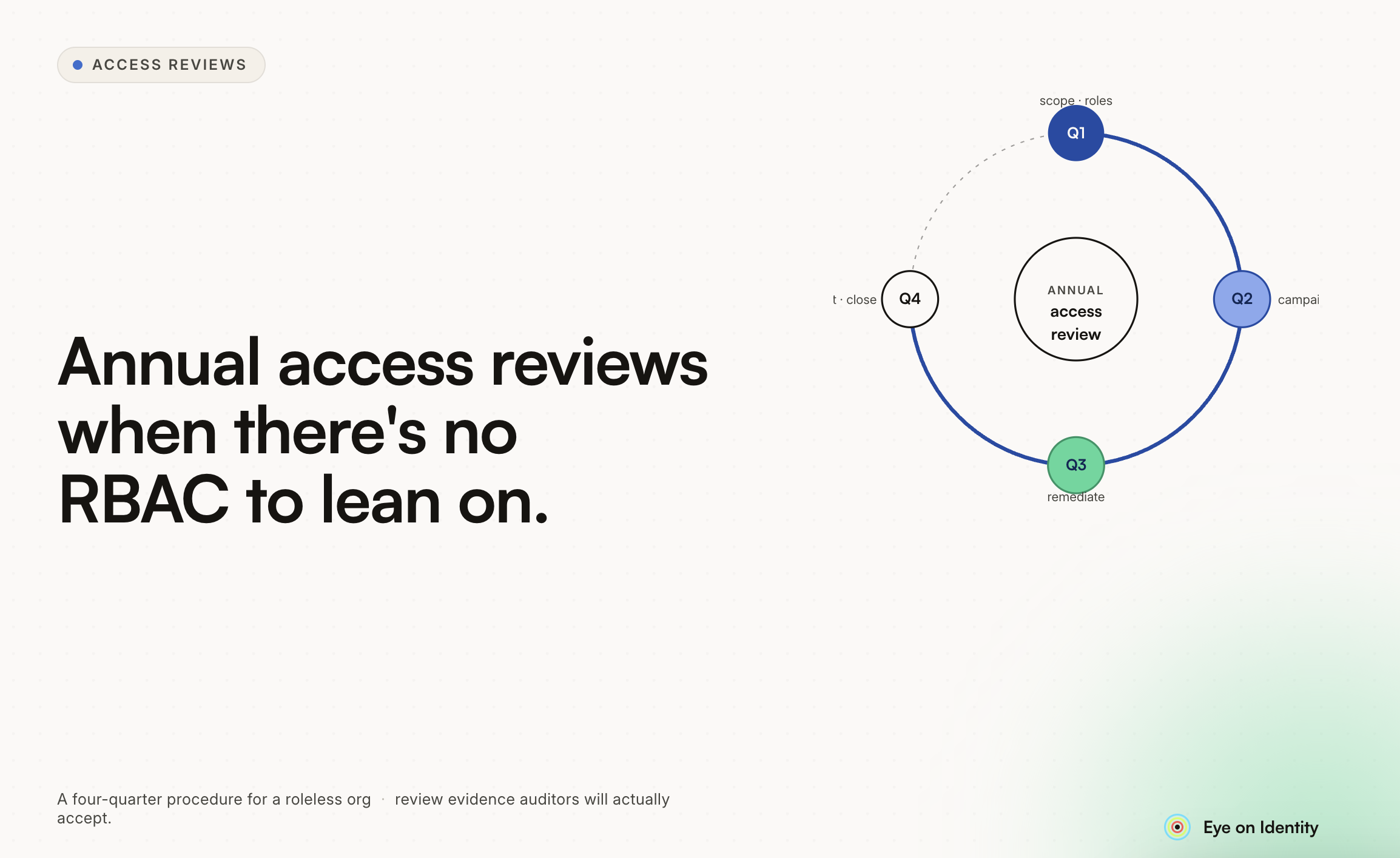


Getting an audit finding for not conducting annual access reviews is one of the more frustrating compliance experiences — not because the requirement is unreasonable, but because it’s usually the result of a policy that IT wrote in good faith and then never operationalized. The access control policy says reviews happen annually. Nobody built the process to make them happen. The auditor found the gap. The good news is that this is one of the more straightforward audit findings to remediate. You don’t need RBAC in place before you can run access reviews. You don’t need a sophisticated identity governance platform from day one. What you need is a repeatable, documented procedure that produces evidence auditors will accept — and that’s achievable regardless of your current maturity level. Here’s a procedure that works.
Why “We’ll Use Spreadsheets” Isn’t the Answer The instinct after this kind of finding is to run a one-time access review using exported user lists and spreadsheets, file the results, and call it done. That satisfies this audit cycle — barely — and guarantees the same finding next year when the auditor asks for evidence of the annual review and you produce another spreadsheet with no audit trail, no documented reviewer decisions, and no proof that access flagged for removal was actually removed. Auditors reviewing access review evidence look for specific things: who reviewed which access, when, what decision they made for each record, what business justification was provided for access that was retained or revoked, and confirmation that revoked access was actually revoked. A spreadsheet that shows a list of names with checkboxes doesn’t demonstrate any of those things. It demonstrates that someone exported a user list. The procedure below produces evidence that actually satisfies these requirements, using whatever tooling you have available.
Step One: Build a Complete Inventory Before You Review Anything You cannot review access you don’t know exists. Before the review campaign starts, you need a current, complete list of every application in scope, every user who has access to each one, and what level of access they have. For organizations using an identity provider like Okta or Entra ID, pull a current export of all applications and their user assignments. This covers your formally managed, SSO-connected applications. For applications outside SSO — legacy systems, vendor portals, departmental tools — you need a separate inventory process: either manual confirmation from application owners that their user lists are current, or a discovery mechanism that surfaces what exists beyond the formal directory. External guests and service accounts are commonly missed at this stage. Include them explicitly. Auditors specifically look for whether guest access and privileged accounts are included in review scope, and excluding them is often where the second round of findings comes from. Define your scope before the campaign starts: which applications are included in this review cycle, what the review period covers, and who is responsible for each application. Document this. The scoping document is part of your audit evidence.
Step Two: Configure the Review Campaign Without RBAC, the most practical scoping approach is application-level or user-group-level review rather than role-based review. This means each reviewer evaluates the users who have access to a specific application — or all applications — rather than evaluating whether users belong to the right roles. For each application in scope, identify the reviewer. The right reviewer is usually the application owner — the person who knows why specific users need access and whether their access level is still appropriate. For applications without a clear owner, the reporting manager of the user population is the next best option. For either, you need a fallback reviewer — a security administrator or IT manager — for cases where the primary reviewer is unavailable or where the user’s manager can’t be identified. Document the reviewer assignment for each application. This becomes part of your evidence that the review had defined accountability rather than being an informal exercise. Set a deadline for reviewer responses and define what happens if a reviewer doesn’t respond by that deadline. The standard approach — consistent with SOX and ISO 27001 expectations — is that unreviewed access is treated as requiring action (disable or remove) rather than approved by default. This creates an incentive for timely review and a defensible control for the cases where it doesn’t happen.
Step Three: Give Reviewers Something to Work With The rubber-stamping problem — reviewers approving everything without actually evaluating it — undermines the value of the review even when the process technically completes. It also produces evidence that sophisticated auditors recognize as low-quality: a review where every single decision is “approve” with no justifications and no revocations suggests the reviewer didn’t actually look. Usage data changes this. If reviewers can see when a user last accessed an application, they have a basis for a meaningful decision: a user who hasn’t logged in for four months is a reasonable revocation candidate; a user who logs in daily is not. Providing this context alongside the access record is the difference between a reviewer making a real decision and a reviewer clicking through a list. For each access record, reviewers should be making one of three decisions: Approve (access is appropriate and should be retained), Modify (access level needs to be adjusted), or Revoke (access should be removed). For any decision other than a straightforward approval, require a written justification. This justification becomes part of the audit evidence and creates accountability for the decision. Self-reviews — cases where a reviewer would be certifying their own access — should be reassigned automatically to an alternate reviewer. Auditors specifically check for this as a control for objectivity, and it’s an easy finding to avoid.
Step Four: Close the Loop on Revocations A review that produces revocation decisions but no evidence of follow-through doesn’t satisfy the audit requirement. The auditor will ask: for the access that was marked for removal, how do you know it was actually removed? For each revocation decision, the access removal needs to be executed and documented. For SSO-connected applications, this can often be automated. For applications without API access, this requires a manual step — an IT admin receives the revocation list and confirms removal in each system. Either way, the completion of the removal action needs to be recorded: who performed it, when, and for which user and application. The completed remediation record — revocation decided, access removed, completion confirmed — is the evidence that closes the audit loop. Without it, you have evidence that a review happened but not that it produced any actual security outcome.
Step Five: Generate the Evidence Package At the conclusion of the review cycle, compile the evidence package that you’ll present to auditors. This should include: A summary of the review scope — which applications were reviewed, the review period, and who was responsible for the campaign overall. Reviewer assignments — which reviewer was responsible for which application or user population. The review record — for each access decision, who made it, when, and what justification was provided. This record needs to be non-editable; a spreadsheet that could be modified after the fact doesn’t carry the same evidentiary weight as a system-generated report with a timestamp. Remediation evidence — for each revocation decision, confirmation that the access was removed, by whom, and when. If you’re running this process manually for the first time, a combination of email confirmation records, exported system reports, and a consolidated review log can serve as evidence. It’s not ideal, but it’s defensible. The goal for subsequent review cycles is to automate enough of this that the evidence package generates itself rather than requiring manual assembly.
Building the Process So It Repeats A one-time review that satisfies this audit finding is the floor, not the ceiling. The actual requirement — annual access reviews, documented and evidenced — means this process needs to run every year, reliably, without becoming a crisis project every time. The practical approach is to schedule the next review before this one closes. Set a calendar entry for eleven months from now. Assign ownership of the campaign to a specific person who is responsible for launching it, tracking completion, and generating the evidence package. Document the procedure so that ownership can transfer without loss of institutional knowledge. The organizations that pass annual access review audits consistently aren’t doing dramatically more work than the ones that get findings. They’ve built a repeatable process and they’re running it. The process doesn’t need to be sophisticated to satisfy the audit requirement — it needs to be documented, executed consistently, and evidenced in a format auditors will accept.



.svg)











