


The access management challenge you're describing is one that scales faster than most IT teams expect. In the early days, an informal process works: someone joins, IT provisions their accounts, the list of systems grows slowly enough that it's manageable. Then the application estate expands — cloud tools, SaaS subscriptions, ERP modules, desktop clients — and the informal process stops working. Someone changes departments and their old access persists. Someone leaves and an ERP account that isn't linked to Active Directory gets missed. Nobody can quickly answer "who has purchase invoice approval access right now?"
The requirements you've outlined — a unified view of systems and permissions, role-based profiles, lifecycle workflows, and an audit trail — describe what mature identity governance looks like in practice. Here's how organizations are actually implementing this.
The Core Problem: Fragmented Identity Data
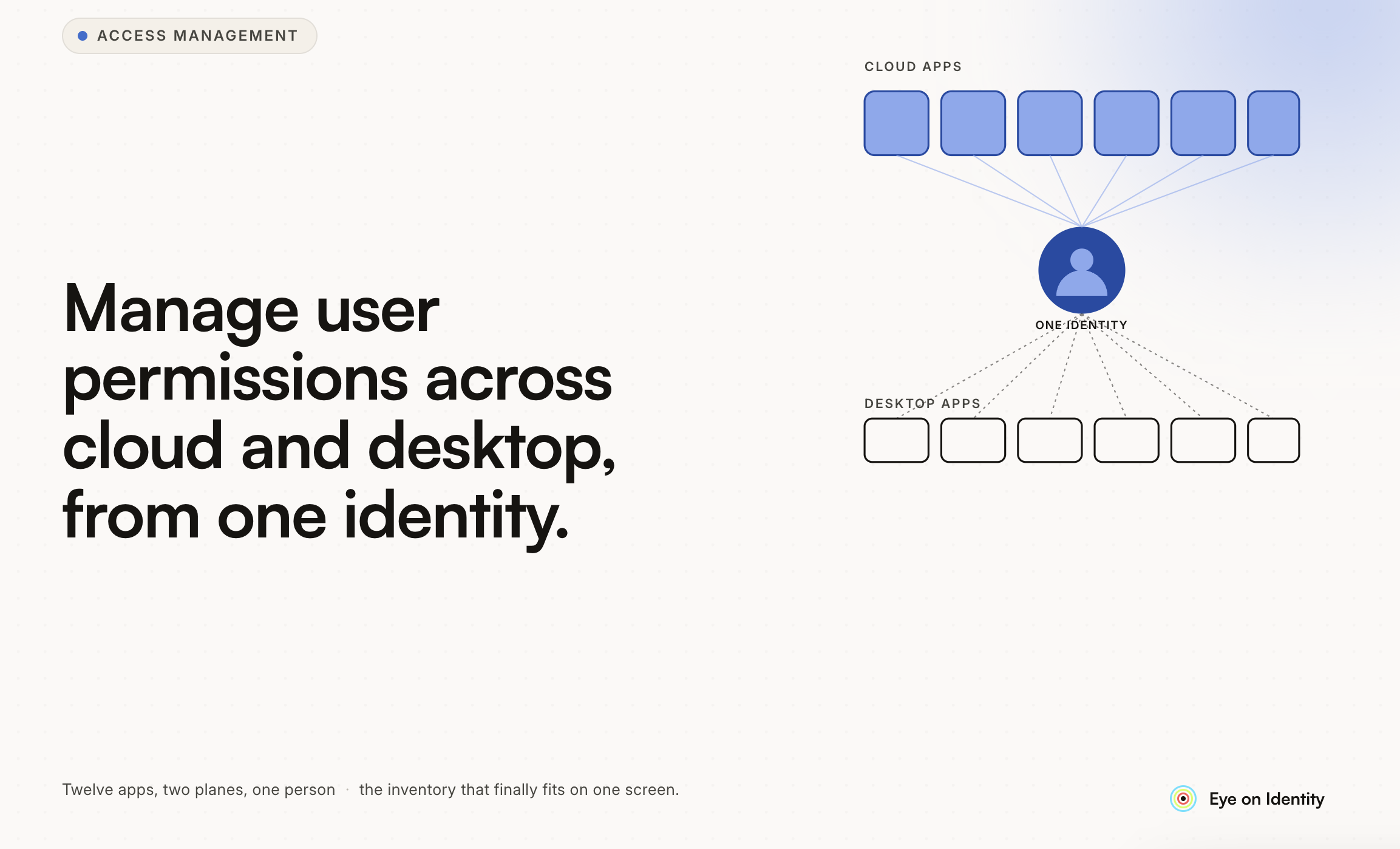
The reason managing access across a mixed environment is difficult is structural. Active Directory and cloud identity providers handle the applications that are formally connected to them. Everything else — ERP systems with local authentication, desktop applications with their own user databases, SaaS tools purchased by departments that bypassed IT — exists in a separate silo with no connection to your central directory.
This fragmentation means there's no single place that knows what all your users have access to. Provisioning happens in multiple systems by different people using different processes. Access changes that happen in one system don't automatically propagate to related systems. And when someone leaves, the offboarding checklist covers what IT knows about — not what was provisioned directly in systems that IT wasn't tracking.
The solution is building a unified view that pulls from all of these sources, whether they're connected to Active Directory or not, and then managing the lifecycle centrally.
Building a Unified View of Systems and Permissions
The starting point is an application inventory that goes beyond what your identity provider knows about. This means pulling access data not just from SSO-connected applications but from systems with local authentication — your ERP, your desktop clients, any application with its own user management that bypasses Active Directory.
For systems with APIs, this is a direct integration question: connect to the application's API to pull current user lists, roles, and permission sets. For systems without APIs — common with older ERP systems and specialized desktop applications — alternative approaches include browser-based automation that navigates the application's admin interface to extract user data, manual import with a defined update cadence, or a hybrid approach where automated discovery handles what it can and manual processes cover the rest.
The permission depth matters as much as the user list. Knowing that a user has access to your ERP is less useful than knowing they have "purchase invoice approval" access in the ERP. Getting this granular requires either direct API access to permission structures or manual configuration of what each role means in each system. Building this permission catalog — even if done manually initially — is the foundation for the role-based filtering you want (show me everyone with purchase invoice approval).
Linking Users, Departments, and Functions Through Profiles
The role-based approach you're describing — linking users to departments and functions, then building profiles that define what access each function requires — is the standard model for managing access at scale. It's called birthright access or role-based access control, and it works by defining what a "Finance Analyst" or "Warehouse Manager" needs rather than provisioning each user individually.
The prerequisite is an authoritative source of truth for who belongs in which role. Your HRMS is usually the right place: it knows each employee's department, function, location, and reporting manager. When the HRMS is connected as the data source driving access decisions, changes in the HRMS (a role change, a department transfer, a new hire) automatically inform what access should exist rather than requiring IT to be notified separately.
Profiles or templates define the standard access package for each function: which applications, at what permission level, for which systems. A Finance profile might include ERP with purchase approval permissions, the financial reporting system with standard access, and the relevant Slack channels. When a new Finance employee is onboarded, their profile is applied automatically rather than IT building their access from scratch. When someone moves from Finance to Operations, the Finance profile is removed and the Operations profile is applied.
The practical challenge is building these profiles accurately — and keeping them accurate as application portfolios change and role definitions evolve. Starting with your most common roles, building profiles for those, and expanding iteratively is more manageable than trying to define every possible combination before you begin.
Lifecycle Workflows: Joiners, Movers, and Leavers
The three transitions that generate the most access management work are new employees joining, existing employees changing roles, and employees leaving.
For joiners, the workflow starts when HR creates the employee record in the HRMS. The identity system detects the new record, maps the function and department to the appropriate profile, and automatically provisions access across all relevant systems — including those not linked to Active Directory. On day one, the employee has what they need without IT having to manually provision each system.
For movers — role changes and department transfers — this is where most access management processes fail. IT provisions the new access required for the new role. The old access, which is no longer appropriate, rarely gets systematically removed. Over time, employees accumulate permissions from every role they've held, which is exactly the access creep that creates compliance risk.
A properly implemented mover workflow does both simultaneously: when a department or function change is detected in the HRMS, the workflow provisions the new profile and reviews the existing access, identifying what should be removed. This requires mapping old access to the previous profile and flagging anything that doesn't belong to the new profile for revocation.
For leavers, the workflow triggers on the exit date in the HRMS and should reach every system where the user has access — including the ERP with local authentication, the desktop applications, and any system where access wasn't formally provisioned through IT. The completeness of offboarding is exactly as good as the completeness of your application inventory.
Self-Service Requests and Approval Workflows
Beyond the automated lifecycle workflows, employees will have requests for access outside their standard profile — a project requires temporary access to a specific system, a manager needs to grant a team member access to a tool they wouldn't normally have.
A structured request workflow routes these through the appropriate approval chain rather than landing as informal messages to IT. The employee requests specific access through a central catalog. The request routes to the manager for business justification, then to IT for execution. Each step is logged. The access is provisioned when the workflow completes rather than when someone gets to the email.
For your "manager or HR fills in change request, IT approves and executes" requirement: this is the self-service request workflow. The manager initiates the change request through the system, IT receives it as a structured task with the specifics already captured, approves, and the system executes the change. The approval and execution are both logged against the original request.
Extracting Overviews and Maintaining the Audit Trail
The "show me everyone with purchase invoice approval" requirement is a filtering and reporting function that requires permission-level data in your inventory. Once you have the application integrated with role and permission data, filtering by permission type across all users is straightforward. Without that permission data — if you only know that users have ERP access rather than which specific permissions they hold — this query can't be answered from the system.
For the audit trail, the standard that compliance auditors expect is a log that captures: who requested the change, who approved it, when it was approved, and when the system executed it. This should be non-editable — the record of what happened should be immutable once created. This is one of the features that distinguishes purpose-built identity governance tooling from access tracking in spreadsheets or general-purpose ITSM tools.
Access reviews — periodic campaigns where managers certify that their team members still require their current access — are the recurring governance mechanism that keeps the system accurate over time. Even with perfect lifecycle automation, periodic human review provides a check that catches edge cases: exceptions that were approved but never reviewed again, access that was appropriate when granted but no longer is, service accounts that have accumulated permissions nobody is tracking.
Where to Look for Tooling
The requirements you've described map to identity governance platforms, which range from compliance automation tools with access review features to full IGA platforms. The key evaluation criteria for your specific use case:
Does it cover systems outside Active Directory, including ERP and desktop applications? Many platforms cover SSO-connected cloud applications well and struggle with non-federated systems. The ERP coverage and the browser-based automation approach for systems without APIs are specifically worth testing.
Does it pull role and permission data at the entitlement level, not just user presence? The purchase invoice approval query requires this.
Does it support profile-based provisioning linked to HRMS attributes? This is the foundation of the role-based approach.
Does the audit trail format satisfy your compliance requirements? Non-editable, timestamped, with actor attribution for each change.
Starting with a small scope — two or three of your most frequently changed systems — and validating that the tooling covers your requirements before expanding is a lower-risk way to evaluate than attempting to migrate your full application estate in a single project.



.svg)











