
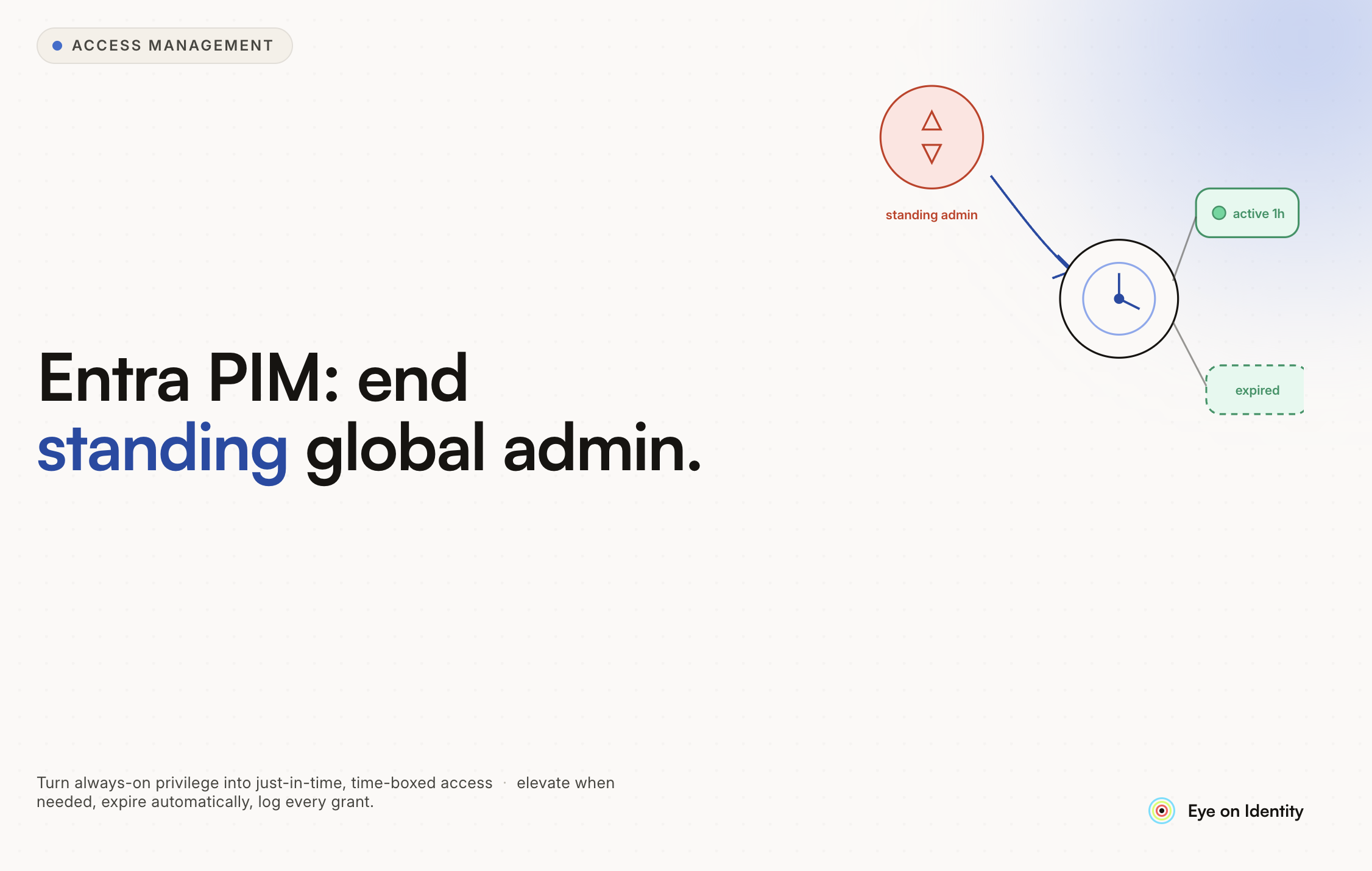


The question of whether any user accounts should hold permanent Global Administrator access in Microsoft Entra has a clear answer from the security community: no, with exactly one exception.
The exception is break-glass emergency access accounts. Every other IT staff member, including the IT director, should be eligible for elevated roles through PIM rather than permanently assigned to them. The gap between how most organizations have implemented this and how it should be implemented is one of the more common identity security findings in enterprise Entra environments.
This guide covers what properly implemented PIM looks like, how to configure break-glass accounts correctly, and how to extend the same least-privilege principles beyond Microsoft infrastructure to the broader SaaS environment.
The Goal: Zero Standing Privilege for IT Staff
The principle behind PIM is the same principle behind JIT access generally: access should exist when it is needed and not exist when it is not. A Global Administrator account that is permanently active is a permanently elevated attack surface. If those credentials are compromised, an attacker has full tenant control immediately, without needing to trigger any activation workflow.
With PIM configured correctly, the scenario changes: an attacker who compromises an IT staff member's credentials has an account that looks like a normal user until they attempt to activate an elevated role. The activation requires MFA, can require approval from another administrator, requires a justification, and is time-limited. The window of compromise is constrained.
The practical implementation:
Every IT staff member who needs occasional Global Administrator access should be set to Eligible rather than Active in PIM. When they need to perform a task requiring GA, they activate the role through the PIM portal, provide a business justification, complete MFA, and receive temporary access for a defined window (typically two to four hours). When the window expires, the role is automatically revoked.
For roles that carry significant risk (Global Administrator, Privileged Role Administrator, Conditional Access Administrator), consider requiring approval from another administrator before activation is granted. For lower-risk roles, approval may not be necessary, but MFA and justification requirements should still apply.
The Break-Glass Exception: How to Configure It Correctly
Break-glass accounts are the only accounts that should hold permanent Global Administrator assignment, and they should be configured in a way that maximizes their reliability in a genuine emergency while minimizing the risk of compromise.
Account configuration:
Break-glass accounts should be cloud-only accounts using the .onmicrosoft.com domain, not federated with your on-premises Active Directory. If your AD federation service or MFA provider goes down, federated accounts may become inaccessible. Cloud-only accounts with authentication handled directly by Entra remain available.
Maintain at least two break-glass accounts and store their credentials separately: different physical locations, different people with access, different credential containers. The purpose is ensuring that a single point of failure (one credential set lost, one location inaccessible, one person unavailable) does not lock you out of your tenant.
Excluding from Conditional Access:
Break-glass accounts must be explicitly excluded from Conditional Access policies, including MFA policies. This is counterintuitive but critical: if your MFA provider experiences an outage, Conditional Access policies enforcing MFA will block even your break-glass accounts. The break-glass purpose is emergency access when normal controls are failing, which means they need a path that does not depend on those controls.
Monitoring:
Any sign-in from a break-glass account should trigger an immediate high-priority alert in your SIEM. These accounts should essentially never be used in normal operations. An alert that fires should be treated as a significant security event requiring immediate investigation: either a legitimate emergency (and someone should know about it) or a compromise (and you need to respond now).
Change the passwords on break-glass accounts on a regular cadence, store them securely, and consider using FIDO2 hardware tokens as the authentication method rather than software MFA, providing an additional layer of resilience.
Structuring Roles Beyond Global Admin
Most organizations adopt PIM because they want to address Global Admin exposure. The more complete implementation governs all privileged roles, not just the most powerful one.
Common tiering approaches:
Tier 0 (highest risk): Global Administrator, Privileged Role Administrator. Require approval for activation, require phishing-resistant MFA (FIDO2 or certificate-based), log all activations, alert on any activation.
Tier 1 (elevated risk): Exchange Administrator, SharePoint Administrator, Security Administrator, Conditional Access Administrator. Require MFA, require justification, consider approval for the most sensitive among these.
Tier 2 (operational): Billing Administrator, License Administrator, Intune Administrator, Groups Administrator. Require MFA, require justification, approval optional based on organizational risk tolerance.
Using Entra groups to manage PIM eligibility makes this more maintainable than assigning roles to individuals. A group membership change updates PIM eligibility for everyone in that group simultaneously.
One practitioner note from the community: the transition from permanently assigned roles to PIM eligibility is not well-documented by Microsoft in a way that makes the migration path clear. Planning the transition carefully, including communicating to IT staff that their accounts will look like normal user accounts until they activate a role, prevents confusion and support requests.
Extending PIM Principles Beyond Microsoft Infrastructure
PIM solves the standing privilege problem for Microsoft infrastructure roles. It does not solve it for the broader SaaS environment.
The same IT staff members who need temporary elevated access to Entra may also need temporary administrative access to Salesforce, GitHub, your cloud infrastructure tools, and dozens of other SaaS applications. Without governance tooling that extends to those applications, PIM addresses the Microsoft layer while the rest of the environment continues to accumulate standing privileges.
The governance approach that works is applying the same principle across the full stack: time-bound access with explicit approval and automatic revocation, not just for Entra roles but for administrative access to every application.
How Zluri Extends Privileged Access Governance Beyond Entra
Zluri operates alongside your Entra and PIM configuration to extend the same governance principles to the broader SaaS stack.
Protecting break-glass accounts from automated workflows. Automated governance tools that clean up inactive accounts or unused licenses should never touch break-glass accounts. Zluri's directory integration allows administrators to configure explicit exclusion filters that prevent the platform from traversing break-glass organizational units or acting on accounts marked as emergency access. Break-glass accounts are excluded from continuous optimization workflows and access reclamation campaigns.
Time-bound access for SaaS administrative roles. Zluri's access request module mirrors the PIM pattern for third-party applications. When an IT staff member needs temporary administrative access to a SaaS tool, they submit a time-bound access request specifying the duration. Once approved, Zluri provisions the access automatically. When the duration expires, a deprovisioning playbook revokes it without requiring manual intervention. The same least-privilege principle that PIM applies to Entra roles applies to the broader application stack.
Access reviews for PIM-eligible groups. Regularly certifying who is eligible to activate privileged roles is as important as controlling the activation process. Zluri's access review module can run certification campaigns scoped to privileged IT groups, routing approval requests to the appropriate reviewer on a defined cadence. The outcome is documented in an auditable record, satisfying the evidence requirements that compliance frameworks impose on privileged access governance.
Audit trail across platforms. While PIM generates an audit log of role activations within Entra, the privileged access picture is incomplete without a record of elevated access in other systems. Zluri maintains an immutable audit log of every provisioning and deprovisioning event across connected applications, giving a unified view of who has elevated access to what across the full environment.
Common Implementation Mistakes
Based on practitioner experience:
Forgetting that PIM licenses can break PIM. If your E3/E5 or P2 licenses expire, PIM stops functioning and no one can elevate their access. This is a real operational risk. Ensure license renewal is not in a position where it could lapse and lock out the IT team.
Using Privileged Role Administrator too broadly. Privileged Role Administrator is effectively a skeleton key for assigning any role, including Global Administrator. Treat it with the same restrictions as GA itself. Accounts that need to manage group memberships for PIM purposes should use Access Packages to avoid requiring Privileged Role Administrator to be active.
Setting activation windows too long. A four-hour Global Admin window is much safer than a permanent assignment, but it is still a four-hour exposure window. For most GA tasks, a one to two hour window is sufficient. Shorter windows reduce risk without meaningfully inconveniencing legitimate administrators.
Not testing break-glass accounts. Break-glass accounts that have never been tested may not work when you need them. Include break-glass account validation in your periodic security review process to confirm the credentials are valid, the accounts can authenticate, and the alert monitoring is functioning.



.svg)











