
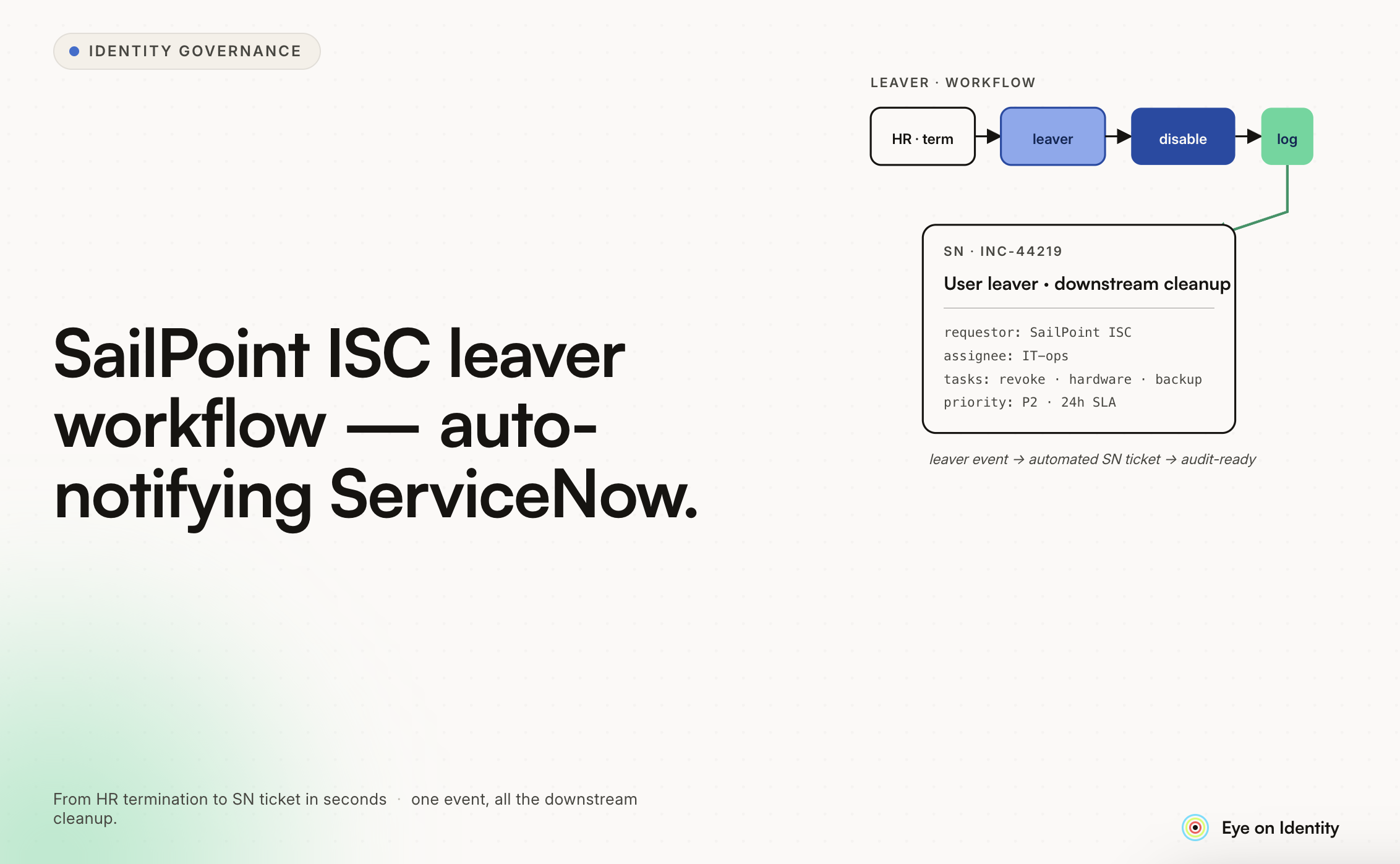


Replicating an existing leaver notification process in SailPoint Identity Security Cloud — specifically triggering an email to ServiceNow when a user is flagged as a leaver in the HR file — is a common MVP pattern when migrating from an existing IGA tool. You want functional parity before optimizing, which is the right approach.
Here's how to configure this workflow in SailPoint ISC, and what to prepare for when you move to direct ServiceNow integration post-MVP.
How SailPoint ISC Handles Leaver Triggers
The starting point is connecting your HR file as the authoritative source for leaver status. In SailPoint ISC, this typically works one of two ways depending on your HRMS:
Direct HRMS connector (Workday, SAP SuccessFactors, ADP, and others with native ISC connectors): the connector pulls employee status changes on a defined schedule, and ISC detects when an identity's employment status changes to a terminated or leaver state. The account correlation and identity lifecycle rules you configure determine how ISC processes that status change.
File-based import (if your HR system produces a flat file export): ISC can process CSV or delimited HR files through a source connector, with identity correlation matching file records to ISC identities. When the file contains a termination indicator for a record, the associated lifecycle event triggers.
In either case, the leaver detection relies on an identity attribute — typically an employment status or active flag — changing to a value that your lifecycle rules recognize as triggering the Leaver event. This is configured in your identity profile and lifecycle state configuration.
Sending the Email to ServiceNow
Once the Leaver lifecycle event triggers, you need to send an email containing name, payroll number, and SAMAccountName to your ServiceNow inbound email address.
Using a Workflow in SailPoint ISC
SailPoint ISC's Workflow engine (available in the Admin UI under Automations → Workflows) handles this. The approach:
Trigger configuration: Set the workflow trigger to fire on the Identity Attribute Changed event, filtered to the attribute and value combination that indicates a leaver — for example, when employmentStatus changes to Terminated, or when your active flag changes to false. This is more reliable than triggering on the lifecycle state change event directly, as it fires closer to the source data change.
Alternatively, if you're using ISC's lifecycle states explicitly, the workflow can be triggered by the identity entering the Inactive lifecycle state.
Identity attribute access in the workflow: The workflow context includes the identity object, which gives you access to the standard attributes (display name, email) and any custom attributes you've mapped from your HRMS connector — including payroll number if that's mapped in your identity profile.
For SAMAccountName: this is an account attribute on the Active Directory source, not an identity attribute by default. To include it in your email, you either need to have mapped SAMAccountName to an identity attribute during your AD source configuration, or you need to include a step in the workflow that looks up the account on the AD source and retrieves the attribute.
Email action: ISC's Workflow engine includes a Send Email action. Configure the recipient as your ServiceNow inbound email address, set the subject line (e.g., "Leaver Notification: {{trigger.attributes.displayName}}"), and build the body using the identity attributes available in the workflow context.
The variable syntax for accessing attributes in ISC workflows uses the Velocity template syntax or the expression syntax depending on which workflow components you're using — check the current ISC documentation for the exact syntax as this has evolved across ISC versions. The general pattern is referencing the trigger or identity object's attribute values.
BeanShell Rule Approach (If Workflow Engine Doesn't Cover Your Requirements)
For more complex cases — conditional logic based on multiple attributes, attribute lookups that require querying additional sources — a BeanShell rule within a provisioning workflow may be more appropriate than the visual workflow engine. The rule can construct the email body programmatically, perform any necessary attribute lookups, and trigger the email via the email notification framework.
This requires Java/BeanShell development skills and familiarity with SailPoint's rule framework, but it gives you full control over the notification logic.
Including the Three Required Attributes
Name: Available as a standard identity attribute in ISC — typically displayName or firstname + lastname. This should be directly available in your workflow context.
Payroll Number: This is a custom attribute that needs to be mapped from your HR source to the ISC identity profile. If it's in your HR file export or HRMS connector data, add it to your identity profile attribute mapping and it will be available as a custom identity attribute in workflows.
SAMAccountName: Requires either mapping as an identity attribute from your AD source (configure an identity attribute that sources from the AD account's sAMAccountName attribute), or performing an account lookup in the workflow. Mapping it as an identity attribute is simpler and makes it available directly in the workflow context without additional lookup steps.
If SAMAccountName isn't currently mapped as an identity attribute, add it to your identity profile configuration before building the leaver workflow — it's much easier to reference a mapped identity attribute than to perform an account lookup mid-workflow for an MVP.
Testing the Workflow
For MVP testing without affecting live identities:
ISC's workflow test functionality allows you to simulate trigger events with a specific identity and see how the workflow executes. Use a test identity with realistic attribute values to confirm the email body populates correctly before deploying to production.
Also confirm with your ServiceNow team that the inbound email format matches what their email processor expects — specifically the subject line format if their automation uses the subject to categorize or route the incoming ticket. If ServiceNow is parsing the email body to extract the three fields, validate that the parsing logic handles your email format.
Preparing for Direct ServiceNow Integration Post-MVP
The transition from email-based notification to direct ServiceNow API integration (planned for post-January 2026) is worth designing for now even if you're not implementing it yet. The email MVP and the API integration will share the same trigger logic — what changes is the action that fires when the leaver is detected.
For the API integration, the two approaches used in SailPoint ISC:
ServiceNow native connector: ISC has a ServiceNow connector that can create incidents, service requests, and RITM items. If you want to create a structured ServiceNow ticket (rather than parsing an email into a ticket), configuring the ServiceNow connector and using it within your leaver workflow is the more robust path. It gives you structured field mapping rather than email parsing, and it supports a callback pattern where the workflow can track ticket status.
REST connector or HTTP action: If the ServiceNow connector doesn't support the specific table or payload structure you need, the REST connector or a custom HTTP request action can POST directly to the ServiceNow REST API with a structured payload.
Either way, the design decision to make now is: what does the ServiceNow record need to contain, and which table should it create a record in? Having that spec before you build the email MVP means you can structure your email body to match what the API payload will eventually contain — making the migration from email parsing to direct API a configuration change rather than a redesign.
A Note on Modern IGA Platforms
For context: newer IGA platforms have simplified this specific workflow pattern significantly. Triggering a notification or API call with dynamic user attributes on a lifecycle event is typically a no-code configuration — drag-and-drop action blocks with template variables that resolve at runtime, without requiring rule development or visual workflow engine familiarity.
For organizations earlier in their IGA journey or with less SailPoint-specific expertise, this difference in implementation complexity is worth factoring into platform evaluations. For your situation — already mid-implementation in SailPoint ISC — the workflow engine approach above is the right path forward.
The SailPoint documentation and the ISC community on Compass (SailPoint's developer community portal) are the best resources for version-specific syntax questions on workflow variables and email action configuration. Implementation details in ISC evolve across releases, and Compass has current documentation and community Q&A that reflects the version you're running.



.svg)











