
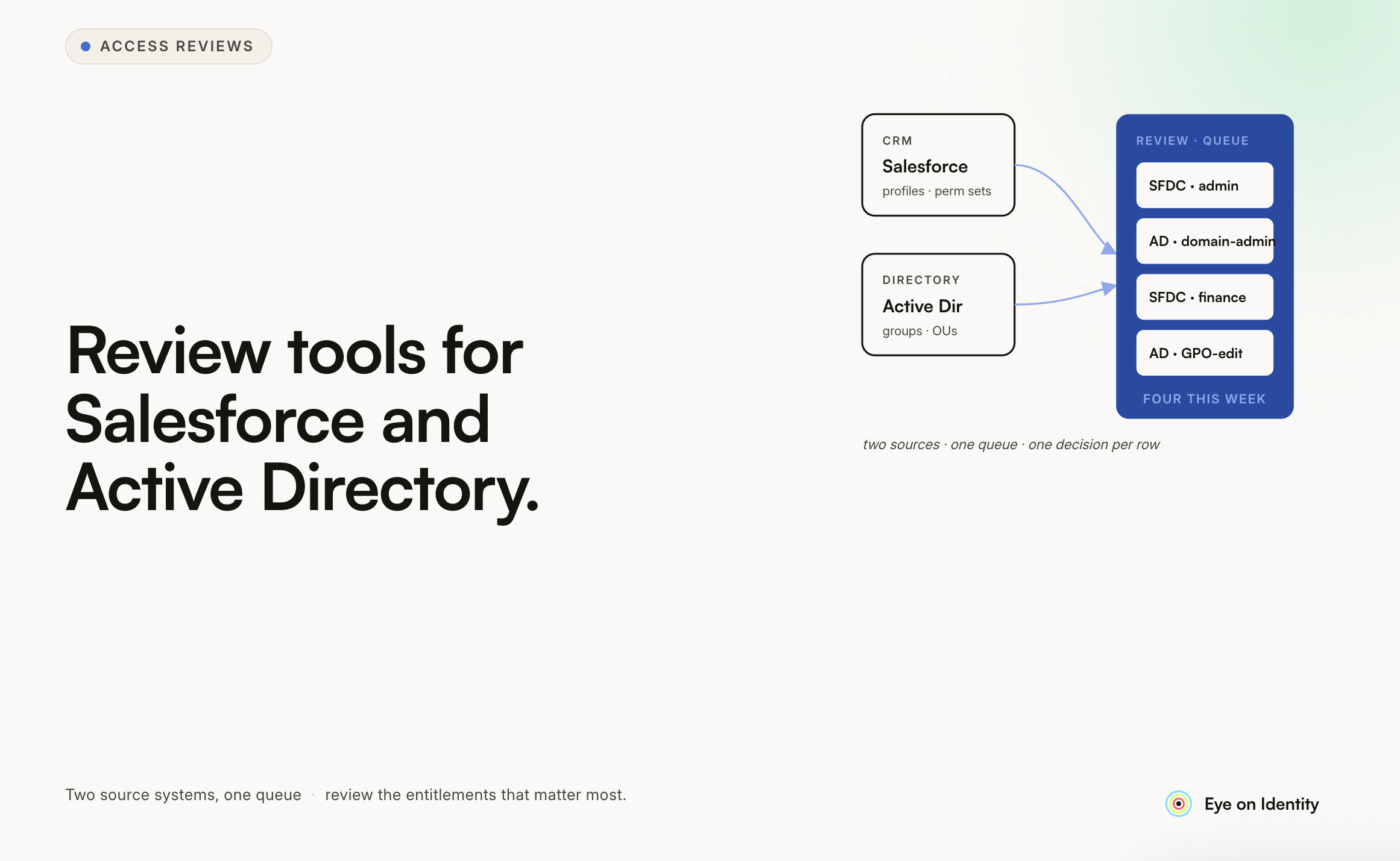


Running user access reviews across Salesforce and Active Directory together is harder than running them separately, and both are harder than most organizations expect before they’ve tried. The challenge isn’t conceptual — review who has access, confirm it’s appropriate, remove what isn’t — it’s operational: getting the right data to the right reviewers, in a format that supports meaningful decisions, with an audit trail that satisfies the compliance requirement. Here’s what the operational problems actually look like for each platform, what a review tool needs to address, and what the combined multi-application review looks like in practice.
What Makes Salesforce Access Reviews Specifically Hard? Salesforce has one of the most complex permission models of any enterprise SaaS application, and that complexity is what makes access reviews difficult. Three layers interact to determine what a user can actually do: Profiles define baseline permissions — what objects a user can read, create, edit, delete. Permission Sets extend what a Profile allows, and a single user can hold multiple Permission Sets, each adding entitlements on top of the baseline. Permission Set Groups bundle Permission Sets, adding another layer of aggregation. The effective permissions for any given user are the sum of their Profile plus every Permission Set they hold. There is no single field that shows you what a user can actually do — you have to traverse the full permission hierarchy to get to effective access. This is what makes Salesforce access reviews uniquely challenging: a reviewer who sees only that a user is assigned to the “Sales User” profile is seeing a fraction of that user’s actual access. The Permission Sets that extend that profile — including any that grant access to sensitive financial data, administrative functions, or record modification capabilities beyond the profile baseline — won’t appear in a profile-level report. For tools that pull Salesforce user data via the standard REST API endpoints, this is often the limiting factor: they show profile assignments and direct object permissions, but miss the Permission Set layer that represents the most significant access risk. A Salesforce access review tool that doesn’t traverse Permission Sets to surface effective permissions isn’t answering the right question.
What Makes Active Directory Access Reviews Specifically Hard? Active Directory has a different set of challenges. The core access model is relatively straightforward — users belong to groups, groups control access to resources — but the accumulated history of most AD environments is not. In enterprise environments, AD group structures often reflect years of accumulated decisions: groups created for specific projects that ended, groups inherited from organizational restructurings, nested group membership that makes effective group membership non-obvious, and local administrator assignments scattered across workstations and servers. The practical problem for access reviews is that the reviewer needs to know not just what groups a user belongs to, but what those groups actually grant — and in a complex AD environment, that requires traversing nested group hierarchies and understanding what resources each group controls. Tools that export a flat list of group memberships without resolving nested memberships give reviewers an incomplete picture. Tools that resolve effective group membership but don’t surface what resources those groups actually control leave reviewers unable to make meaningful decisions about whether the access is appropriate. The privileged account layer adds another dimension. Domain admins, local admin accounts, service accounts — these need to be in scope for access reviews but are often excluded from standard review workflows because they don’t map directly to employee records. A tool that handles only standard user accounts misses the population that represents the highest access risk.
What Should a Combined Salesforce and AD Review Tool Provide? Named Reviewer Assignment With Manager Fallback The most critical feature for multi-application reviews is routing the right access decisions to the right reviewers automatically. For Salesforce, the appropriate reviewer for most access decisions is the user’s direct manager — the person who knows why they have Salesforce access and what they need it for. For Active Directory, the appropriate reviewer depends on what the group controls: a shared drive access group should be reviewed by the drive’s owner, a department security group by the department head, a privileged access group by the security team. Tools that support configurable reviewer assignment — primary reviewer by application ownership or reporting relationship, fallback reviewer for cases where the primary is unavailable — produce reviews where the decision-maker is the person closest to the access context. Tools that centralize the review in IT produce reviews where the decision-maker knows the application but not the user, which tends to result in rubber-stamping. Effective Permission Context, Not Just Account Existence Knowing that a user has a Salesforce account and an AD account is the starting point, not the review. The reviewer needs to know what that access actually means — which Salesforce permission sets they hold and what those sets grant, which AD groups they belong to and what resources those groups control. Surfacing effective permissions rather than just account assignments is the feature that separates tools that support meaningful review from tools that support presence auditing. Combined Multi-Application Review in a Single Campaign Reviewing Salesforce and AD separately produces two separate evidence packages and requires coordinating two review campaigns. A tool that supports multi-application campaigns — a single reviewer interface that surfaces all of a user’s access across both applications simultaneously — is meaningfully more efficient. The reviewer sees the complete picture for each user in one place, can make decisions across all applications in a single session, and the resulting evidence package covers the full scope in a single report. For SOX and SOC 2 purposes, this is often the required scope: not just Salesforce or just AD, but all financially significant systems together.
How Does a Tool Handle Applications Without Native API Support? This is the practical limitation that most tools don’t advertise clearly. Salesforce and Active Directory both have robust APIs that support programmatic access to user and permission data — so the integration is tractable for tools that invest in it properly. But the broader application estate includes applications without API support: legacy on-premises systems, vendor portals with basic authentication, custom-built applications without modern APIs. For these, a tool needs an alternative approach. Structured manual task workflows — where the governance platform generates a review task with assigned owner, deadline, required completion confirmation, and evidence recording — extend the review process to applications that can’t be automated. The manual task completion record is the audit evidence for applications outside the API integration scope. This is less clean than automated review but significantly better than an email chain with no audit trail. For Salesforce and AD specifically, tools that have invested in API-level integration should be doing full permission traversal rather than surface-level account export. The test is whether the tool surfaces Permission Sets for Salesforce and resolves nested group membership for Active Directory — if it doesn’t, the review it produces is answering a simpler question than the one compliance frameworks actually require.
What Should the Audit Evidence Package Look Like? For a combined Salesforce and AD review, the evidence package at the close of the campaign should include: Campaign scope documentation — which applications were included, the review period, who was assigned as reviewer for each application and why. Reviewer decisions for each access record — approve, revoke, or modify — with the reviewing party’s name and the timestamp of their decision. Justifications for revocation and modification decisions. Confirmation that revoked access was actually removed — for Salesforce and AD, automated deprovisioning via API with a completion timestamp; for applications without API access, a manual task completion record. A non-editable report format. The non-editable requirement is what distinguishes a system-generated report from a spreadsheet — the non-editability is what makes it credible as audit evidence rather than a reconstructed document. For SOX and SOC 2 specifically, auditors are checking that the review covered the right systems, that the decisions were made by the right people, that revocations were executed and confirmed, and that the evidence format is one that couldn’t have been fabricated after the fact. A non-editable timestamped report from the governance platform satisfies all four requirements. An email chain and a spreadsheet satisfies none of them reliably.



.svg)











