
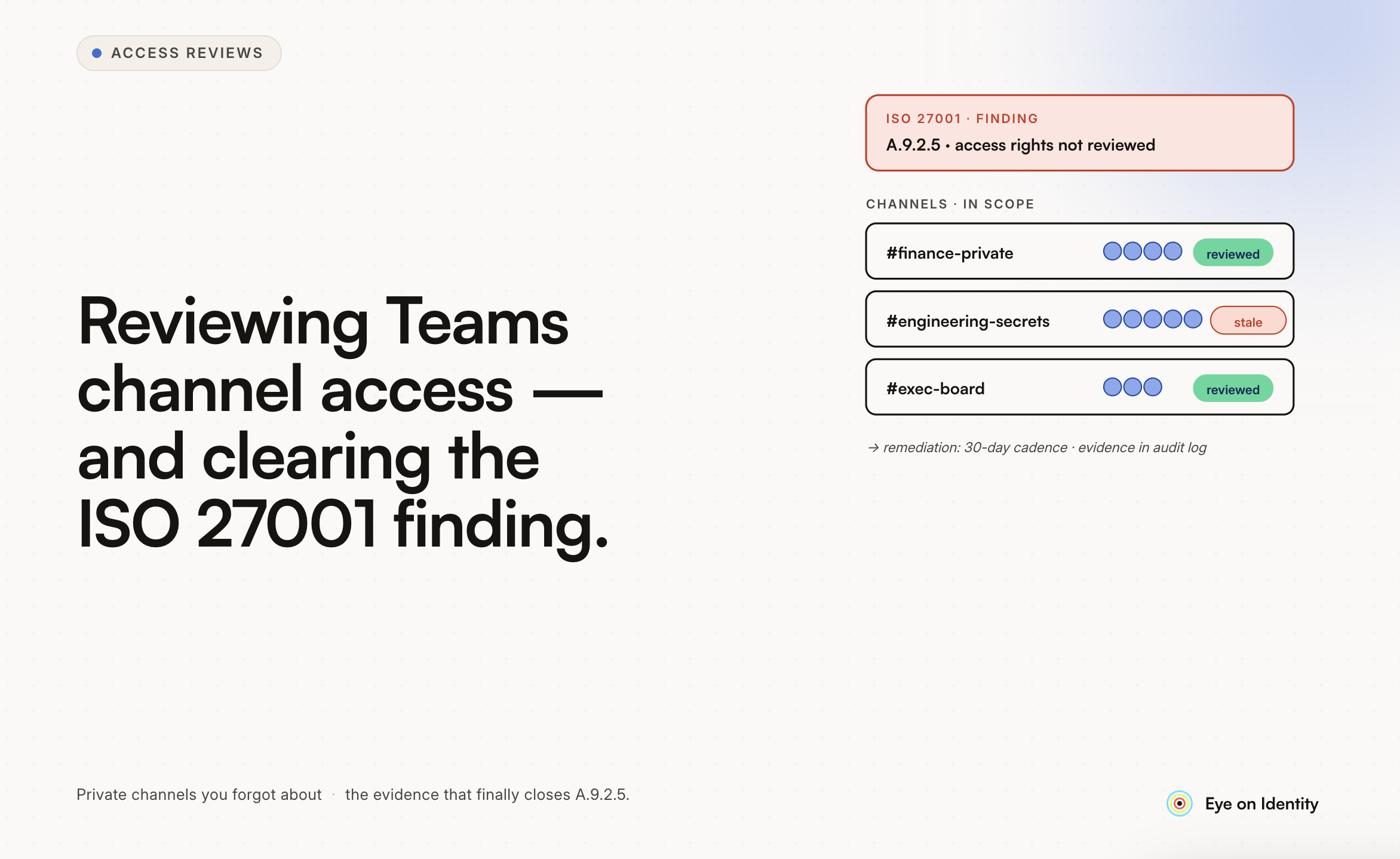


Getting an ISO 27001 finding for incomplete user access reviews on Microsoft Teams is more common than most organizations expect when they first see it on an audit report. Teams has a specific governance challenge that catches organizations off guard: it looks like a collaboration tool, it’s managed like a productivity application, but from an auditor’s perspective it’s an access control boundary — and every Team is a container of potentially sensitive data with a membership list that needs periodic review. If you haven’t been running formal access reviews for Teams, you’re not alone. Most organizations that got this finding were running some form of user access review for their core systems and simply hadn’t included Teams in scope. The fix is more manageable than the finding makes it sound.
Why Is This Finding So Common? Microsoft Teams is built on top of Office 365 Groups, which means every Team has a corresponding group with an owner, members, and guests. That membership controls who can see conversations, files, shared notebooks, and meeting recordings stored in that Team’s SharePoint site. From a data governance perspective, this is significant. A Team used by the finance department for sensitive budget discussions has the same access control structure as a Team used to plan the company holiday party — both require membership review, but the risk profile is completely different. The ISO 27001:2022 controls around access management (specifically A.5.18 and A.8.2) require that access rights are reviewed at regular intervals. Most organizations have processes for reviewing access to formal business systems — ERP, CRM, HR platforms. Teams tends to fall into a gap: it was provisioned by IT or enabled through Microsoft 365, but the ongoing governance of who belongs to which Team was left to Team owners, who typically don’t run formal access reviews. The auditor finding reflects a real gap, not an overly technical requirement. The access that Teams controls is real access to real data.
How Do Organizations Typically Handle This Efficiently? Start With a Complete Inventory Before reviewing access, you need to know what you’re reviewing. In most Microsoft 365 environments that haven’t been actively governed, there are more Teams than IT is aware of — Teams created by employees using self-service provisioning, Teams spun up for projects that ended, Teams with external guest members that nobody remembers inviting. With an Entra ID P1 license, you have the prerequisites to connect your directory to a governance platform and get a complete map of all Teams, their associated O365 groups, their current membership, and their last activity. This inventory is the foundation for everything that follows and will likely surface Teams that were outside IT’s visibility — exactly the kind of finding auditors look for in subsequent reviews. Run Group-Based Access Reviews Scoped to Teams Since Teams are built on O365 Groups, you can scope access review campaigns specifically to the security groups and O365 groups associated with your Teams environment. This is more efficient than reviewing Teams one by one because it follows the underlying permission structure rather than the collaboration layer on top of it. For the initial remediation review — the one you need to demonstrate to your auditor that you’ve addressed the finding — scope it broadly to cover all Teams groups. For ongoing reviews, risk-based scoping is more sustainable: prioritize Teams with external guests, Teams that haven’t had recent activity but still have active membership, and Teams associated with sensitive data classifications. Give Reviewers Information They Can Act On The rubber-stamping problem — Team owners clicking approve on lists of names without actually evaluating whether the access is appropriate — undermines the value of the review even when it technically satisfies the process requirement. Auditors who look at review records closely will notice when every decision is “approve” with no revocations, which raises questions about review quality. Usage activity data gives reviewers a basis for real decisions: a Team member who last accessed the Team 90 days ago is a meaningful revocation candidate. An external guest who joined for a project that concluded six months ago almost certainly shouldn’t still be a member. Surfacing this context alongside the membership list converts the review from a presence audit into an evaluation of whether membership is still appropriate. Distribute the Review to Team Owners Centralizing the review in IT is inefficient and produces low-quality outcomes — IT doesn’t know why specific people are members of specific Teams. Team owners do. Automatically assigning review tasks to the designated Team owner distributes the work to the people closest to the access decision. For Teams with sensitive content, multi-level reviews — Team owner approval followed by a security administrator sign-off — provide stronger assurance without requiring IT to review every membership decision directly. One ISO 27001-specific requirement worth building in: objectivity. ISO 27001 requires that access reviews have appropriate objectivity, which means users shouldn’t certify their own access. Auto-reassignment for self-reviews — where a reviewer who is also a member of the Team being reviewed is replaced by their manager or an alternate reviewer for their own record — satisfies this requirement without requiring manual intervention. Produce Evidence That Satisfies the Auditor The specific evidence gap that generates this finding is the absence of documented, reviewable proof that access was evaluated and acted upon. An email chain where someone said “looks fine” isn’t sufficient. A spreadsheet that shows a list of names isn’t sufficient. What ISO 27001 auditors are looking for is a record that demonstrates: who reviewed which access, when, what decision they made for each record, what justification was provided, and what happened to access that was flagged for removal. A non-editable, timestamped report generated at the close of the review campaign provides this. The non-editable requirement matters because it prevents post-hoc modification of the record — which is what gives the report its value as audit evidence rather than just a document. Automated remediation closes the loop: when a reviewer selects Revoke, a deprovisioning action removes the user from the Team via API automatically. The audit report then includes proof that revocation actually occurred — not just that someone decided to revoke — which satisfies the auditor’s interest in whether the control produces real outcomes rather than just paperwork.
What Should the Ongoing Process Look Like? Fixing the immediate finding requires a one-time review that covers all Teams and produces the evidence your auditor is looking for. Preventing the finding from recurring requires an ongoing process that is sustainable enough to run consistently. For most organizations with E3 P1 licensing, a quarterly review of high-risk Teams (those with external guests, sensitive data classifications, or significant inactive membership) combined with an annual review of all Teams is a reasonable baseline. The quarterly cadence for high-risk Teams aligns with ISO 27001’s requirement for “regular” reviews and is practical to maintain. Automating the guest lifecycle is worth addressing separately from the review cycle. External guests who join Teams for a specific purpose — a vendor engagement, a project collaboration — should have a defined access duration set at the time of provisioning rather than becoming permanent members who require discovery and review later. Building a provisioning process that sets guest expiration dates removes a significant portion of the ongoing review burden before it accumulates.



.svg)











